
NEWS

​Apple has begun promised fee waivers for its Developer Program

01/04/2018

2386

Apple has begun promised fee waivers for its Developer Program, allowing certain eligible groups to avoid paying the $99 per year the company normally requires.
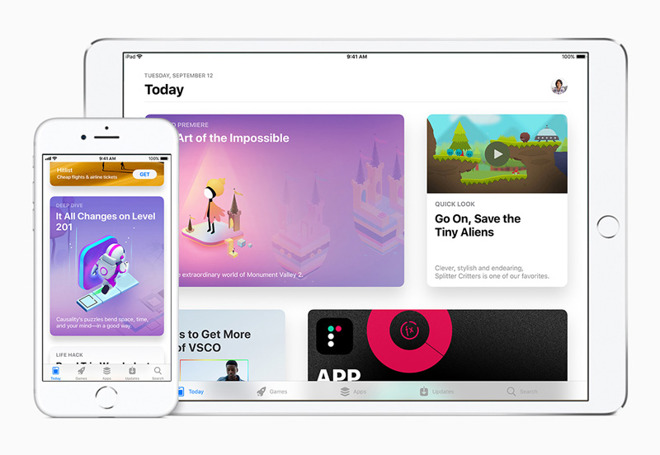

​Apple has begun promised fee waivers for its Developer Program

To qualify, people must represent a "nonprofit organization, accredited educational institution, or government entity based in the United States that will distribute only free apps on the App Store," according to Apple. The process involves signing up for the Developer Program, then applying for the waiver with an enrollment ID, EIN/tax ID, and D-U-N-S number assigned by Dun & Bradstreet.


Groups must be legal entities, and people enrolling must have the authority to bind a party to a contract —typically an owner, executive, or project lead. Existing developers can apply for a waiver so long as they meet demands.


Apple notes that any party that subsequently offers paid App Store purchases will have to resuming paying fees.


Waivers are U.S.-only for the time being, but slated to come to other countries.


Source: appleinsider


Windows
Mac OS
iOS
Linux
3uTools
Win 64-bit For this device
V9.0 2025-11-11
Download
Win 32-bit For this device
V9.0 2025-11-11
Download
3uTools
Intel Chip How to Identify Chip Type
V9.0 2025-12-02
Download
Apple Silicon
V9.0 2025-12-02
Download
How to Identify Chip Type
1.  Click the Apple icon in the top-left corner of the screen and select About This Mac.
2.  Check the Processor or Chip field to determine if it is "Intel" or "Apple".
Please use the 3uTools PC client to install the iOS client:
1、 Install either the Windows or Mac version of 3uTools on your computer
2、 Open the PC client and connect your device to the computer via USB cable
3、 After the connection is successful, wait for the computer to automatically install the mobile app for the device, or locate “Install Mobile App” on the computer and manually click to install.
3uTools
deb file
V3.01 2025-11-20
Download
rpm file
V3.01 2025-11-20
Download
Windows
Windows
iOS
iOS
Android
Android
TV
TV
3uAirPlayer
Win 64-bit For this device
V6.0.2 2025-11-19
Download
Win 32-bit For this device
V6.0.2 2025-11-19
Download
iOS Device Mirroring (No App Required)
1、 Install 3uAirPlayer on the Windows PC
2、 Open Control Center and select Screen Mirroring
3、 From the list, choose your PC to start mirroring
4、 Or connect your iOS device to the PC via USB to begin mirroring
Scan to get "3uAirPlayer" App
3uAirPlayer TV V1.0.18
2025-11-28
TV System Requirements: Android 7.0 or later
Download the TV installation package, copy it to a USB drive, insert it into your TV or set-top box, then select the file from the home screen to install.




