NEWS

iPhone X is Accelerating both iPhone Upgrade and Android Switching Rates in China

12/25/2017

2344

iPhone X is Accelerating both iPhone Upgrade and Android Switching Rates in China


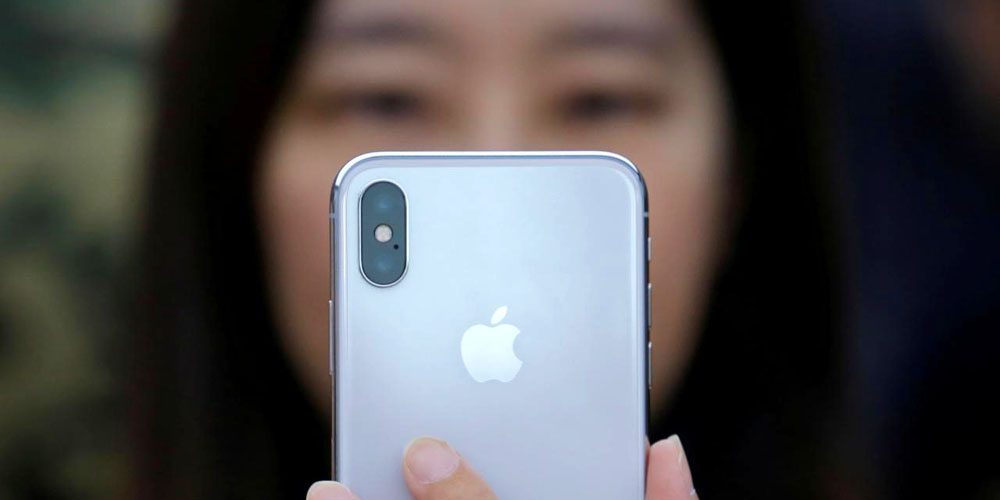
Morgan Stanley says that the iPhone X is proving such a hit in China that it is accelerating the rate at which existing iPhone owners upgrade, and the rate at which Android users switch to iPhone.


Analyst Katy Huberty also echoed an earlier report that the iPhone X rapidly overtook the iPhone 8, despite the head-start of the lower-cost phone …


Huberty believes that there is plenty more room for growth, reports Yahoo Finance.


“Additional data show that iPhone X adoption in China is on a faster pace than the iPhone 8 and 8 Plus … Despite faster penetration of iPhone X vs. iPhone 8/8 Plus, we believe there remains significant pent-up demand from the base of 2+ year old iPhone owners,” wrote analyst Katy Huberty on Thursday. Huberty explained that nearly half of Apple users in China who have already purchased the iPhone X upgraded from the iPhone 7 and 7 Plus, leaving a long “runway” of customers with phones older than two years.


The net switching rate – those switching from Android to iPhone, less those doing the reverse – increased from 6.7% in early October to 9.2% following the launch of the iPhone X.


Early iPhone X adoption was constrained by tight supply, but availability quite quickly improved as suppliers improved their yield rates. By last week, there was next-day delivery available in the US on all iPhone X variants.


Source: 9to5mac

Windows
Mac OS
iOS
Linux
3uTools
Win 64-bit For this device
V9.0 2025-11-11
Download
Win 32-bit For this device
V9.0 2025-11-11
Download
3uTools
Intel Chip How to Identify Chip Type
V9.0 2025-12-02
Download
Apple Silicon
V9.0 2025-12-02
Download
How to Identify Chip Type
1.  Click the Apple icon in the top-left corner of the screen and select About This Mac.
2.  Check the Processor or Chip field to determine if it is "Intel" or "Apple".
Please use the 3uTools PC client to install the iOS client:
1、 Install either the Windows or Mac version of 3uTools on your computer
2、 Open the PC client and connect your device to the computer via USB cable
3、 After the connection is successful, wait for the computer to automatically install the mobile app for the device, or locate “Install Mobile App” on the computer and manually click to install.
3uTools
deb file
V3.01 2025-11-20
Download
rpm file
V3.01 2025-11-20
Download
Windows
Windows
iOS
iOS
Android
Android
TV
TV
3uAirPlayer
Win 64-bit For this device
V6.0.2 2025-11-19
Download
Win 32-bit For this device
V6.0.2 2025-11-19
Download
iOS Device Mirroring (No App Required)
1、 Install 3uAirPlayer on the Windows PC
2、 Open Control Center and select Screen Mirroring
3、 From the list, choose your PC to start mirroring
4、 Or connect your iOS device to the PC via USB to begin mirroring
Scan to get "3uAirPlayer" App
3uAirPlayer TV V1.0.18
2025-11-28
TV System Requirements: Android 7.0 or later
Download the TV installation package, copy it to a USB drive, insert it into your TV or set-top box, then select the file from the home screen to install.