 NEWS
NEWS
Amazon Discontinues its iTunes Match Competitor that Stored up to 250,000 Songs in the Cloud
 12/22/2017
 2506
2506

Both free and paid plans for the the Amazon Music Storage Subscription service will no longer be offered after Jan. 15, 2018. The service itself will remain active for subscribers, allowing them to stream or download their matched songs, until January 2019.
The cloud storage option was a direct competitor to Apple's own iTunes Match. It launched in July of 2012 for $24.99 per year, but at the time offered 10 times as many matched tracks —250,000 —as iTunes Match.
In the years since, Apple has expanded the limit for song matching beyond 25,000, while retaining the same $24.99 price.
The discontinuation of Amazon Music Storage Subscription was first noted by Slashgear.
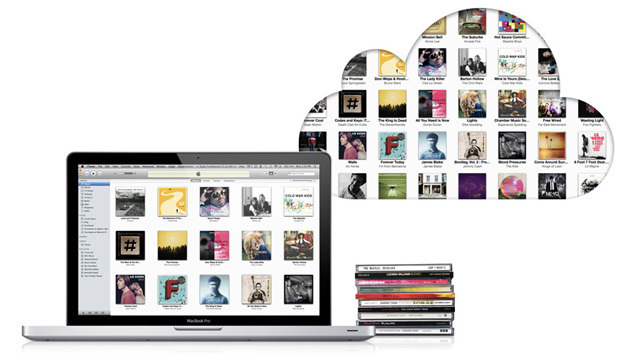
Matching services offer cloud-based storage of songs that may have been ripped from CDs, purchased from competing online stores, or even obtained through illegal means. Though Apple still offers iTunes Match subscriptions separately, it has also rolled the matching functionality into its $9.99-per-month Apple Music service, which also includes unlimited streaming.
In a notice to its website, Amazon explains that music purchased from Amazon, including MP3s and AutoRip CDs, will remain stored in the cloud for both playback and download. The change only affects matched songs that were not purchased from Amazon —such as tracks that may have been bought from iTunes.
The cancelation affects both the free 250-song tier and the paid 250,000-song service. Free users can no longer upload songs, while paid subscribers will be able to do so until their subscription ends.
Amazon continues to offer its Music Unlimited service, which competes with the likes of Apple Music and Spotify. With those, customers pay an ongoing monthly fee for the ability to stream and download songs, but they do not own the tracks, and access to them is removed if the subscription is canceled.
Source: apple insider









