 NEWS
NEWS
Apple to Hold Annual Shareholders Meeting on Feb. 13 at Steve Jobs Theater
 12/19/2017
 2513
2513
Apple updated its Investor Relations webpage this evening to announce that it will hold its Annual Meeting of Shareholders on February 13th, 2018 at Steve Jobs Theater. The record date for the meeting is December 15th, 2017…
Because of limited seating at Steve Jobs Theater, Apple is requiring that shareholders register ahead of time to attend the meeting. Shareholders will be assigned a unique control number once Apple files its proxy statement. That control number will allow shareholders to register for the meeting on a first-come, first-served basis on January 22nd, 2018 at 8AM PT.
In order to qualify for the meeting, Apple says the record date is December 15th, 2017. This means you must have held shares of AAPL as of that date.
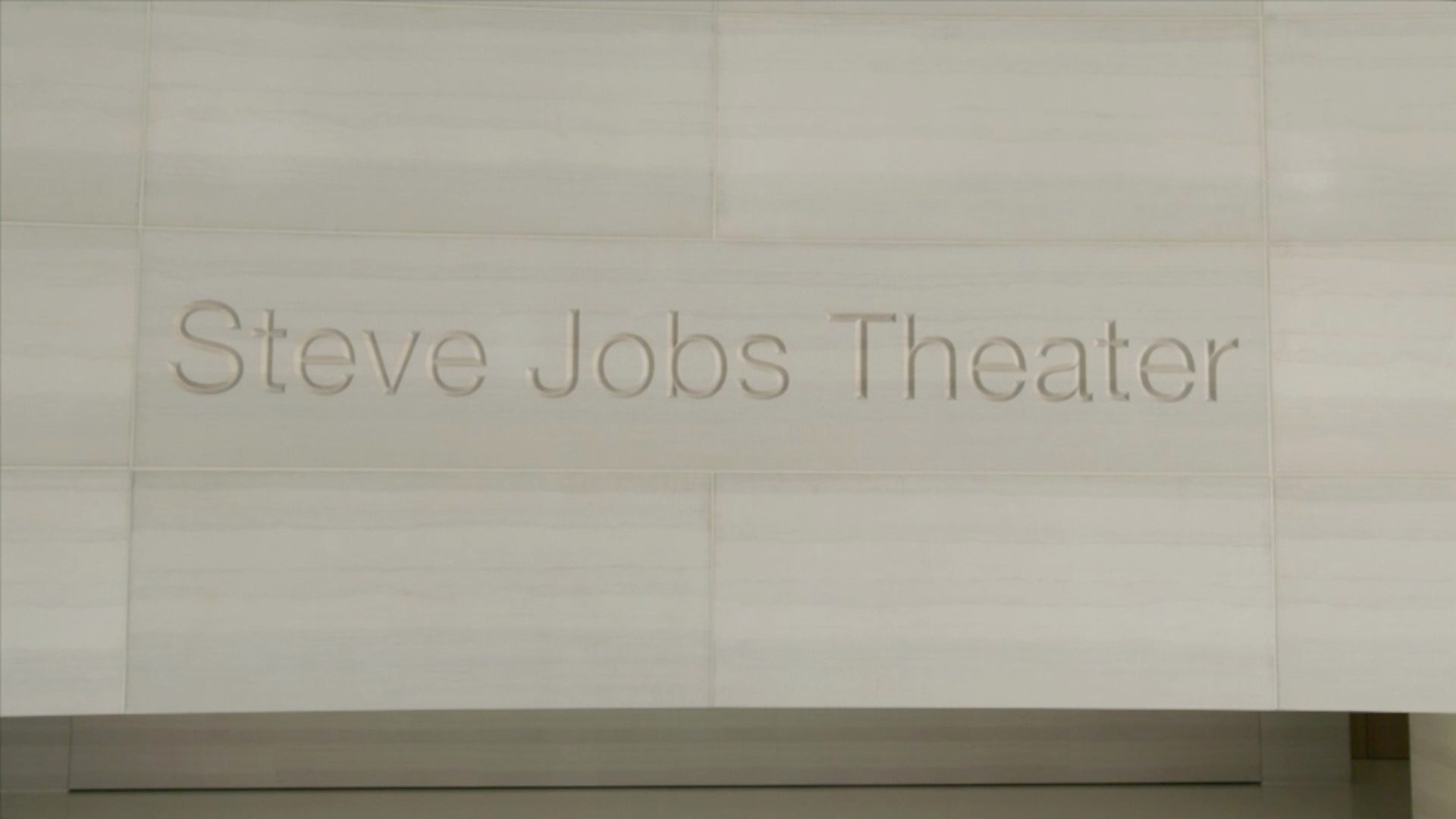
Apple will host the 2018 Annual Meeting of shareholders at the Steve Jobs Theater in Cupertino on February 13, 2018. The record date for the meeting is December 15, 2017, and additional details about the meeting will be available soon when we file our proxy statement.
We anticipate there may be more shareholders who would like to attend than we have seats to accommodate.
Apple’s Annual Meeting of Shareholders is usually rather mundane, but we occasionally get a notable comment out of the company. For instance, at its 2017 shareholder meeting, Tim Cook remarked that AirPods were quickly becoming a “cultural phenomenon” and teased upcoming efforts in the “pro area.” In 2016, Cook teased that it will be “Christmas Eve for a while” when asked about Apple’s work in the car industry.
This year, Apple has asked the SEC to allow it to skip over proposals relating to diversity. In previous years, Apple has defeated shareholder proposals that would tie Tim Cook’s compensation to the level of diversity among its senior executives.
More information regarding Apple’s Annual Meeting of Shareholders can be found on its Investor Relations webpage.
Source: 9to5mac









