 NEWS
NEWS
Apple Supplier Says AR Wearable to Come to Market by 2019
 11/15/2017
 2705
2705
Apple supplier Quanta wants AR headsets on market by 2019, faster than Apple's rumored 2020+ timeframe
Apple's rumored augmented reality (AR) headset could arrive as soon as 2019, comments from one of the company's assembly partners hinted on Tuesday.
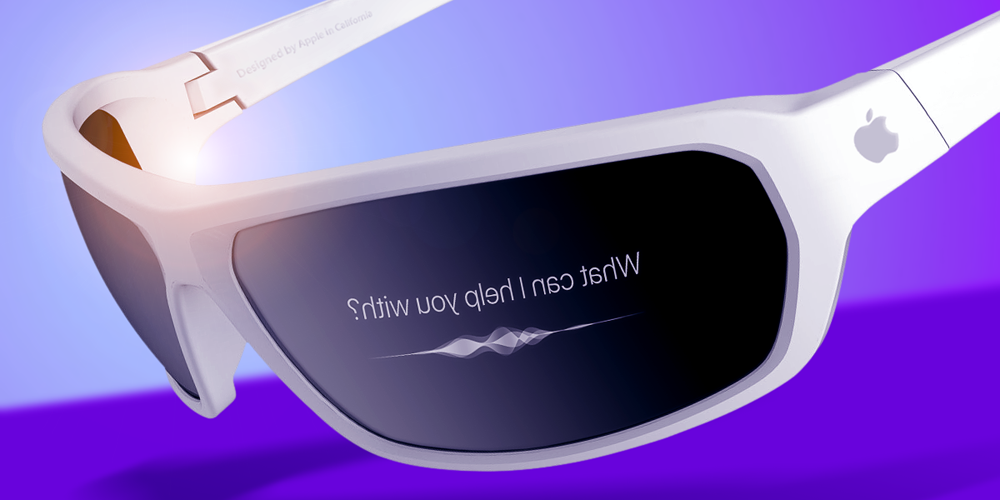
"We are working on an AR project and have studied the optical technologies that AR devices have needed since two years ago," Quanta vice chairman C.C. Leung told reporters at an earnings conference, according to Nikkei Asian Review. "Currently, we see such a device available in the market no later than the year 2019."
While Quanta has other clients, Apple is the biggest, for which it assembles MacBooks and Apple Watches.
Leung described the proposed project only as a "headset-like gadget with a fully transparent lens that allows users to see through and interact with the environment" —phrasing that could apply to any AR headset, such as Windows Mixed Reality devices. Indeed Quanta may simply be aiming to produce a headset for any client, rather than pointing to a definite commercial product.
While Apple is generally believed to be working on an AR headset, a recent report pegged the earliest possible launch date as 2020. It did however suggest that Apple wants the underlying technology ready by 2019.
The product is thought to be codenamed "T288," and running a new platform, dubbed "rOS" —"reality operating system." For control, it may use the mix of a touch panel, head gestures, and Siri voice commands.
Apple CEO Tim Cook has been vocal about his interest in AR, even downplaying the ARKit apps currently on the App Store versus what he expects AR to offer in the future.
Source: 9to5mac










