 NEWS
NEWS
Apple iPhone 7 Is Still the World's Leader in Shipments
 11/10/2017
 2836
2836
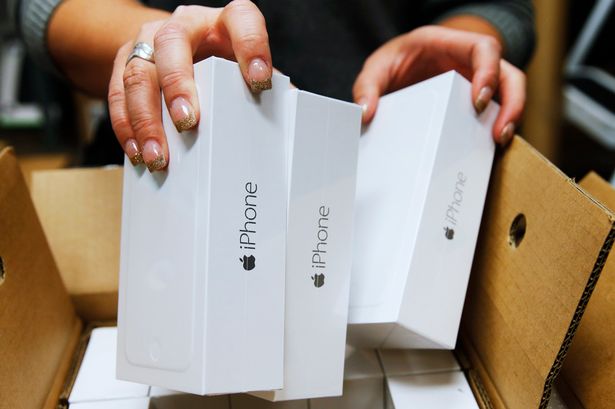
Apple’s older iPhones still lead the global smartphone race.
The technology giant shipped 13 million iPhone 7s during the three months ending Sept. 30, the most of phone by any manufacturer during that period, according to a report on Thursday by analyst firm Canalys.
The iPhone 6s, which debuted in 2015, was the second most popular smartphone with 7.9 million shipments, followed by the Samsung Galaxy J2, at 7.8 million. Two smartphones from Chinese electronics company Oppo, the A57 and R11, were the fourth and fifth most shipped smartphones.
Not surprisingly, the Apple iPhone 8 and iPhone 8 plus models didn’t crack the top five list because they only debuted in mid-September, just before the cut off. Apple’s most expensive smartphone, the iPhone X, was also missing from the top five because it went on sale in early November and was therefore ineligible to be counted.
Canalys attributes the iPhone 7’s success to the fact that Apple cut the phone’s price by $100 in September to $550.
The research firm did share some data about the iPhone 8 models. Canalys said that Apple shipped 6.3 million iPhone 8 Plus in the quarter versus 5.4 million iPhone 8.
Although Apple’s older iPhones are still the world’s most popular smartphones, Apple still lags behind Samsung in overall smartphone shipments.
Samsung shipped 82.8 million smartphones in the third quarter, followed by Apple, which shipped 47.7 million iPhones. Huawei, Oppo, and Xiomi were the next three biggest smartphone makers on the list.
Source: Fortune










