 NEWS
NEWS
The iPhone X Beats the Galaxy Note 8 for the World’s Best Display Title using Samsung hardware
 11/08/2017
 3182
3182
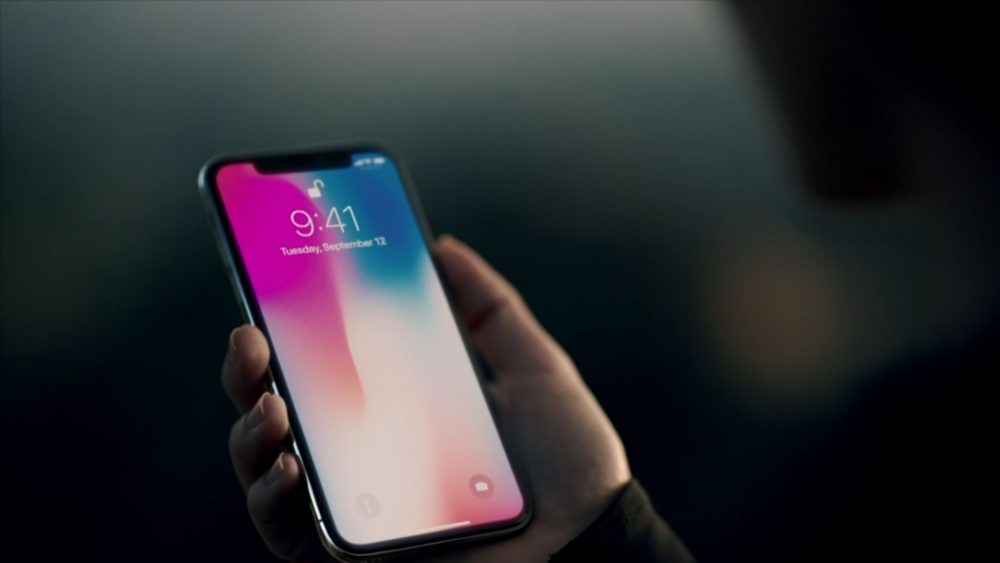
While Apple has no problem routinely collaborating with arch-rivals like Samsung on the mobile industry’s best available components for top-shelf iPhone designs, the two tech giants were forced to wait quite a long time to make the OLED-sporting X possible.
It’s probably still not easy for the world’s largest display manufacturer to keep up with rampant demand for both its own flagship handsets and the rapidly expanding iPhone X, but it looks like these efforts and all that waiting are paying off big time.
After years of selling costly mobile devices with good but not great LCD screens, Apple seems to have hit the jackpot, dethroning the Galaxy Note 8 from its towering position in the DisplayMate rankings.
Independent scientific lab tests and in-depth analysis of the iPhone X have concluded with an overall A+ grade and several assessments that need little explanation, background and details.
This is the absolute “best performing smartphone display” Dr. Raymond M. Soneira and his team of experts have ever examined, touting among others “close to Text Book Perfect Calibration and Performance.”
Obviously, Samsung is owed praise for developing and manufacturing the “outstanding” OLED display hardware used by the iPhone X, but at the same time, it’s important to highlight Apple did its part in setting a new industry standard for everything from color accuracy to brightness, contrast, viewing angles and reflectance.
Namely, Cupertino optimized and transformed the OLED panels coming out of Samsung’s factories with “impressive Precision Display Calibration.” Basically, the “all-screen” iPhone X was carefully fine-tuned in Apple’s own labs for sheer perfection. Well, at least as close to perfection as it’s humanly possible to make a piece of Organic Light-Emitting Diode technology.
Source: pocketnow










