 NEWS
NEWS
iOS 11.2 Offer Introductory Pricing for Subscription Apps
 11/07/2017
 5793
5793
iOS 11.2 will let developers offer introductory pricing for subscription apps
Apple is introducing a new App Store pricing feature for developers starting with iOS 11.2. Apps that use auto-renewable subscription pricing will soon be able to offer special introductory pricing for new customers.
The change was first mentioned in today’s iOS 11.2 beta 2 release notes and should be available for tvOS 11.2 as well:
Soon, you’ll be able to offer new customers a discounted introductory price for your auto- renewable subscriptions on the App Store. iOS 11.2 introduces new classes (SKProductDiscount and SKProductSubscriptionPeriod) and new properties on SKProduct (subscriptionPeriod and introductoryPrice) to provide details on the introductory pricing and billing period you’ve selected for your auto-renewable subscriptions. You can use these new API additions to localize and display information about introductory pricing to your users. You’ll be able to configure introductory pricing on your in-app purchase page in iTunes Connect soon.
Developers are already able to offer introductory free trials for subscriptions, and this change will introduce the option to offer reduced prices for new subscriptions for a set period.
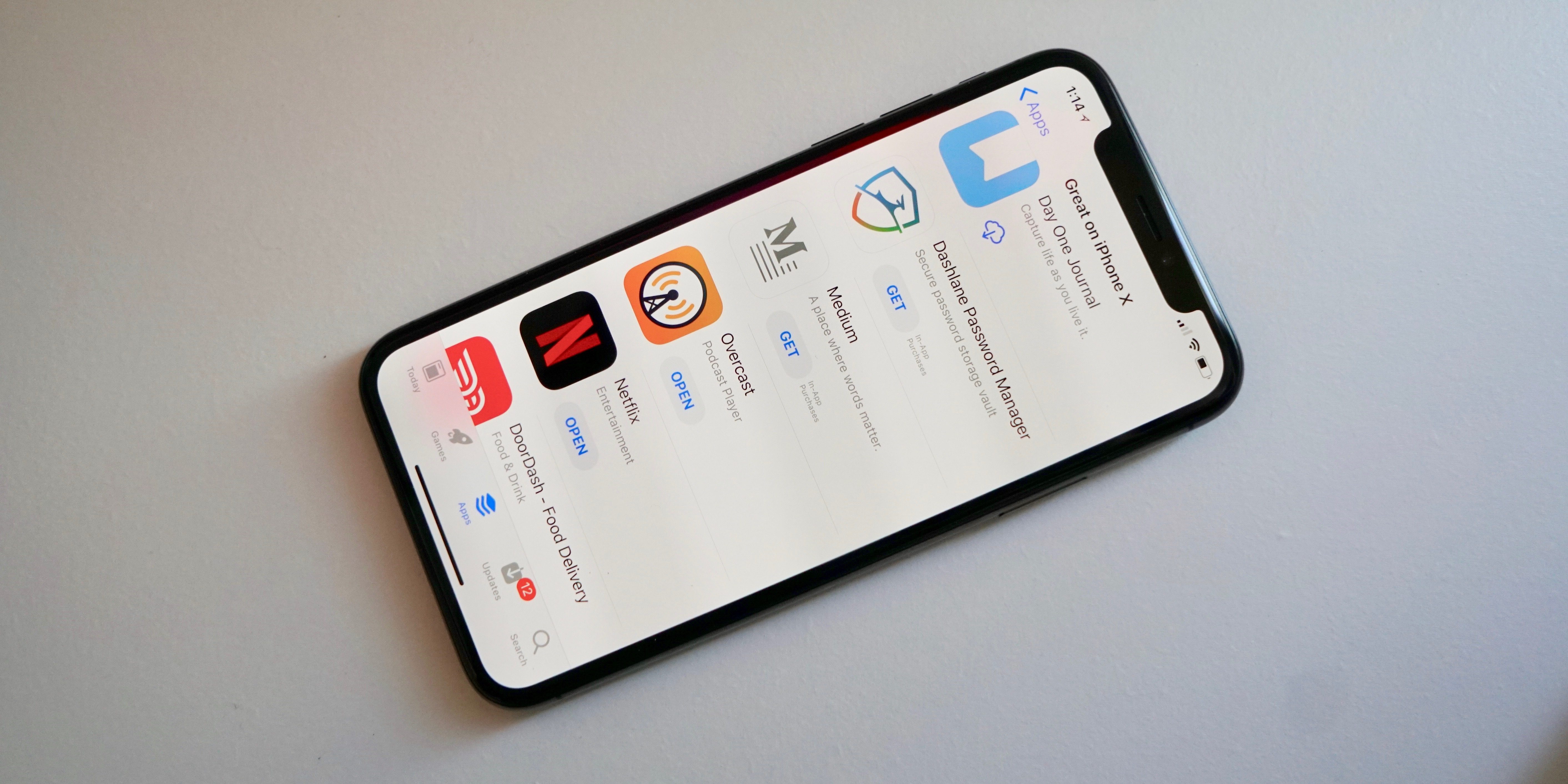
Apple has been improving pricing options for developers since last summer when it introduced a new revenue split for renewable subscriptions. Apple usually takes 30% of revenue generated on the App Store, but that drops to 15% on revenue from subscriptions after one year. This encourages reoccurring revenue versus one-time upfront costs.
Starting with iOS 11, Apple has also offered an all-new App Store experience on iPhone and iPad which includes a new Today section with app-focused stories and collections, a dedicated Games tab, and more.
iOS 11.2 will likely be available next month.
Source: 9to5mac










