 NEWS
NEWS
Apple Watches Were Crashing When Asked About the Weather
 11/06/2017
 3250
3250
There's a strange bug with the Apple Watch today that's causing resprings whenever Siri is questioned about the weather. Asking Siri something like "What's the temperature?" or "What's the weather?" or "Is it raining?" causes the Apple Watch to crash.
The issue has been documented in several threads on the MacRumors forums and on reddit, and we've also been able to replicate it on our own devices.
Complaints about the problem appear to have started this morning, and the bug is confirmed to be affecting both LTE and GPS Apple Watch Series 3 models as well as older Apple Watch models running watchOS 4.1. Not all Apple Watch owners in all countries are affected, but it appears to be impacting users in the United States, Canada, and Europe.
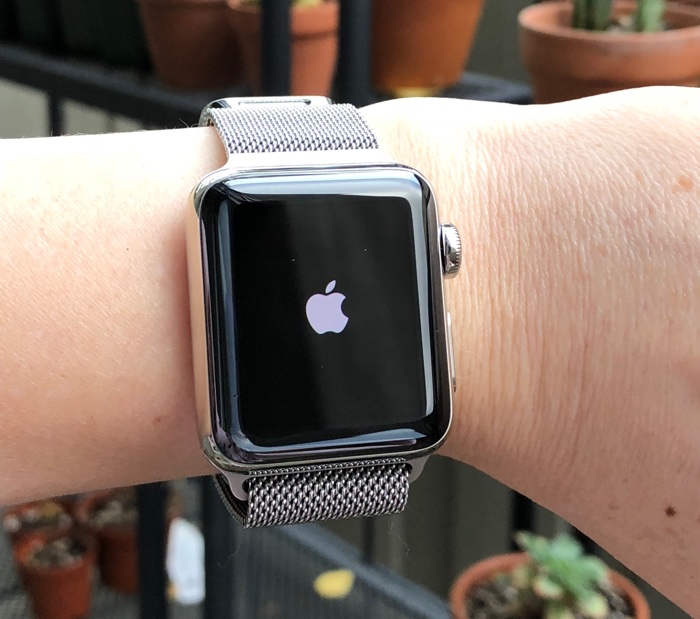
It's not yet clear what's causing the issue, but the weather app itself is working fine, and restarting and resetting the watch don't appear to fix the problem. From MacRumors forum member SRLMJ23:
It is not rebooting, it is spring-boarding. The App (Siri or Weather?) is crashing but not the entire watchOS. Just time how long it takes for a reboot vs. spring-boarding. Spring-boarding takes way less time than an entire reboot.
However, this bug appeared today because yesterday everything was working fine when I asked Siri "What is the forecast for today" or "What is the temperature right now."
Curiously, asking Siri about the weather tomorrow or next week doesn't cause a problem -- it's only questions about the current weather conditions that are resulting in errors. It's possible that this is an issue related to the upcoming time change, as one reddit user has discovered. Daylight Saving Time is set to end on Sunday, November 5 in many regions in the United States and Canada.
Source: macrumors










