 NEWS
NEWS
Customer Receives iPhone X Pre-order Early Due to Courier Blunder
 11/03/2017
 2975
2975
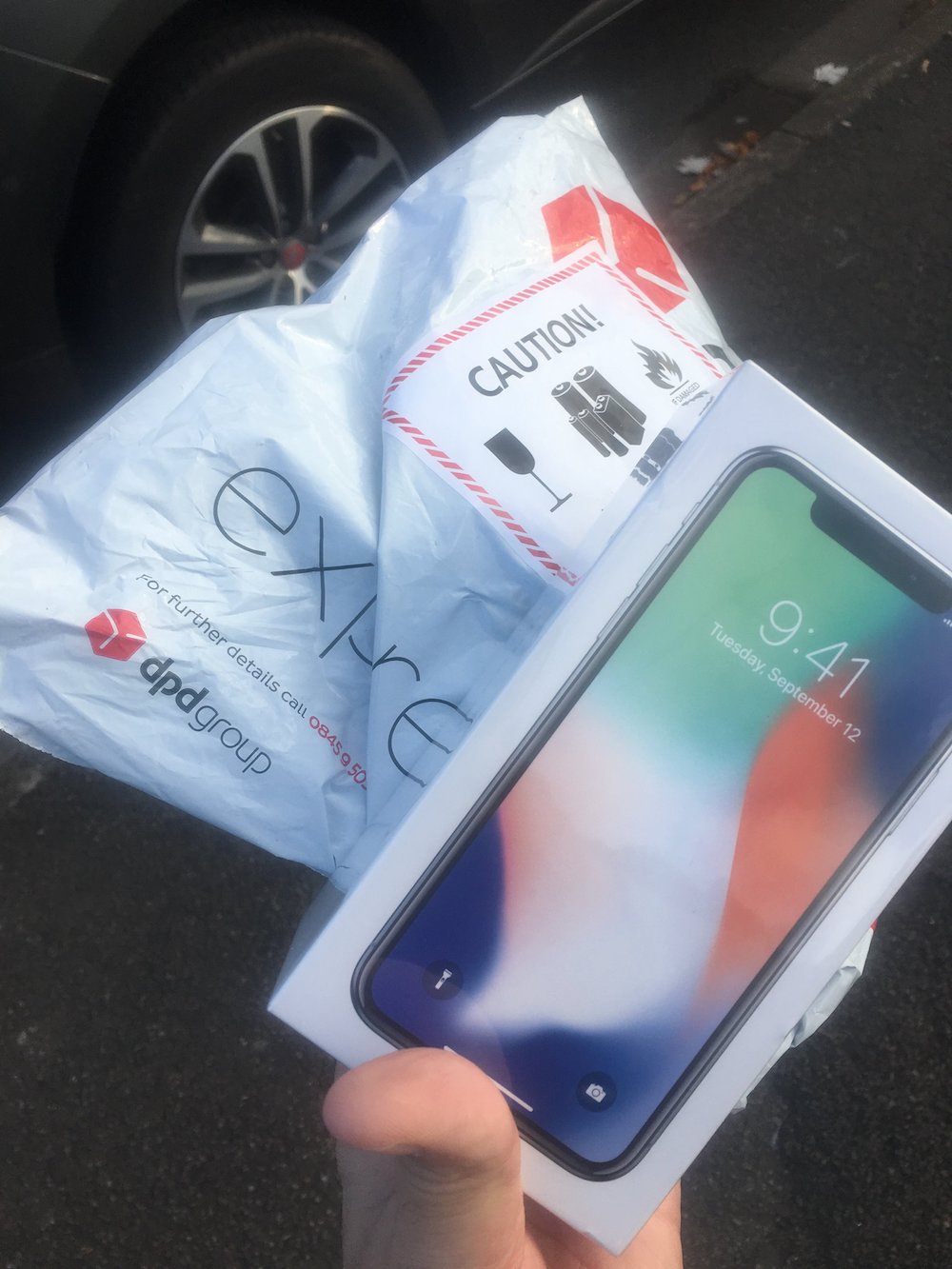
With the official public release of the iPhone X less than 24-hours away, Apple is now beginning to pass the devices over to couriers around the world for delivery tomorrow, however one lucky customer in the United Kingdom has managed to get hold of their iPhone X a day early due to a blunder at the Collection Depot.
Illdoit2morrow ( the lucky customer n UK) apparently went to DPD (courier) and persuaded the clerk to hand over their device a day early, breaking Apple’s strict rules that devices must not reach customers until the designated public delivery date.
To the unsuspecting non-Apple enthusiast the early hand-over may not of seemed to be that big of a deal, however it’s likely Apple will penalise DPD for breaking their terms.
iPhone X (pronounced “iPhone Ten”) is Apple’s single biggest update to the iPhone line since the introduction of the product category in 2007. According to Jony Ive, Apple’s chief design officer, “For more than a decade, Apple’s intention has been to create an iPhone that is all display. The iPhone X is the realisation of that vision.” The device features a 5.8-inch Super Retina OLED edge-to-edge display with 2436 x 1125 resolution and 458ppi, HDR support, Dolby Vision, HDR10, and True Tone. The Home Button has been removed from the iPhone X, with Apple adding a new Tap to Wake feature which works alongside Raise to Wake.
Apple has designed a new A11 Bionic chip with a special neural engine which helps power Face ID that unlocks the device by taking a 3D scan of the users face. Apple says Face ID can’t be spoofed by photographs, masks, or makeup, and changing your actual appearance with a hat, beard or makeup won’t prevent Face ID from working.
Source: theapplepost










