 NEWS
NEWS
Apple Denies it Tried to Put Touch ID in iPhone X
 11/01/2017
 3046
3046
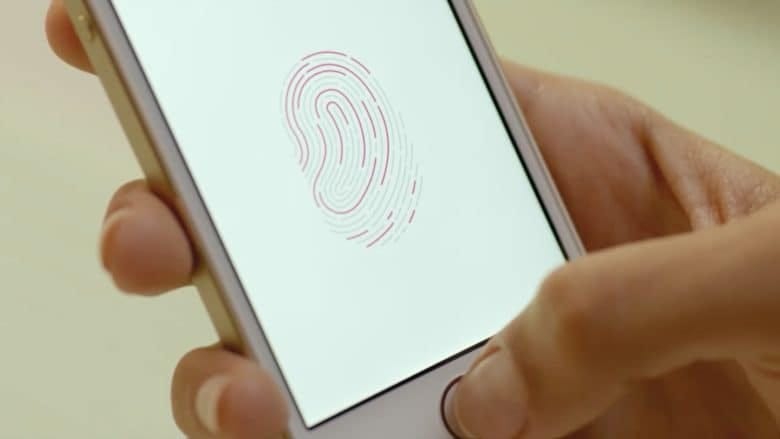
Apple has denied that it ever considered embedding its Touch ID sensor into the display for its iPhone X, before running into problems and adopting Face ID instead.
In an interview with Dan Riccio, Apple’s senior vice president of Hardware Engineering, Riccio “flatly counters the narrative” that Apple ever considered using Touch ID for its tenth anniversary iPhone.
“I heard some rumor [that] we couldn’t get Touch ID to work through the glass so we had to remove that,” Riccio told TechCrunch.
“When we hit early line of sight on getting Face ID to be [as] good as it was, we knew that if we could be successful we could enable the product that we wanted to go off and do and if that’s true it could be something that we could burn the bridges and be all in with. This is assuming it was a better solution. And that’s what we did. So we spent no time looking at fingerprints on the back or through the glass or on the side because if we did those things, which would be a last-minute change, they would be a distraction relative to enabling the more important thing that we were trying to achieve, which was Face ID done in a high-quality way.”
Rumors that Apple was trying — and failing — to incorporate Touch ID into the display of the iPhone X continued until this summer. At one point, Apple analyst Timothy Arcuri of Cowen and Company described how the feature was the iPhone’s “biggest bottleneck,” and how, “the current yield rate of Apple’s in-house AuthenTec solution remains low and AAPL seems unwilling to use other vendors’ products.”
Apple certainly considered the technology at some time, since it filed patents related to it. Last year, Cult of Mac spotted a patent application entitled “Fingerprint Biometric Sensor Including Drive Signal Level Updating,” which describes circuitry capable of acquiring fingerprint data by using special “sensing pixels” within screens.
How far these plans ever got with the iPhone X isn’t clear, however. Often Apple will have multiple teams investigating solutions to a problem in parallel, and it’s not out of the question that Apple explored this option but saw the problems it was likely to face, and changed gear.
Ultimately, from a security perspective, it seems that Face ID was the right direction to go in — even though some of the early reviews have suggested it’s not a totally flawless solution.
Source: cult of mac










