 NEWS
NEWS
Apple to Open Reserve & Pickup System for iPhone X on Nov 4
 11/01/2017
 2993
2993
The iPhone X will officially go up for sale this Friday, November 3rd and Apple has said that it will have stock in retail stores available for walk-in customers. Starting on November 4th, however, the company will also activate its Reserve and Pickup system in select countries…
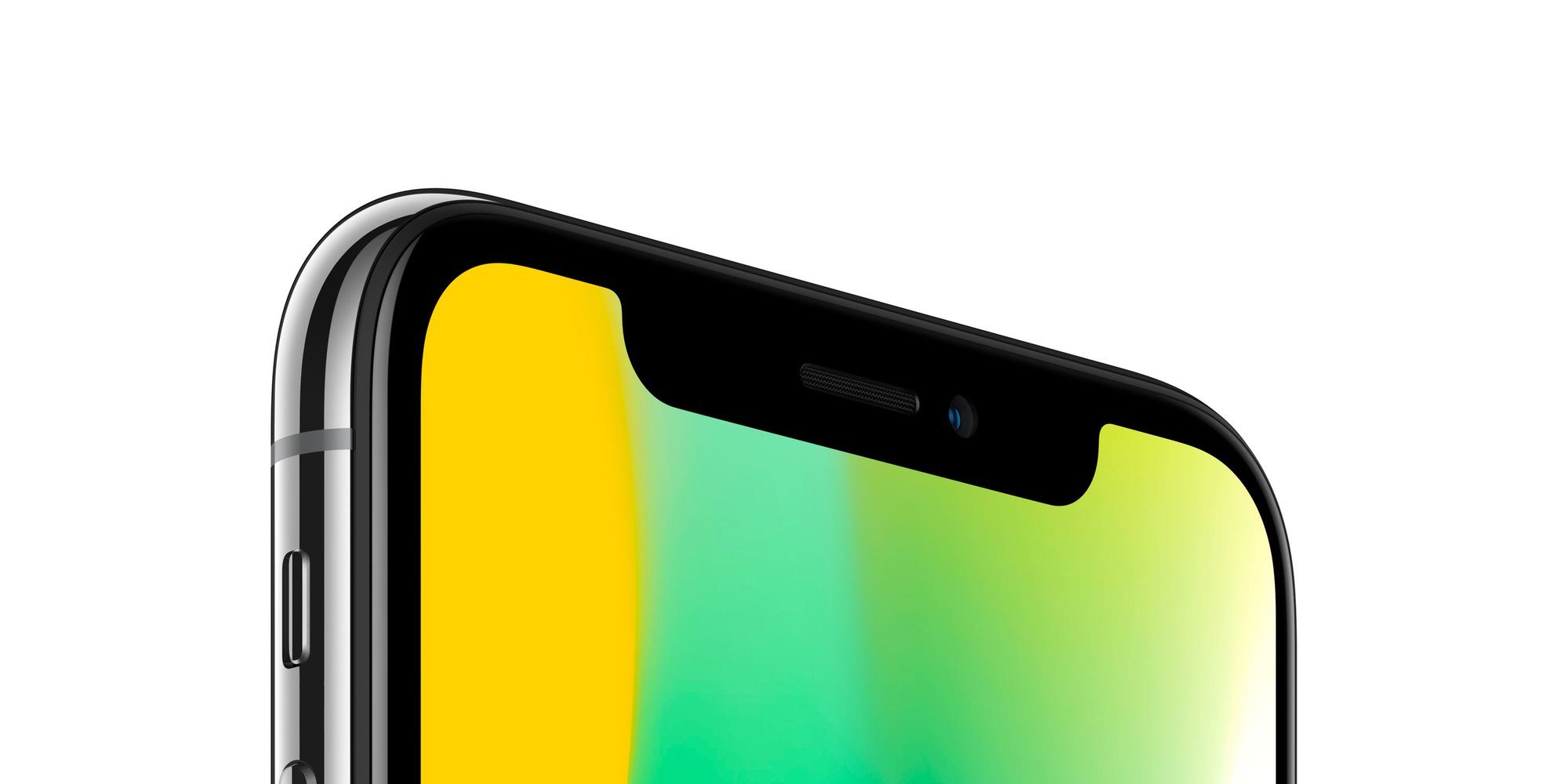
Apple updated its website in Australia, Belgium, and the United Kingdom to indicate the launch of the system at 6AM on Saturday, while customers in Canada, Hong Kong, Switzerland, and UAE will also be able to take advantage of the system starting at 8AM.
The Reserve and Pickup system allows customers to reserve an iPhone X online and select a time period to go in-store and pick it up. Customers can choose a thirty-minute to head to their local store and claim their device. If the customer misses their pickup window, the device becomes available to other buyers.
Apple told MacRumors that it currently has no plans to activate Reserve and Pickup in the United States. Last year, Apple activated the Reserve and Pickup system in the United States one day after the iPhone 7’s release, and while that will be the case this year in other countries, it appears the United States buyers will have to wait a bit longer.
The iPhone X went up for preorder last week and quickly slipped to 5-6 week shipping. Apple has said that it will have limited supply in its retail stores starting on November 3rd, but it warned customers that they must “arrive early” if they want a shot at securing a device.
Apple said on Friday that iPhone X demand has been “off the charts” and we’ll likely learn more specific numbers during the company’s earnings call on Thursday.
Source: 9to5mac










