
NEWS

​iPhone 8 Already Being Heavily Discounted in China Because of iPhone X

10/31/2017

3195

Analysis numbers suggest that the iPhone 8 sold well at launch in China, but with iPhone X preorders now open, it appears that demand for the cheaper model has now dropped off substantially …
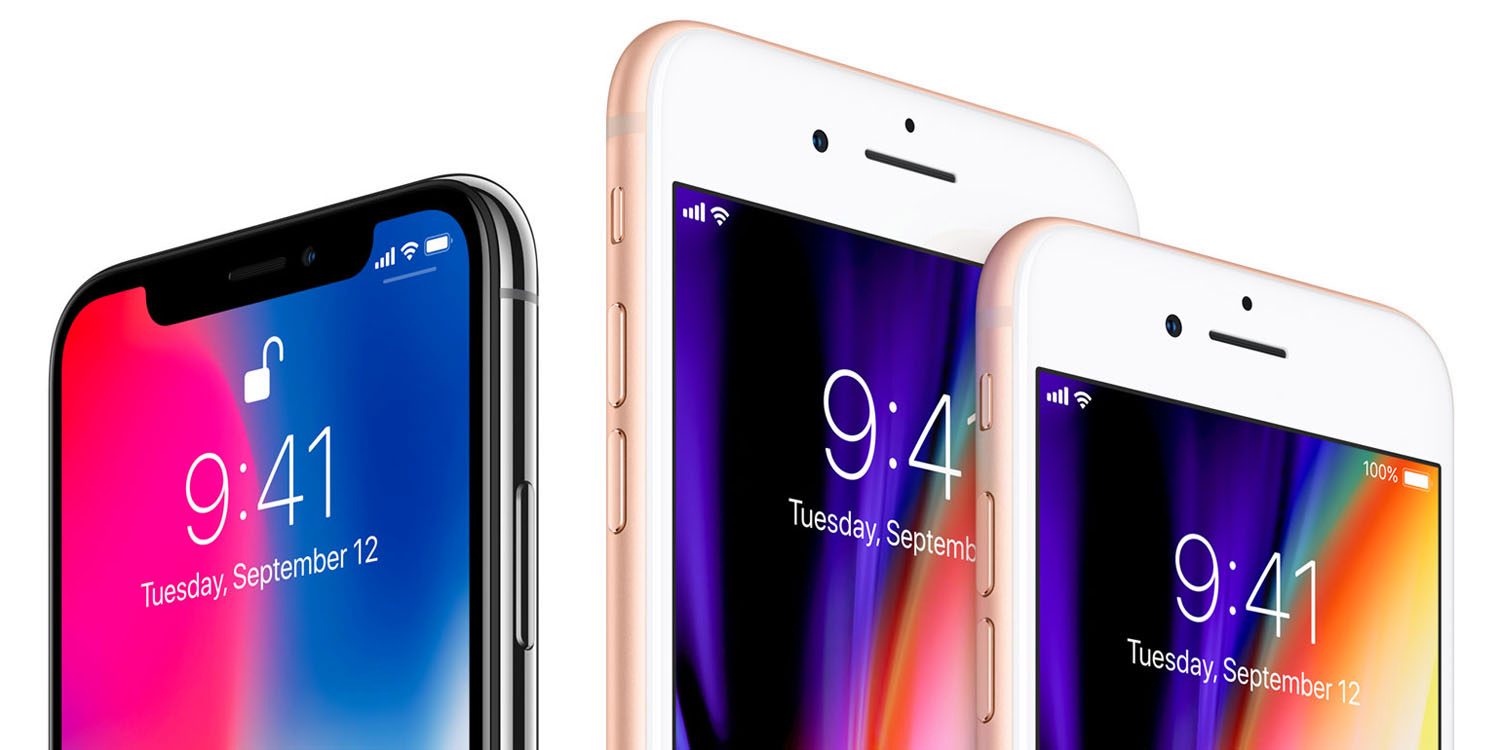

​iPhone 8 Already Being Heavily Discounted in China Because of iPhone X

South China Morning Post says that two major ecommerce platforms are discounting the price of the iPhone 8 and 8 Plus by 15-20%, suggesting that the models have ‘quickly run out of steam.’


Suning.com, the e-commerce platform of China’s largest electrical appliance retailer, Suning Appliance, is offering discounts of as much as 1,100 yuan (US$165.5) on the iPhone 8 to customers, making its prices as competitive as or even cheaper than those offered in Hong Kong, where mainland visitors swarm to purchase Apple products for savings of up to 15 per cent […]


China’s second-largest e-commerce player, JD.com, which operates an authorised online Apple store on its platform, is also offering 500-yuan, 700-yuan and 800-yuan discounts on all iPhone 8 models that are originally priced at more than 5,000 yuan, 6,000 yuan and 7,000 yuan, respectively.


One analyst went as far as to suggest that the iPhone 8 ‘might be the most poorly sold flagship iPhone model in China,’ noting that such large discounts have never before been seen. The reality is likely more prosaic: most of those who wanted the iPhone 8 ordered one at launch.


Source: 9to5mac

Windows
Mac OS
iOS
Linux
3uTools
Win 64-bit For this device
V9.0 2025-11-11
Download
Win 32-bit For this device
V9.0 2025-11-11
Download
3uTools
Intel Chip How to Identify Chip Type
V9.0 2025-12-02
Download
Apple Chip
V9.0 2025-12-02
Download
How to Identify Chip Type
1.  Click the Apple icon in the top-left corner of the screen and select About This Mac.
2.  Check the Processor or Chip field to determine if it is "Intel" or "Apple".
Please use the 3uTools PC client to install the iOS client:
1、 Install either the Windows or Mac version of 3uTools on your computer
2、 Open the PC client and connect your device to the computer via USB cable
3、 After the connection is successful, wait for the computer to automatically install the mobile app for the device, or locate “Install Mobile App” on the computer and manually click to install.
3uTools
deb file
V3.01 2025-11-20
Download
rpm file
V3.01 2025-11-20
Download
Windows
Windows
iOS
iOS
Android
Android
TV
TV
3uAirPlayer
Win 64-bit For this device
V6.0.2 2025-11-19
Download
Win 32-bit For this device
V6.0.2 2025-11-19
Download
iOS Device Mirroring (No App Required)
1、 Install 3uAirPlayer on the Windows PC
2、 Open Control Center and select Screen Mirroring
3、 From the list, choose your PC to start mirroring
4、 Or connect your iOS device to the PC via USB to begin mirroring
Scan to get "3uAirPlayer" App
3uAirPlayer TV V1.0.18
2025-11-28
TV System Requirements: Android 7.0 or later
Download the TV installation package, copy it to a USB drive, insert it into your TV or set-top box, then select the file from the home screen to install.




