 NEWS
NEWS
YouTube Stars Show off iPhone X Early
 10/31/2017
 3321
3321
Apple’s embargo on iPhone X reviews isn’t expected to lift until Tuesday, but it seems the company has allowed YouTube stars to give their first impressions early.
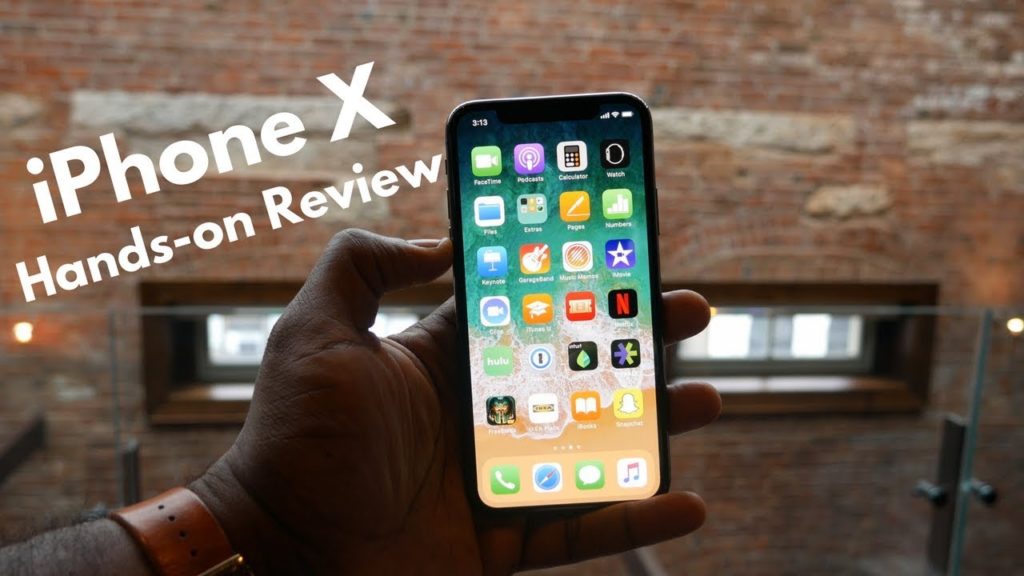
A bunch of hands-on videos have been published today, giving us a closer look at the company’s most anticipated product in years.
Apple shares its latest products with a whole bunch of publications before they go on sale, then tells them when they can publish their reviews. This typically happens a few days before the official launch date.
For iPhone X, we expect the embargo to lift tomorrow, October 31. But it seems Apple has done things a little differently this year, strangely giving some YouTube personalities permission to publish first impressions videos a day early.
Hands on with iPhone X
Soldier Knows Best, Booredatwork, High Snobiety, and Fashion Magazine are just a few of the channels that have already published iPhone X videos today. The one below offers a roundup of its “top 10 best features.”
Apple invited certain YouTubers to get their hands on iPhone X at an undisclosed location, it seems, with many of the videos shot in the same building. Strangely, some of the biggest starts, such as Marques Brownlee, don’t appear to have been there.
The videos don’t really tell us anything we didn’t already know about iPhone X. First impressions clips like these were shot at Apple’s big keynote in September, and we learned a lot about what using the device was like then.
But if you’re craving real-world iPhone X content, at least you have something fresh to enjoy before the device makes its debut this Friday.
We’ve also seen iPhone X first impressions from Steven Levy, one of the few people chosen by Apple to review the original iPhone before it made its debut ten years ago.
We’ll be publishing a review roundup as soon as that embargo lifts this week, and our own review will be available sometime next week.
Source: cult of mac










