 NEWS
NEWS
iPhone X Demand Will Be Substantial, but Not Exceptional: Bernstein Survey
 10/26/2017
 2731
2731
Days before Apple Inc's much-awaited iPhone X opens for preorders, a survey by brokerage Bernstein showed that demand for the device will be substantial, but not exceptional, with about a quarter of the respondents planning to buy the phone.
Heightened anticipation around the 10th anniversary iPhone, which opens for pre-orders on Oct. 27 and begins shipping from November 3, has already dented demand for the just-launched iPhone 8 and 8 Plus.
Apple shares fell last week after reports of iPhone X production delays and weak sales of iPhone 8 models.
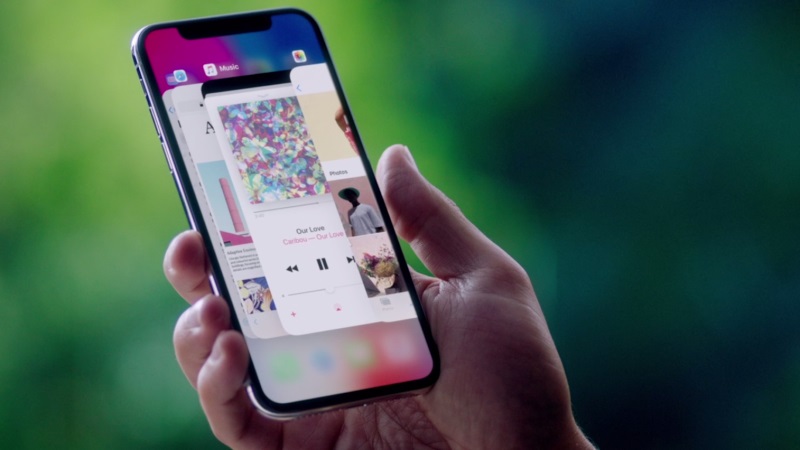
"The excitement surrounding the iPhone X appears to be magnitudes higher than actual purchase intent - 48 percent of respondents agreed/strongly agreed that they were 'excited for the iPhone X,'" Bernstein said, citing a survey of 1,112 iPhone owners in the United States, UK and China.
Apple launched iPhone 8 and 8 Plus last month amid muted reception as fans awaited the iPhone X, and a survey by broker KeyBanc Capital Markets had pointed out that older iPhone 7 models outsold iPhone 8.
While it was doubtful how many iPhone users will upgrade to the $999 (roughly Rs. 65,000) iPhone X, an overwhelming majority will still choose an Apple device, according to the survey.
"Consumer loyalty to iPhone remains remarkably strong, despite persistent complaints about high prices and worries about declining innovation, with only 3 percent of respondents stating that their next phone would *not* be an iPhone," Bernstein said.
Apple shares were up 0.5 percent at $157 Monday afternoon.
Source: gadgets










