
NEWS

Can We Get AirPods in This Month ?

11/11/2016

5136

As we reported previouslyApple initially planned to release its flashy new AirPods in “late October,” but ultimately opted to delay shipping for “a little more time” to make sure the wireless earbuds are ready for consumers.


While the AirPods have remained listed as ‘currently unavailable’ on the company’s site since then, a recent report from German blog Apfelpage suggests the earbuds might be available starting next week.
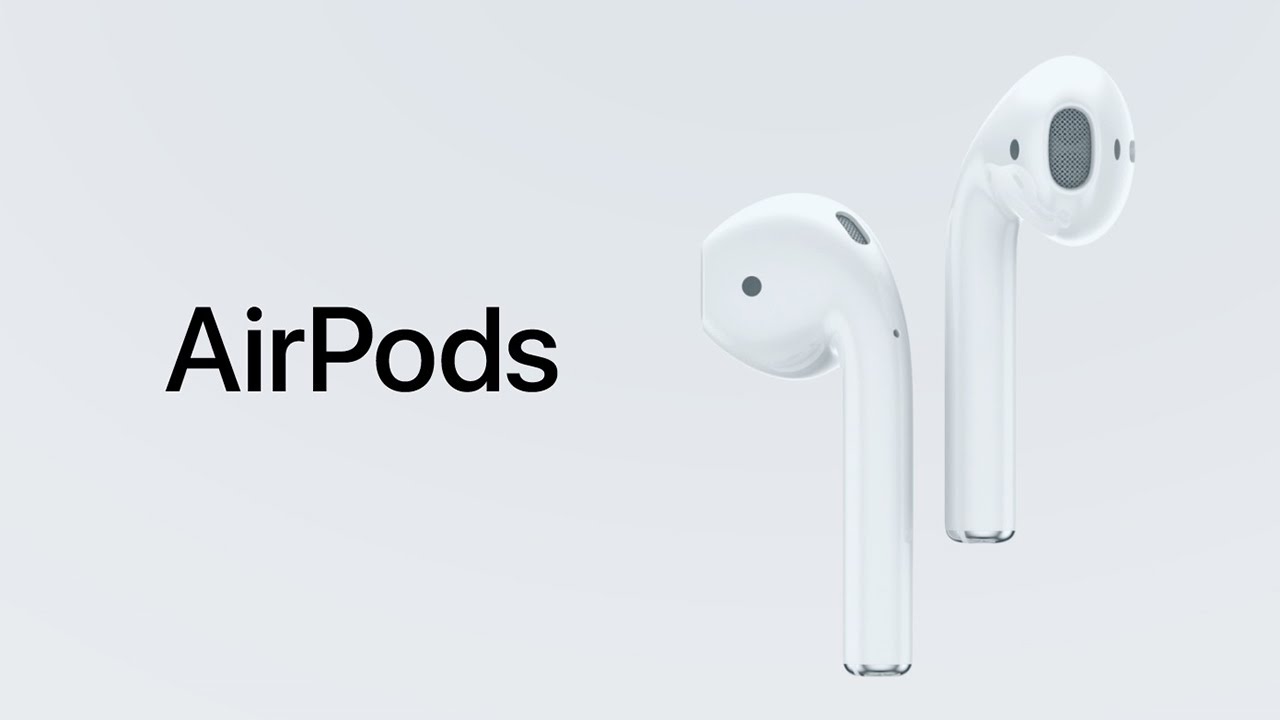

Can We Get AirPods in This Month ?


According to rumors, an employee at European reseller Conrad informed a customer that the new AirPods will be in stock on November 17 and available to purchase by November 18 or 19.


Here’s what the customer in question had to say (loosely translated from German):

"I have just talked with an employee of the Conrad Online Store, since I am there on 14th, Oct. the AirPods ordered and I wanted to cancel today. According to information from the employee, they have stockpiles from 17th, Nov. I will then have them between November 18-19."


Interestingly, Conrad has valued the AirPods at €210 (approximately $230) which is much higher than the $159 price tag Apple initially announced.


Still, given that Conrad claims the wireless earbuds are expected to start shipping in “about 7 weeks” on its website, there’s a possibility the store employee provided incorrect information – so don’t get too excited just yet.


Source: thenextweb


Windows
Mac OS
iOS
Linux
3uTools
Win 64-bit For this device
V9.0 2025-11-11
Download
Win 32-bit For this device
V9.0 2025-11-11
Download
3uTools
Intel Chip How to Identify Chip Type
V9.0 2025-12-02
Download
Apple Chip
V9.0 2025-12-02
Download
How to Identify Chip Type
1.  Click the Apple icon in the top-left corner of the screen and select About This Mac.
2.  Check the Processor or Chip field to determine if it is "Intel" or "Apple".
Please use the 3uTools PC client to install the iOS client:
1、 Install either the Windows or Mac version of 3uTools on your computer
2、 Open the PC client and connect your device to the computer via USB cable
3、 After the connection is successful, wait for the computer to automatically install the mobile app for the device, or locate “Install Mobile App” on the computer and manually click to install.
3uTools
deb file
V3.01 2025-11-20
Download
rpm file
V3.01 2025-11-20
Download
Windows
Windows
iOS
iOS
Android
Android
TV
TV
3uAirPlayer
Win 64-bit For this device
V6.0.2 2025-11-19
Download
Win 32-bit For this device
V6.0.2 2025-11-19
Download
iOS Device Mirroring (No App Required)
1、 Install 3uAirPlayer on the Windows PC
2、 Open Control Center and select Screen Mirroring
3、 From the list, choose your PC to start mirroring
4、 Or connect your iOS device to the PC via USB to begin mirroring
Scan to get "3uAirPlayer" App
3uAirPlayer TV V1.0.18
2025-11-28
TV System Requirements: Android 7.0 or later
Download the TV installation package, copy it to a USB drive, insert it into your TV or set-top box, then select the file from the home screen to install.





