 NEWS
NEWS
Ex-NASA Engineers Lead Apple’s Self-driving Car Team
 04/25/2017
 4767
4767
Apple is tapping into some of the brilliant minds behind NASA’s recent project for its self-driving car concept, according to new documents that unmask some of the scientists on the team.
A new filing from the California DMV reveals the identity of the six drivers listed on Apple’s self-driving permit, some of whom weren’t even known to be working for Cupertino.
Apple has been working quietly on its self-driving car project for the last few years. The company initially planned to build its own automobile, but recent rumors claim the company reset the project and is now focusing solely on making the software that powers autonomous vehicles.
The DMV filing, which was obtained by the Wall Street Journal, shows that three of the drivers for the project are engineers that worked at NASA’s Jet Propulsion Laboratory in areas of motion-planning algorithms and detecting 3-D objects.
Apple’s autonomous car team
Apple’s roster of drivers includes Shilpa Gulati, who worked on an autonomous vehicle project designed to explore Jupiter’s moon Europa. Former Tesla engineer Christopher David Gadda is on the team, too, with former JPL engineers Paul Hebert, Victor Hwang and Jeremy Ma. And David Rosas is in the group, bringing his Ph.D. experience with control systems.
The team behind the self-driving technology is reportedly being led by the well-regarded professor Ruslan Salakhutdinov, who joined Apple last year. Salakhutdinov is supposedly building a team of 20 engineers completely focused on solving the self-driving problem.
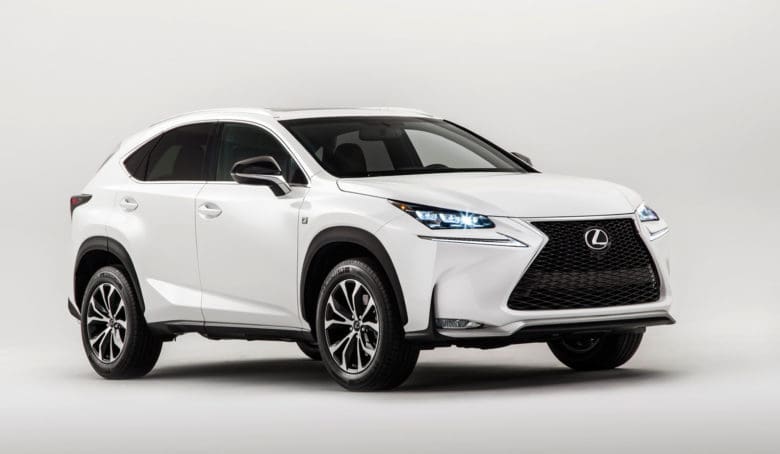
California’s DMV recently issued Apple a permit to drive its three self-driving Lexus SUVs on public streets.
Now if you happen to be lucky enough to spot an Apple Car in the wild, you’ll know who’s behind the wheel.
Source: cult of mac










