NEWS

Apple Stores Will Soon Be Able to Restore Apple Watch Software In-House

04/16/2026

53

Apple Stores Will Soon Be Able to Restore Apple Watch Software In-House


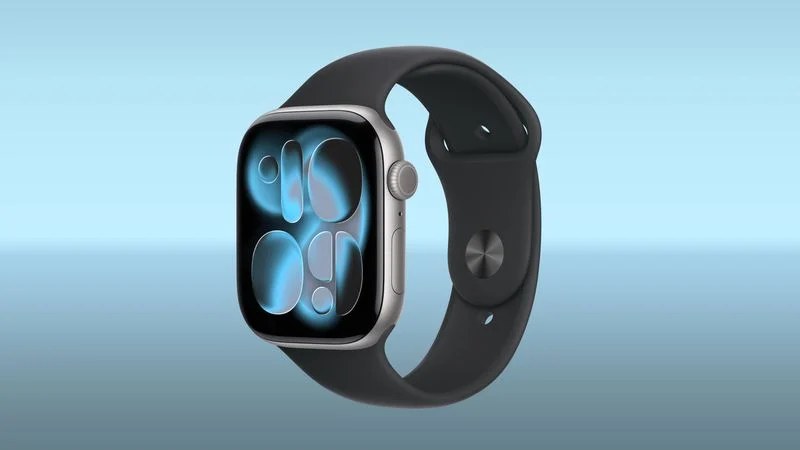
Apple retail locations and Apple Authorized Service Providers will soon be able to restore Apple Watch software in-store without needing to send an Apple Watch to a service center, according to a retail source that spoke to MacRumors.


Right now, Apple Watches that can't be restored using an iPhone need to be mailed to an Apple Repair Center for service. There is no in-store repair option, so customers have to wait for the Apple Watch to be shipped to the repair depot, get repaired, and be shipped back.


Starting later this month, Apple Stores and AASPs will be able to use an Apple Watch repair dock that connects to a Mac to restore the software on an Apple Watch. An in-store option for fixing software will make software-based repairs much quicker.


With watchOS 8.5 and iOS 15.4, Apple introduced an iPhone-based wireless restore option, but it is limited. It can only be used when a restore prompt is shown on the Apple Watch. For software issues where the iPhone restore doesn't work, the Apple Watch needs a specialized repair currently unavailable in retail stores. Failed updates, bricked devices, and boot loops can't be fixed with an iPhone.


Early Apple Watch models had a diagnostic port that Apple Stores could use for software fixes, but it was removed with the Apple Watch Series 7, and Apple switched to a wireless restoration process. After the port was dropped, Apple Watch software repairs had to be done at Apple Service Centers, making software-based failures a hassle for customers.


Source: Macrumors

Windows
Mac OS
iOS
Linux
3uTools
Win 64-bit For this device
V9.06 2026-04-09
Download
Win 32-bit For this device
V9.06 2026-04-09
Download
3uTools
Intel Chip How to Identify Chip Type
V9.03 2026-03-27
Download
Apple Silicon
V9.03 2026-03-27
Download
How to Identify Chip Type
1.  Click the Apple icon in the top-left corner of the screen and select About This Mac.
2.  Check the Processor or Chip field to determine if it is "Intel" or "Apple".
Please use the 3uTools PC client to install the iOS client:
1、 Install either the Windows or Mac version of 3uTools on your computer
2、 Open the PC client and connect your device to the computer via USB cable
3、 After the connection is successful, wait for the computer to automatically install the mobile app for the device, or locate “Install Mobile App” on the computer and manually click to install.
3uTools
deb file
V3.01 2025-11-20
Download
rpm file
V3.01 2025-11-20
Download
Windows
Windows
iOS
iOS
Android
Android
TV
TV
3uAirPlayer
Win 64-bit For this device
V6.0.3 2026-03-11
Download
Win 32-bit For this device
V6.0.3 2026-03-11
Download
iOS Device Mirroring (No App Required)
1、 Install 3uAirPlayer on the Windows PC
2、 Open Control Center and select Screen Mirroring
3、 From the list, choose your PC to start mirroring
4、 Or connect your iOS device to the PC via USB to begin mirroring
Scan to get "3uAirPlayer" App
3uAirPlayer TV V1.0.18
2025-11-28
TV System Requirements: Android 7.0 or later
Download the TV installation package, copy it to a USB drive, insert it into your TV or set-top box, then select the file from the home screen to install.