NEWS

iPhone Rumored to Get 200MP Camera Like Samsung's Galaxy S25 Ultra

05/28/2025

707

iPhone Rumored to Get 200MP Camera Like Samsung's Galaxy S25 Ultra


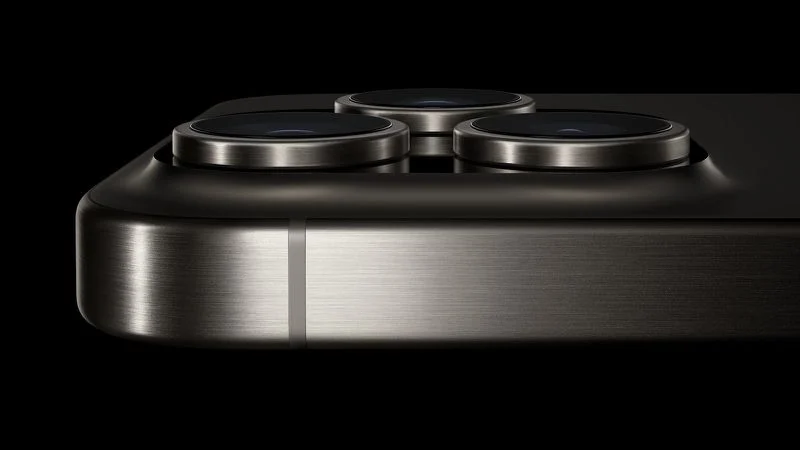
Apple is testing a 200-megapixel camera sensor, according to Digital Chat Station, a user with a large following on Chinese social media platform Weibo. The account has previously shared accurate information about Apple's future products.


While the account's post today does not provide any further details, this 200-megapixel camera sensor would likely be for the main rear camera on a future high-end iPhone model. Samsung introduced a 200-megapixel rear camera on its Galaxy S23 Ultra in 2023, and the follow-up S24 Ultra and S25 Ultra models also have one.


With a 200-megapixel camera, an iPhone would be able to shoot photos with greater detail. The increased megapixel count would also result in higher-resolution photos, which can be cropped further and printed at larger sizes without a loss of image quality.


Apple's upcoming iPhone 17 Pro models are rumored to feature entirely 48-megapixel cameras, so the 200-megapixel camera is unlikely to be available this year. In addition, a 200-megapixel camera has yet to be rumored for the iPhone 18 Pro models. Ultimately, the upgraded camera specification could be at least a few years away.


Source: Macrumors

Windows
Mac OS
iOS
Linux
3uTools
Win 64-bit For this device
V9.0 2025-11-11
Download
Win 32-bit For this device
V9.0 2025-11-11
Download
3uTools
Intel Chip How to Identify Chip Type
V9.0 2025-12-02
Download
Apple Silicon
V9.0 2025-12-02
Download
How to Identify Chip Type
1.  Click the Apple icon in the top-left corner of the screen and select About This Mac.
2.  Check the Processor or Chip field to determine if it is "Intel" or "Apple".
Please use the 3uTools PC client to install the iOS client:
1、 Install either the Windows or Mac version of 3uTools on your computer
2、 Open the PC client and connect your device to the computer via USB cable
3、 After the connection is successful, wait for the computer to automatically install the mobile app for the device, or locate “Install Mobile App” on the computer and manually click to install.
3uTools
deb file
V3.01 2025-11-20
Download
rpm file
V3.01 2025-11-20
Download
Windows
Windows
iOS
iOS
Android
Android
TV
TV
3uAirPlayer
Win 64-bit For this device
V6.0.2 2025-11-19
Download
Win 32-bit For this device
V6.0.2 2025-11-19
Download
iOS Device Mirroring (No App Required)
1、 Install 3uAirPlayer on the Windows PC
2、 Open Control Center and select Screen Mirroring
3、 From the list, choose your PC to start mirroring
4、 Or connect your iOS device to the PC via USB to begin mirroring
Scan to get "3uAirPlayer" App
3uAirPlayer TV V1.0.18
2025-11-28
TV System Requirements: Android 7.0 or later
Download the TV installation package, copy it to a USB drive, insert it into your TV or set-top box, then select the file from the home screen to install.