 NEWS
NEWS
MacBook Air to Get More Advanced LCD Panel Before Transition to OLED
 02/12/2025
 677
677
Apple plans to release a MacBook Air with an improved LCD display in 2027, featuring Oxide TFT technology instead of the current amorphous silicon (a-Si) panels, according to a new report from The Elec.
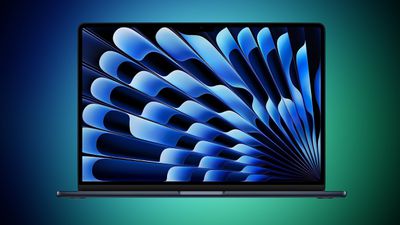
The new display technology is said to be a significant upgrade over current MacBook Air screens. Oxide TFT LCD panels offer better power efficiency and improved performance compared to traditional a-Si displays, resulting in sharper images, smoother scrolling, and enhanced battery life.
The transition to Oxide TFT technology should also mean faster pixel response times and more consistent brightness across the screen. In practical terms, this should translate to reduced motion blur when watching videos or gaming, and more uniform lighting without the "clouding" effect sometimes visible on current LCD displays.
Samsung Display and BOE are developing manufacturing capabilities for the advanced panels, according to the Korean-language report. Samsung Display is installing new deposition machines at its A6 production line, while BOE is constructing its B16 line with similar capabilities. The companies are preparing to produce millions of units annually, but the exact production targets haven't been disclosed.
The LCD upgrade comes as Apple has reportedly delayed its OLED MacBook Air plans from 2027 to 2029 or later. Meanwhile, development of the OLED MacBook Pro with a thinner design reportedly continues as planned, with that model expected to launch in 2026 with an estimated production of 3 to 5 million units annually.
Source: Macrumors









