NEWS

Apple Pay Comes to Sixth Country in South America

12/03/2024

826

Apple Pay Comes to Sixth Country in South America

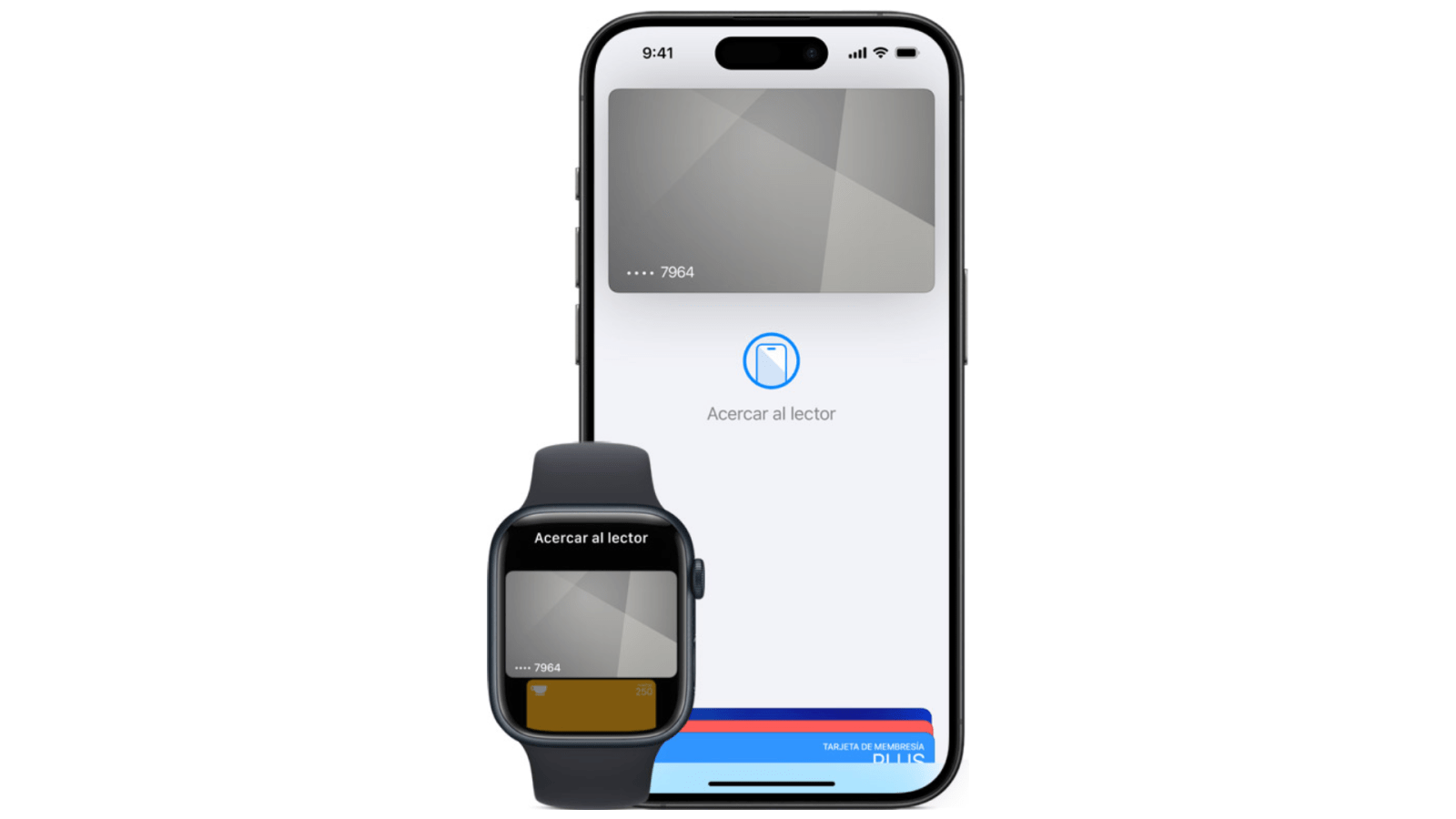
Even in its 10th year, Apple Pay is still reaching new markets. The latest, per Apple server sleuth @aaronp, is Uruguay.

Aaron, who has extensive experience monitoring and deciphering Apple server changes, shared the development publicly on X. For more information, visit https://www.apple.com/la/apple-pay/. Expect Apple’s regional availability page for Apple Pay to update accordingly as well.

Less than a month ago, Apple activated its mobile payment service in the neighboring South American nation of Paraguay. Other countries in the region with Apple Pay include Argentina, Brazil, Chile, and Colombia. With Apple Pay coming online in Uruguay, Apple has brought its mobile payment service to a total of six countries in South America so far.

Meanwhile, Apple has replaced its discontinued Apple Pay Later service with integration from third-party buy now, pay later services. Both Affirm and Klarna enjoy Apple Pay integration at checkout so far.

Source: 9to5mac

Windows
Mac OS
iOS
Linux
3uTools
Win 64-bit For this device
V9.0 2025-11-11
Download
Win 32-bit For this device
V9.0 2025-11-11
Download
3uTools
Intel Chip How to Identify Chip Type
V9.0 2025-12-02
Download
Apple Silicon
V9.0 2025-12-02
Download
How to Identify Chip Type
1.  Click the Apple icon in the top-left corner of the screen and select About This Mac.
2.  Check the Processor or Chip field to determine if it is "Intel" or "Apple".
Please use the 3uTools PC client to install the iOS client:
1、 Install either the Windows or Mac version of 3uTools on your computer
2、 Open the PC client and connect your device to the computer via USB cable
3、 After the connection is successful, wait for the computer to automatically install the mobile app for the device, or locate “Install Mobile App” on the computer and manually click to install.
3uTools
deb file
V3.01 2025-11-20
Download
rpm file
V3.01 2025-11-20
Download
Windows
Windows
iOS
iOS
Android
Android
TV
TV
3uAirPlayer
Win 64-bit For this device
V6.0.2 2025-11-19
Download
Win 32-bit For this device
V6.0.2 2025-11-19
Download
iOS Device Mirroring (No App Required)
1、 Install 3uAirPlayer on the Windows PC
2、 Open Control Center and select Screen Mirroring
3、 From the list, choose your PC to start mirroring
4、 Or connect your iOS device to the PC via USB to begin mirroring
Scan to get "3uAirPlayer" App
3uAirPlayer TV V1.0.18
2025-11-28
TV System Requirements: Android 7.0 or later
Download the TV installation package, copy it to a USB drive, insert it into your TV or set-top box, then select the file from the home screen to install.