 NEWS
NEWS
First iPad Mini 7 Benchmarks Reveal Upgraded RAM and More
 10/21/2024
 2001
2001
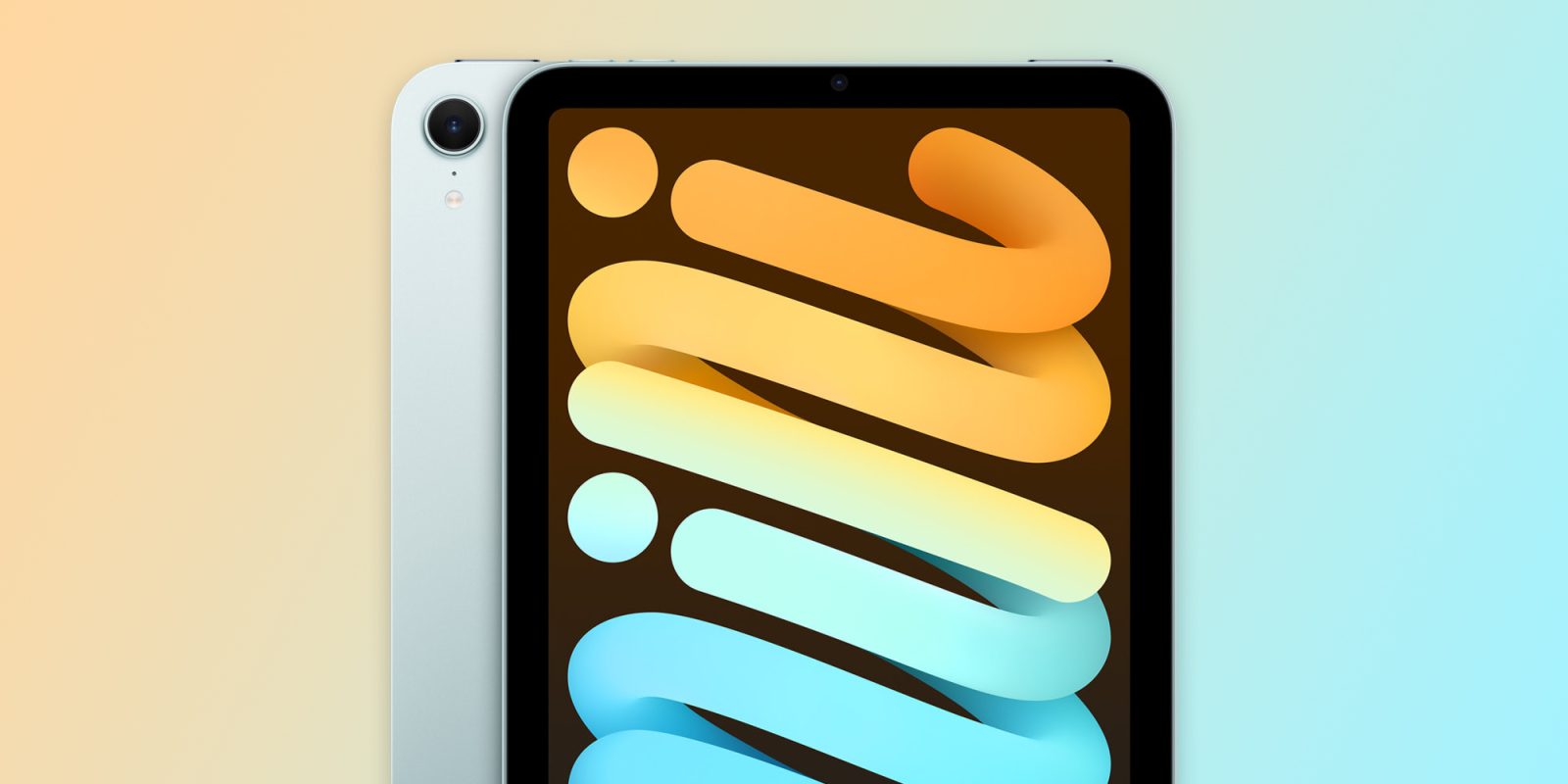
Apple announced a new iPad mini on Tuesday, powered by the A17 Pro chip with support for Apple Intelligence features. The first new iPad mini orders are set to arrive to customers next week, but early benchmarks have now surfaced on Geekbench. These results confirm that the latest iPad mini features 8GB of RAM, and give us a glimpse at the performance of the binned A17 Pro chip inside.
The fact that the new iPad mini is powered by 8GB of RAM shouldn’t come as a surprise. The device features support for Apple Intelligence, and Apple has previously indicated that 8GB of RAM is the baseline for that support. It’s a notable upgrade from the previous-generation iPad mini 6, which had 4GB of RAM.
The new iPad mini is powered by the A17 Pro chip, which is the same chip that powered the iPhone 15 Pro. The difference, however, is that the iPad mini’s A17 Pro chip features a 5-core GPU, while the iPhone 15 Pro’s version of the chip featured a 6-core GPU.
These Geekbench results, first spotted by MySmartPrice, give our first look at the performance impact of this difference.
The iPad mini with the A17 Pro scores around 2800 in single-core GeekBench testing and around 6500 in multi-core testing. For comparison’s sake the previous iPad mini, powered by the A15 Bionic, scored around 2100 in single-core testing and 5400 in multi-core testing.
For further comparison, the iPhone 15 Pro typically scores around 2,900 in single-core testing and 7,200 in multi-core testing.
And here are how the three devices compare in terms of GPU benchmarking:
- iPad mini 7: 25,600
- iPad mini 6: 20,200
- iPhone 15 Pro: 27,000
The new iPad mini (A17 Pro) is available to order now and the first pre-orders will arrive next Wednesday, October 23.
Source: 9to5mac










