NEWS

Kuo: iPhone SE 4 and Ultra-Thin iPhone 17 to Use Apple's Own 5G Chip

07/25/2024

1098

Kuo: iPhone SE 4 and Ultra-Thin iPhone 17 to Use Apple's Own 5G Chip


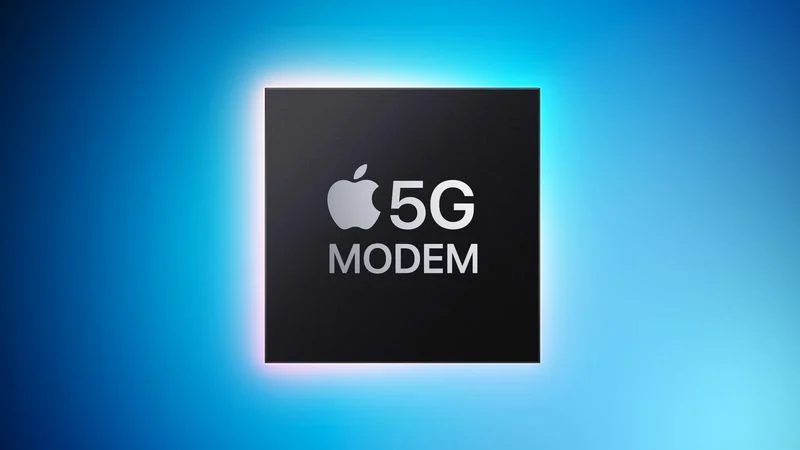
Apple is rumored to have been working on its own 5G modem for iPhones since 2018, but the project has reportedly faced numerous challenges and delays. At last, however, the project may be finally getting closer to completion.


In a short article posted on social media platform X today, well-known Apple supply chain analyst Ming-Chi Kuo said two iPhone models with an Apple-designed 5G modem will be released in 2025, including a fourth-generation iPhone SE in the first quarter of the year and an all-new, ultra-thin iPhone 17 model in the third quarter.


All existing iPhones that are currently sold by Apple are equipped with Qualcomm modems for cellular connectivity. Earlier this year, Apple extended its 5G modem supply agreement with Qualcomm for iPhone launches through 2026, so Apple's transition to its own in-house 5G chips will likely be gradual over multiple years.


Apple acquired the majority of Intel's smartphone modem business in 2019, as part of its efforts to design its own 5G chip. It is unclear if Apple's chip would have any consumer benefits over Qualcomm's modems, but it would reduce Apple's reliance on Qualcomm. In 2017, Apple sued Qualcomm over alleged anticompetitive practices and $1 billion in unpaid royalty rebates. The two companies settled the lawsuit in 2019.


Source: Macrumors

Windows
Mac OS
iOS
Linux
3uTools
Win 64-bit For this device
V9.0 2025-11-11
Download
Win 32-bit For this device
V9.0 2025-11-11
Download
3uTools
Intel Chip How to Identify Chip Type
V9.0 2025-12-02
Download
Apple Silicon
V9.0 2025-12-02
Download
How to Identify Chip Type
1.  Click the Apple icon in the top-left corner of the screen and select About This Mac.
2.  Check the Processor or Chip field to determine if it is "Intel" or "Apple".
Please use the 3uTools PC client to install the iOS client:
1、 Install either the Windows or Mac version of 3uTools on your computer
2、 Open the PC client and connect your device to the computer via USB cable
3、 After the connection is successful, wait for the computer to automatically install the mobile app for the device, or locate “Install Mobile App” on the computer and manually click to install.
3uTools
deb file
V3.01 2025-11-20
Download
rpm file
V3.01 2025-11-20
Download
Windows
Windows
iOS
iOS
Android
Android
TV
TV
3uAirPlayer
Win 64-bit For this device
V6.0.2 2025-11-19
Download
Win 32-bit For this device
V6.0.2 2025-11-19
Download
iOS Device Mirroring (No App Required)
1、 Install 3uAirPlayer on the Windows PC
2、 Open Control Center and select Screen Mirroring
3、 From the list, choose your PC to start mirroring
4、 Or connect your iOS device to the PC via USB to begin mirroring
Scan to get "3uAirPlayer" App
3uAirPlayer TV V1.0.18
2025-11-28
TV System Requirements: Android 7.0 or later
Download the TV installation package, copy it to a USB drive, insert it into your TV or set-top box, then select the file from the home screen to install.