NEWS

iOS 18 Will Warn You When You’re Using a Slow iPhone Charger

06/12/2024

1425

iOS 18 Will Warn You When You’re Using a Slow iPhone Charger

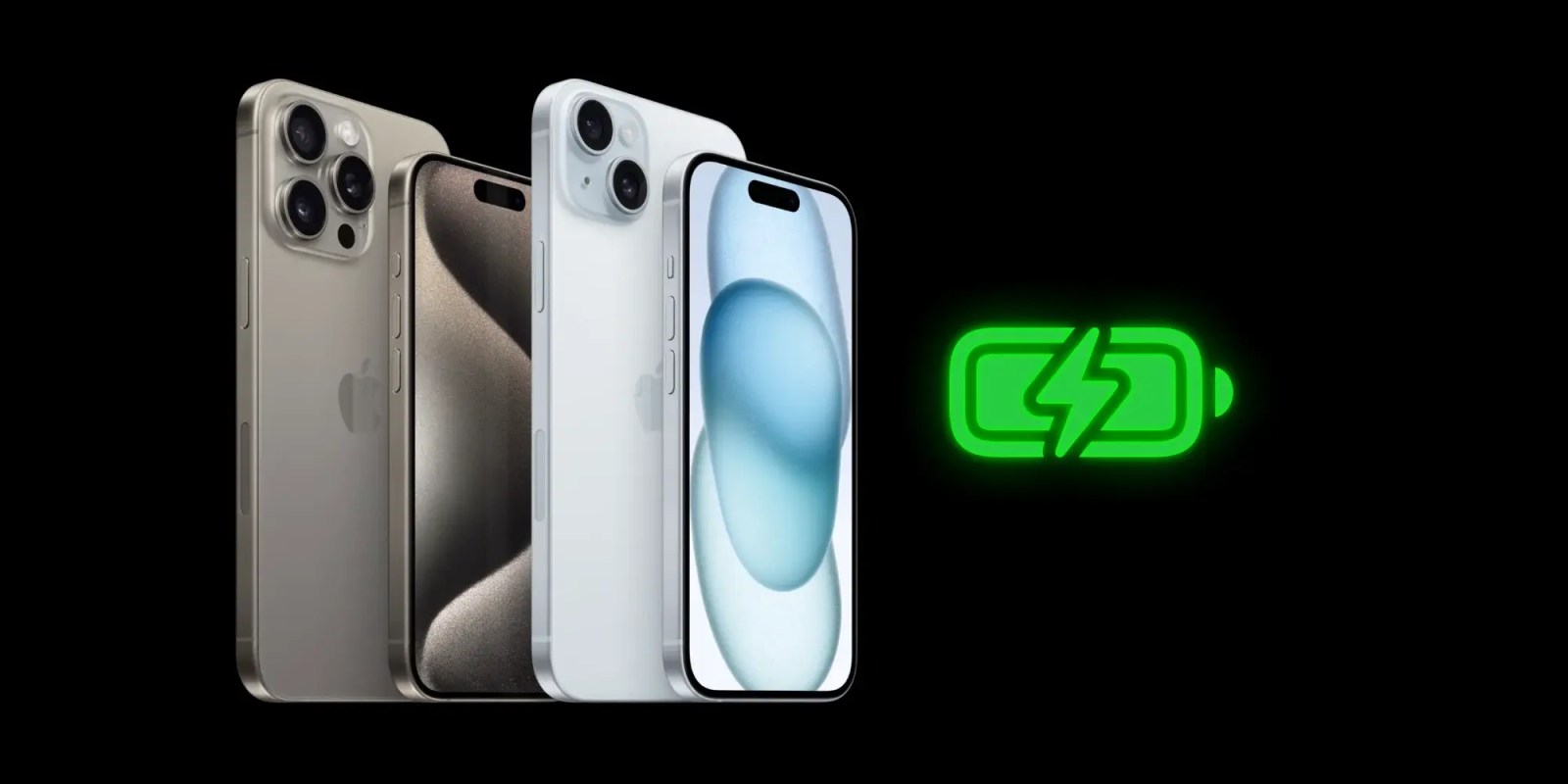
iOS 18 includes a couple of notable changes to iPhone battery health and charging settings. Apple has added more charging limit settings for iPhone 15 users, along with information about when you’re using a slow charger.

In the Settings app for iOS 18, iPhone 15 users will see several options for setting a charging limit in the “Charging” section of the “Battery” menu. Previously, Apple let you set an 80% charge limit, but Apple has now added more granular options to set charge limits of 85%, 90%, and 95%.

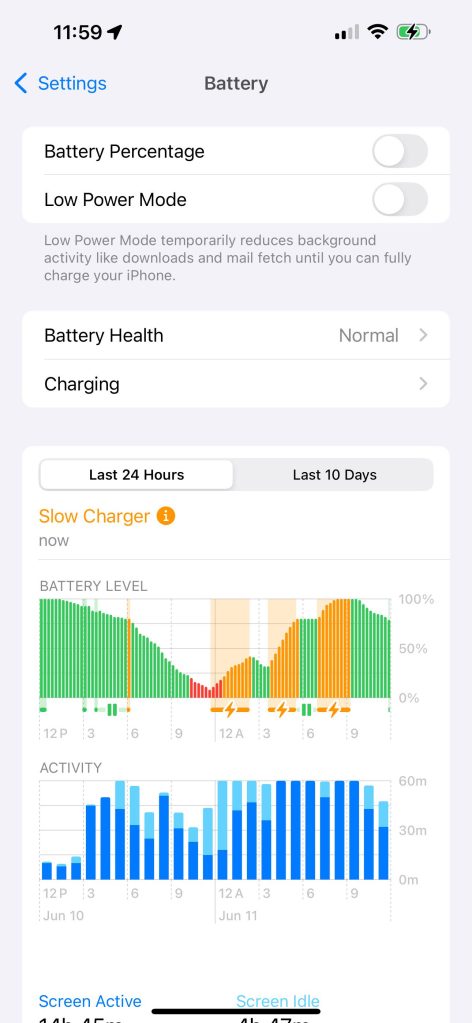
iOS 18 also includes a new feature that can tell you if you’re using a slow charger to recharge your iPhone. In the Settings app, choose the “Battery” menu and look at the Battery Level graph. If you’re actively charging with a slow charger, you’ll see a warning message. The graph itself has also been updated with a new orange color, which indicates use of a slow charger.
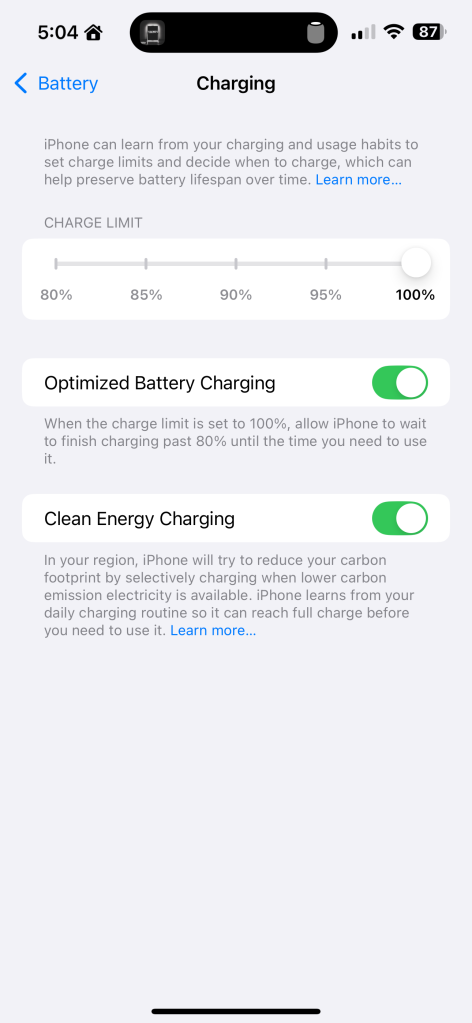
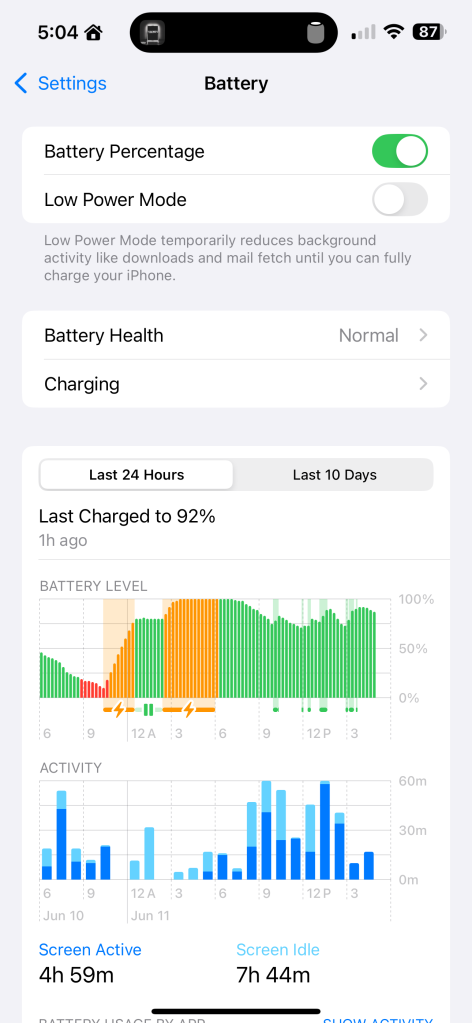
Apple will likely publish a support document when iOS 18 is released to the public this fall with more information about this change. As of right now, it’s unclear what charging speed triggers the “Slow Charger” message.

Source: 9to5mac

Windows
Mac OS
iOS
Linux
3uTools
Win 64-bit For this device
V9.0 2025-11-11
Download
Win 32-bit For this device
V9.0 2025-11-11
Download
3uTools
Intel Chip How to Identify Chip Type
V9.0 2025-12-02
Download
Apple Silicon
V9.0 2025-12-02
Download
How to Identify Chip Type
1.  Click the Apple icon in the top-left corner of the screen and select About This Mac.
2.  Check the Processor or Chip field to determine if it is "Intel" or "Apple".
Please use the 3uTools PC client to install the iOS client:
1、 Install either the Windows or Mac version of 3uTools on your computer
2、 Open the PC client and connect your device to the computer via USB cable
3、 After the connection is successful, wait for the computer to automatically install the mobile app for the device, or locate “Install Mobile App” on the computer and manually click to install.
3uTools
deb file
V3.01 2025-11-20
Download
rpm file
V3.01 2025-11-20
Download
Windows
Windows
iOS
iOS
Android
Android
TV
TV
3uAirPlayer
Win 64-bit For this device
V6.0.2 2025-11-19
Download
Win 32-bit For this device
V6.0.2 2025-11-19
Download
iOS Device Mirroring (No App Required)
1、 Install 3uAirPlayer on the Windows PC
2、 Open Control Center and select Screen Mirroring
3、 From the list, choose your PC to start mirroring
4、 Or connect your iOS device to the PC via USB to begin mirroring
Scan to get "3uAirPlayer" App
3uAirPlayer TV V1.0.18
2025-11-28
TV System Requirements: Android 7.0 or later
Download the TV installation package, copy it to a USB drive, insert it into your TV or set-top box, then select the file from the home screen to install.