 NEWS
NEWS
New AirPods Pro 2 Firmware Just Dropped
 05/29/2024
 1813
1813
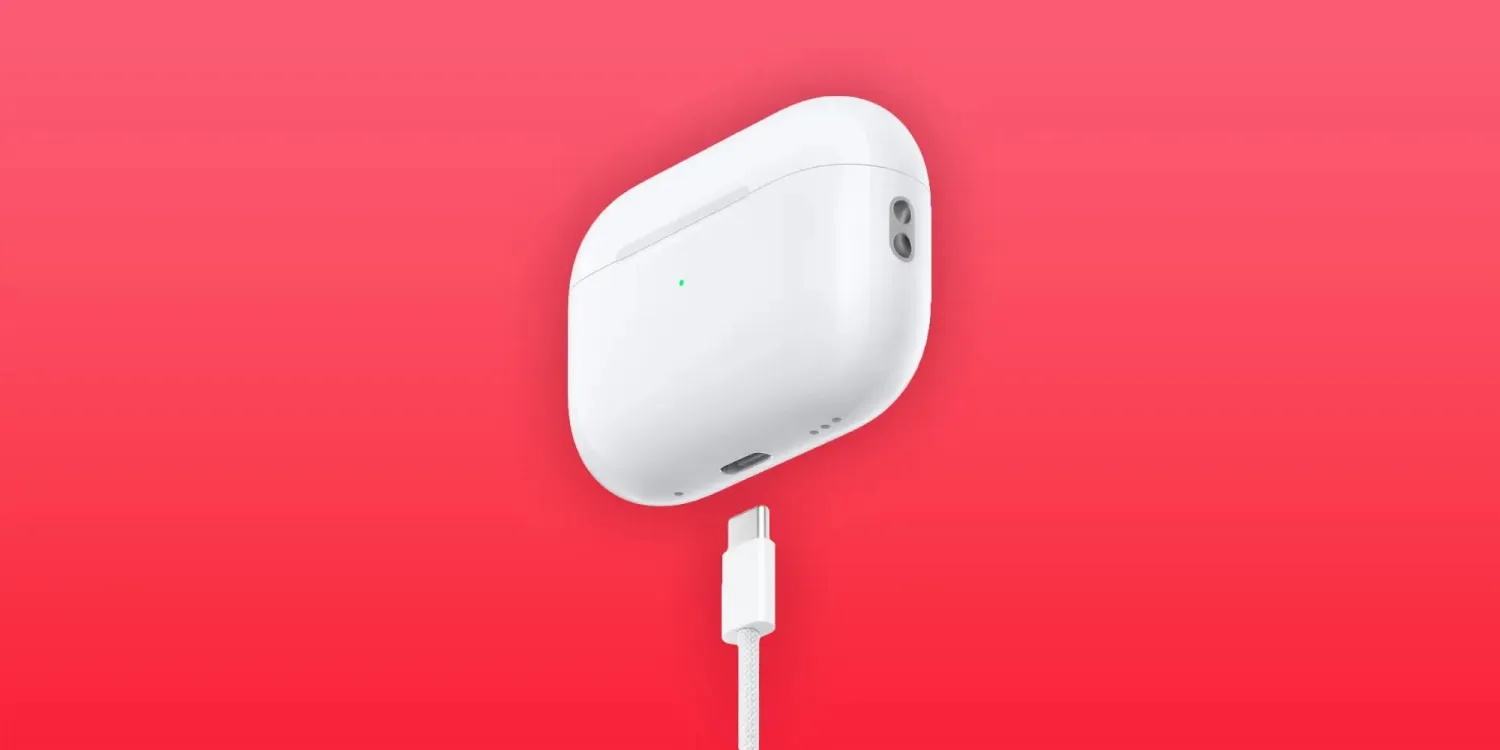
AirPods firmware updates. Where do they come from? What do they do? We don’t need the answers to those questions to tell you that updated AirPods Pro 2 firmware was just released.
The newly pushed AirPods Pro (2nd generation) firmware is labeled version 6.5.7 (6F7) and belongs to the same build train. It’s available for both the Lightning and USB-C version of AirPods Pro 2.
AirPods firmware release notes usually say the same thing: Bug fixes and other improvements. There’s no reason to think this AirPods Pro 2 firmware update will be any different.
However, AirPods Pro 2 with USB-C do have a unique feature when paired with Apple Vision Pro: lossless audio playback. The Lightning charging version just won’t cut it (because of actual hardware differences). Apple’s first spatial computer is expected to launch outside of the US soon after hitting Apple Stores in the States on February 2 this year. No other wireless headphones support lossless with the headset.
For now, these are the current firmware build versions for each AirPods model:
- AirPods Pro (2nd generation) with MagSafe Charging Case (USB-C): 6B34
- AirPods Pro (2nd generation) with MagSafe Charging Case (Lightning): 6B34
- AirPods Pro (1st generation): 6A321
- AirPods (3rd generation): 6A321
- AirPods (2nd generation): 6A321
- AirPods Max: 6A325
- AirPods (1st generation): 6.8.8
Apple explains how to update AirPods firmware by charging while on Wi-Fi:
- To use your iPhone or iPad to check that your AirPods are up to date, make sure that you have the latest version of iOS or iPadOS. Go to Settings > Bluetooth, then tap the Info button i next to the name of your AirPods. Scroll down to the About section to find the firmware version.
- To use your Mac to check that your AirPods are up to date, make sure that you have the latest version of macOS. Press and hold the Option key while choosing Apple menu > System Information. Click Bluetooth, then look under your AirPods for the firmware version. With macOS Ventura or later, you can also choose Apple menu > System Settings, click Bluetooth, then click the Info button i next to the name of your AirPods.
Source: 9to5mac










