 NEWS
NEWS
Apple Stops Signing iOS 16.5.1, Blocks Downgrade From iOS 16.6
 08/02/2023
 3612
3612
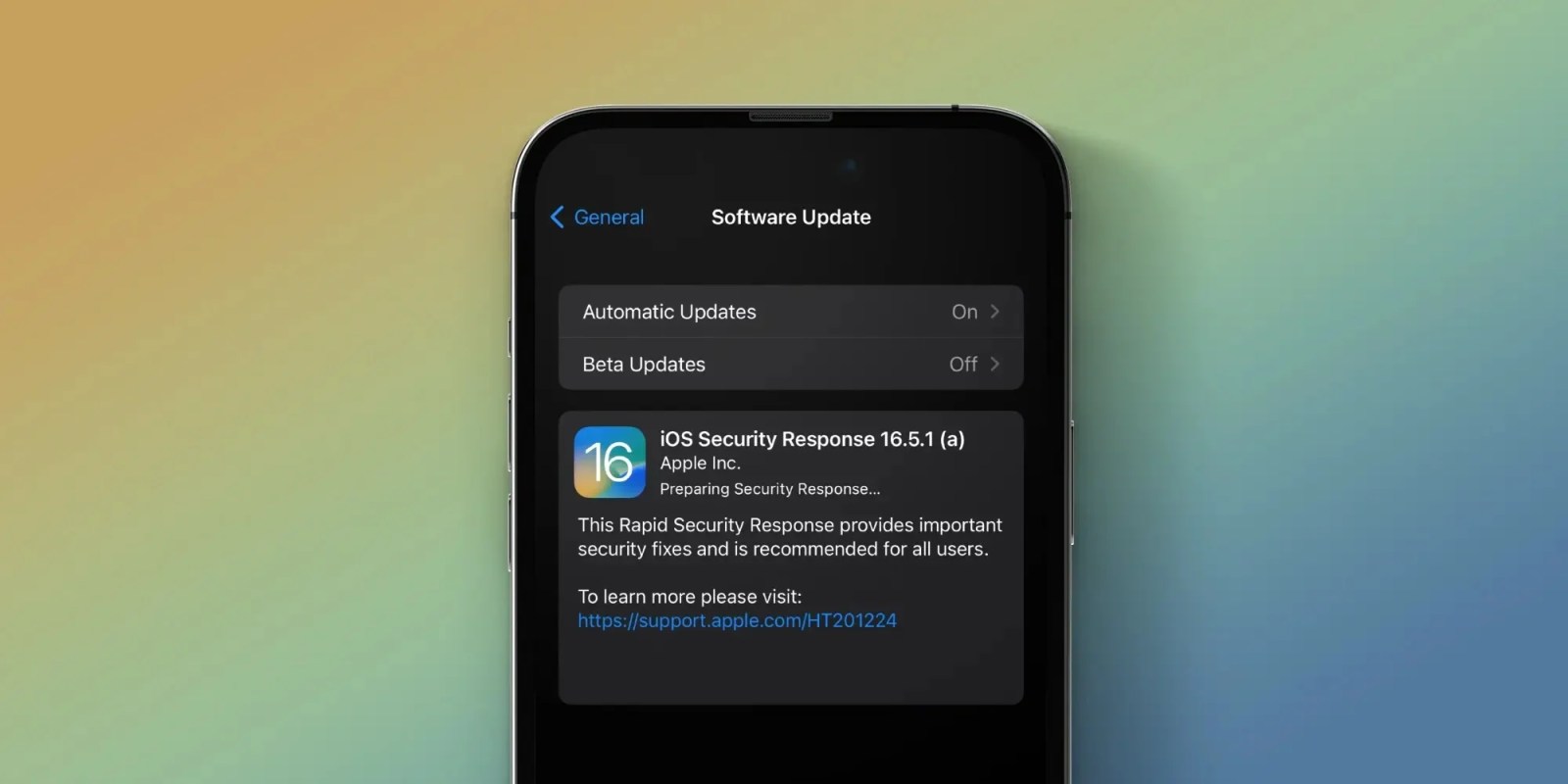
Following the release of iOS 16.6 last week, Apple has now stopped signing iOS 16.5.1 and iPadOS 16.5.1. This means that iPhone and iPad users can no longer downgrade to this version of the operating system if they’re already running a newer version of iOS.
iOS 16.5.1 is no longer signed by Apple
iOS 16.5.1 was released on June 21 with a fix for the Lightning to USB Camera Adapter bug, as well as two security patches. One of the vulnerabilities fixed with iOS 16.5.1 allowed the execution of arbitrary code with kernel privileges. The second was a WebKit exploit that allowed maliciously crafted web content to execute arbitrary code.
Apple has also released additional security patches for iOS 16.5.1 through multiple Security Response updates.
As for iOS 16.6, the update was released on July 24 with 16 security fixes. The 16 patched flaws range across categories, including the kernel, Find My, WebKit, and Apple Neural Engine. Apple says that two of those vulnerabilities were likely being actively exploited.
Interestingly, iOS 16.6 is likely one of the last updates to iOS 16 before the official release of iOS 17 this fall. That means this could be the last software update for devices like the iPhone 8 and iPhone X, which won’t support iOS 17. However, Apple is likely to provide security patches for these devices for at least another year.
Downgrading is no longer possible
Reverting to older iOS builds is a technique often used by those who jailbreak their iPhones and iPads. Back in December, the hacker team palera1n released the first jailbreak tool based on the checkm8 exploit compatible with iOS 15 and iOS 16. The tool works with all versions from iOS 15.0 to iOS 16.5.1.
Restoring an Apple device to a previous version of iOS can also sometimes be helpful for users who experience significant bugs after upgrading to the latest version of iOS.
If your iPhone or iPad is running iOS 17 beta, you can still downgrade to iOS 16.6. However, downgrading to iOS 16.5.1 or older versions is no longer possible.
Source: 9to5Mac










