 NEWS
NEWS
New iPhone SE And iPad Air Surface In Regulatory Database
 01/19/2022
 1921
1921
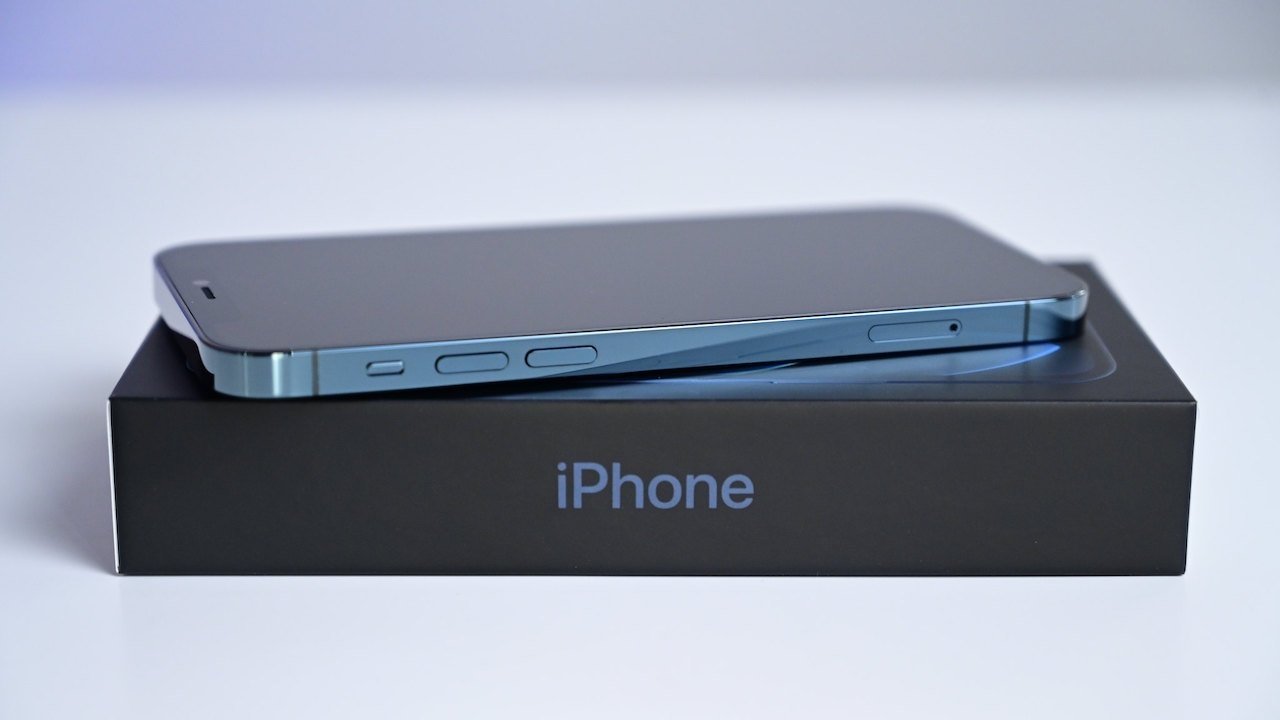
Indications Apple may be preparing the rumored iPhone SE and iPad Air for launch may have surfaced, via new listings found in the Eurasian Economic Commission database.
The EEC regulatory database is often an early sign that Apple is preparing to launch new products in the following weeks or months. In listings uncovered on Tuesday, it appears the database has tipped the existence of multiple rumored Apple products.
The references in the EEC database appear to consist of iPhone and iPad model numbers, reports Consomac with each respectively running iOS 15 and iPadOS 15. Based on existing rumors surrounding Apple's launch lineup, they seemingly relate to the iPhone SE and iPad Air.
The iPhone model numbers listed in the database are A2595, A2783, and A2784. The iPad reference numbers are A2436, A2588, A2696, A2759, A2437, A2589, A2591, A2757, A2761, A2766 and A2777.
The EEC database lists devices that can support the use of encryption, and must be registered before being sold in Russia and connected countries.
Recent rumors point to a potential launch of the iPad Air and iPhone SE during a spring special event in March or April.
The fifth-generation iPad Air is speculated to include an A15 Bionic chip, support for 5G mobile networks, and an upgraded 12MP FaceTime HD camera with Center Stage support. While earlier rumors said an OLED screen wasn't on the way in the iPad Air, multiple reports in January have opened up the possibility of an OLED iPad Air once again.
The "iPhone SE 3" may not necessarily launch with many major changes, aside from the addition of 5G support, though there has been some speculation about a larger display.
Source: Appleinsider









