 NEWS
NEWS
Apple AR Headset Could Cost Consumers Over $2,000
 01/17/2022
 2357
2357
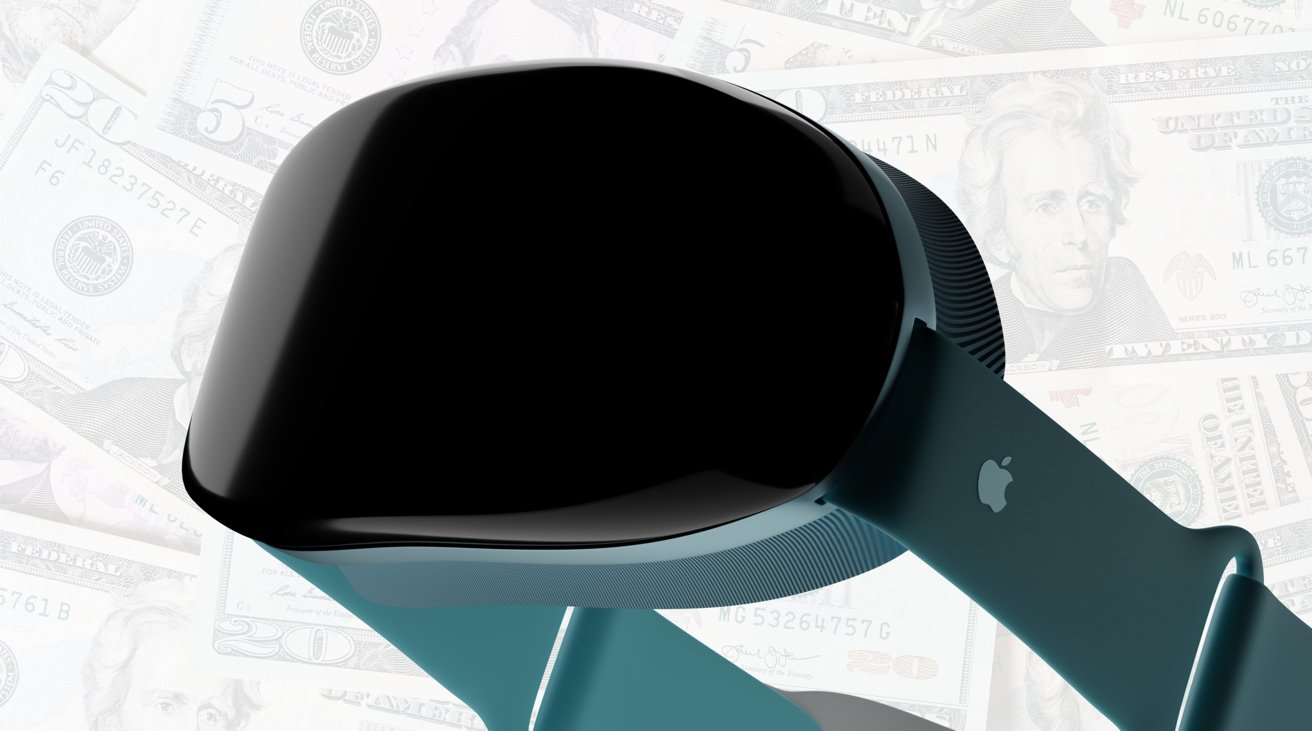
Apple's long-rumored mixed-reality headset could cost consumers over $2,000 when it eventually ships, with a report claiming the expensive development and components justifies the potential price.
The lengthly development process of the Apple VR headset has resulted in a long wait for its release, with a possibility of a launch in late 2022 or delayed into 2023. While it is anticipated to be a premium device, with pricing rumors between $1,000 and $3,000, Apple may be planning to go closer to the middle of that range.
Apple has internally discussed price points for the headset "above $2,000," according to Bloomberg's Mark Gurman in his "Power On" newsletter. Though Apple usually does charge a premium for its hardware over its rivals, the company is apparently doing so because of "some of its internal technologies."
Gurman recounts some of the rumors about the headset so far, including its use of two processors on par with the M1 Pro, the use of 8K-resolution display panels, prescription lens options, and "advanced audio technology."
The costs of these elements, as well as the seven years of internal development expenses, are thought to justify the high price tag.
The chip is thought to be like the M1 Pro due to the need for advanced graphics, with the M1 using an eight-core GPU while the Pro is equipped with 14 or 16 GPU cores.
As for the focus of the headset, Gurman believes Apple will aim at gaming, with it to be positioned as a "dream for game developers." For media consumption, Apple could potentially work with media partners to create content viewable from a VR device.
Communications will also be a strong hook for the headset, with expectations of Animojis and a "VR FaceTime-like experience."
As for what to call it, Gurman reckons it could be called the "Apple Vision," with "Apple Reality," "Apple Sight/iSight," "Apple Lens," and "Apple Googles" also in the running.
Source: Appleinsider









