NEWS

Siri Channels The Supremes To Tease Sept. 14 Event

09/08/2021

1973

Siri Channels The Supremes To Tease Sept. 14 Event


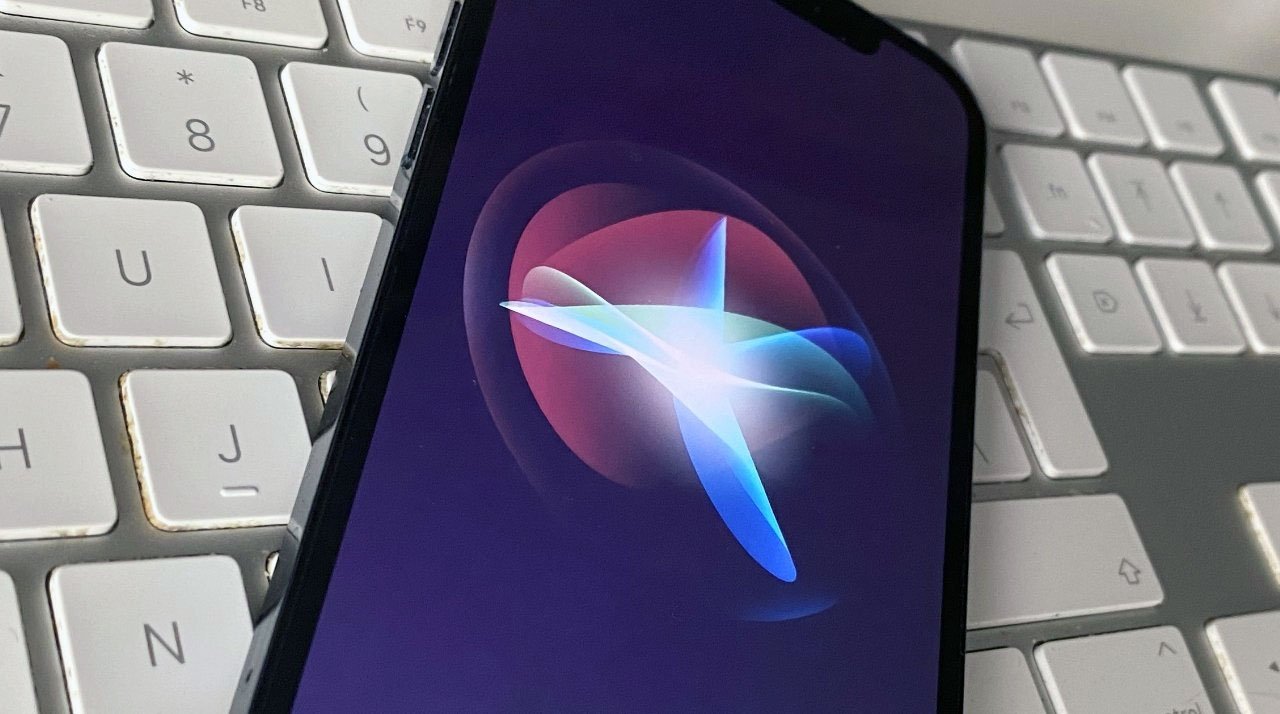
Following what has become something of a tradition, Apple on Tuesday updated Siri's backend to field questions about the company's upcoming special event on Sept. 14, and as usual the answers are less than helpful.


Tapping a 60s music theme introduced by today's "California Streaming" media invitation, Apple's Siri now spits out a similarly inspired response when asked about next week's special event.


Posing the query, "What will Apple announce on Sept. 14?" will elicit the reply, "You can't hurry news. No, you'll just have to wait." Siri's answer is a take on the chorus from Motown classic "You Can't Hurry Love" by The Supremes.


There is little latitude in triggering the canned response, as variations of the question lead users to Apple's website or the web.


"California Dreaming" by The Mamas & The Papas and "You Can't Hurry Love" were both released in 1966. A clue to next week's unveiling? Unlikely.


Siri's most recent involvement with an Apple event was a slip-up that saw the digital assistant spill the beans about the tech giant's "Spring Loaded" event in April.


Apple is widely anticipated to launch next-generation "iPhone 13" and "Apple Watch Series 7" flagships next week. An AirPods refresh has also been predicted.


Source: Appleinsider

Windows
Mac OS
iOS
Linux
3uTools
Win 64-bit For this device
V9.0 2025-11-11
Download
Win 32-bit For this device
V9.0 2025-11-11
Download
3uTools
Intel Chip How to Identify Chip Type
V9.0 2025-12-02
Download
Apple Chip
V9.0 2025-12-02
Download
How to Identify Chip Type
1.  Click the Apple icon in the top-left corner of the screen and select About This Mac.
2.  Check the Processor or Chip field to determine if it is "Intel" or "Apple".
Please use the 3uTools PC client to install the iOS client:
1、 Install either the Windows or Mac version of 3uTools on your computer
2、 Open the PC client and connect your device to the computer via USB cable
3、 After the connection is successful, wait for the computer to automatically install the mobile app for the device, or locate “Install Mobile App” on the computer and manually click to install.
3uTools
deb file
V3.01 2025-11-20
Download
rpm file
V3.01 2025-11-20
Download
Windows
Windows
iOS
iOS
Android
Android
TV
TV
3uAirPlayer
Win 64-bit For this device
V6.0.2 2025-11-19
Download
Win 32-bit For this device
V6.0.2 2025-11-19
Download
iOS Device Mirroring (No App Required)
1、 Install 3uAirPlayer on the Windows PC
2、 Open Control Center and select Screen Mirroring
3、 From the list, choose your PC to start mirroring
4、 Or connect your iOS device to the PC via USB to begin mirroring
Scan to get "3uAirPlayer" App
3uAirPlayer TV V1.0.18
2025-11-28
TV System Requirements: Android 7.0 or later
Download the TV installation package, copy it to a USB drive, insert it into your TV or set-top box, then select the file from the home screen to install.