 NEWS
NEWS
Gurman: Apple Tested iPhone 13 With Touch ID, But It’s Unlikely to Launch This Year
 08/23/2021
 1913
1913
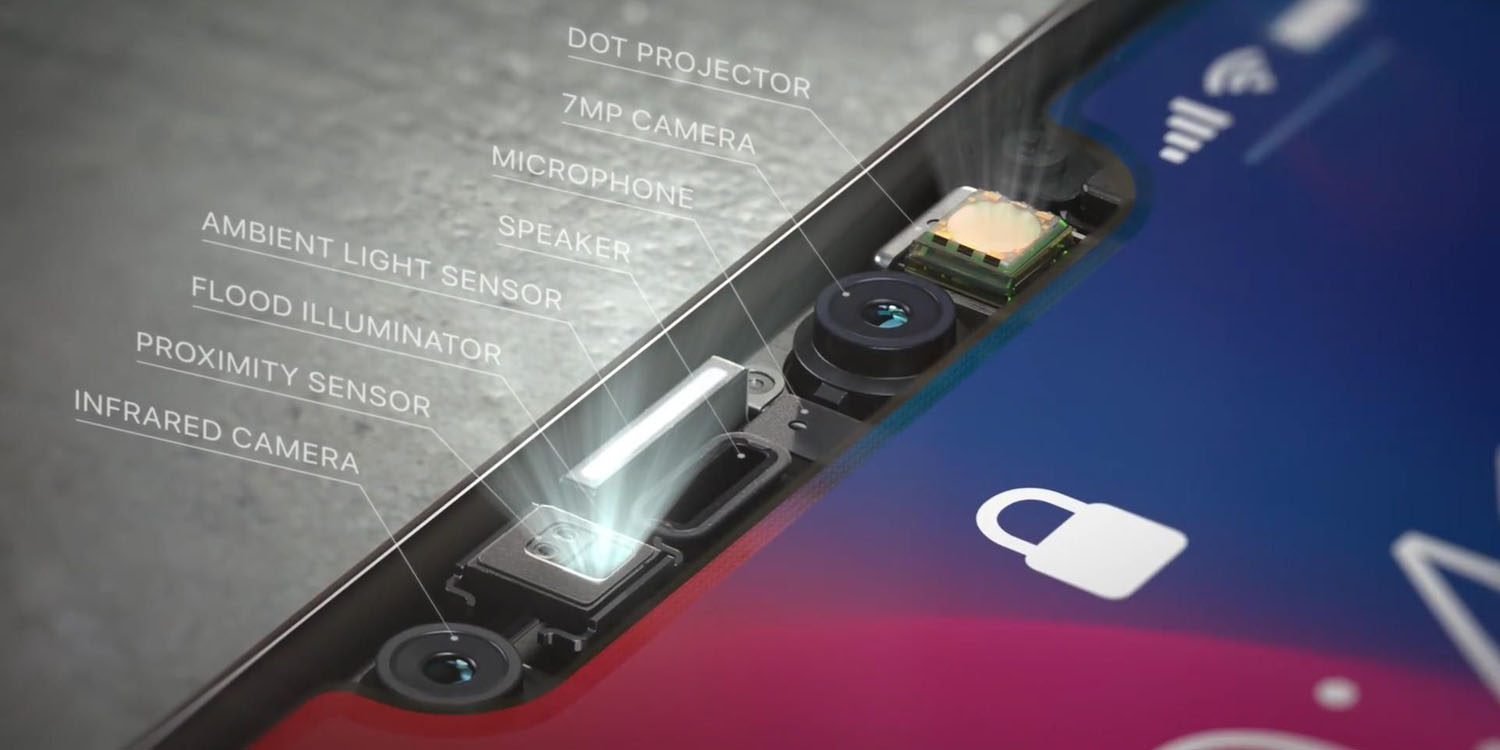
In today’s Power On newsletter, Bloomberg’s Mark Gurman doubles down the fact that Apple won’t add in-screen Touch ID to the rumored iPhone 13 as the company has a “long-term goal” to include the Face ID sensor inside the display.
Gurman writes:
“While Apple had tested in-screen Touch ID for the next flagship iPhones, it won’t make the cut this year. I believe Apple is all-in on Face ID for its higher-end iPhones and its long-term goal is to implement Face ID in the display itself.”
With that, although almost every year rumors claim that Apple will bring in-screen Touch ID to its flagship phones, it won’t happen at least in 2021. According to Gurman, the company plans to do something similar as Samsung did with the Galaxy Z Fold3 in-screen camera sensor.
Bloomberg gives two possible ways Apple could go about Face ID and Touch ID in the future, thinking about the entry-level and high-end iPhone strategy:
The pricier models could have in-screen Face ID, while the low-end have Face ID in the notch;
The high-end phones still get in-screen Face ID, while the low-end get in-screen Touch ID.
This means: Face ID is Apple’s long-term commitment while the company could also add in-screen Touch ID for its low-end iPhones.
For the iPhone 13, there’s already a lot we know so far. Latest rumors say Apple will feature a smaller notch, 120Hz refresh rate display, up to 1TB of storage in the Pro models, a faster A15 chip, as well as new camera sensors.
Apple is likely to introduce four new iPhones in less than a month from now. Also, this year will be the last with a mini model, as the smaller iPhone didn’t sell as much as the company expected. For the 2022 iPhones, reliable Apple analyst Ming-Chi Kuo says the company could introduce an in-screen Touch ID.
Source: 9to5mac









