NEWS

Apple Pay Set For Central America Expansion as BAC Credomatic Ramps Up Testing

08/13/2021

2177

Apple Pay Set For Central America Expansion as BAC Credomatic Ramps Up Testing


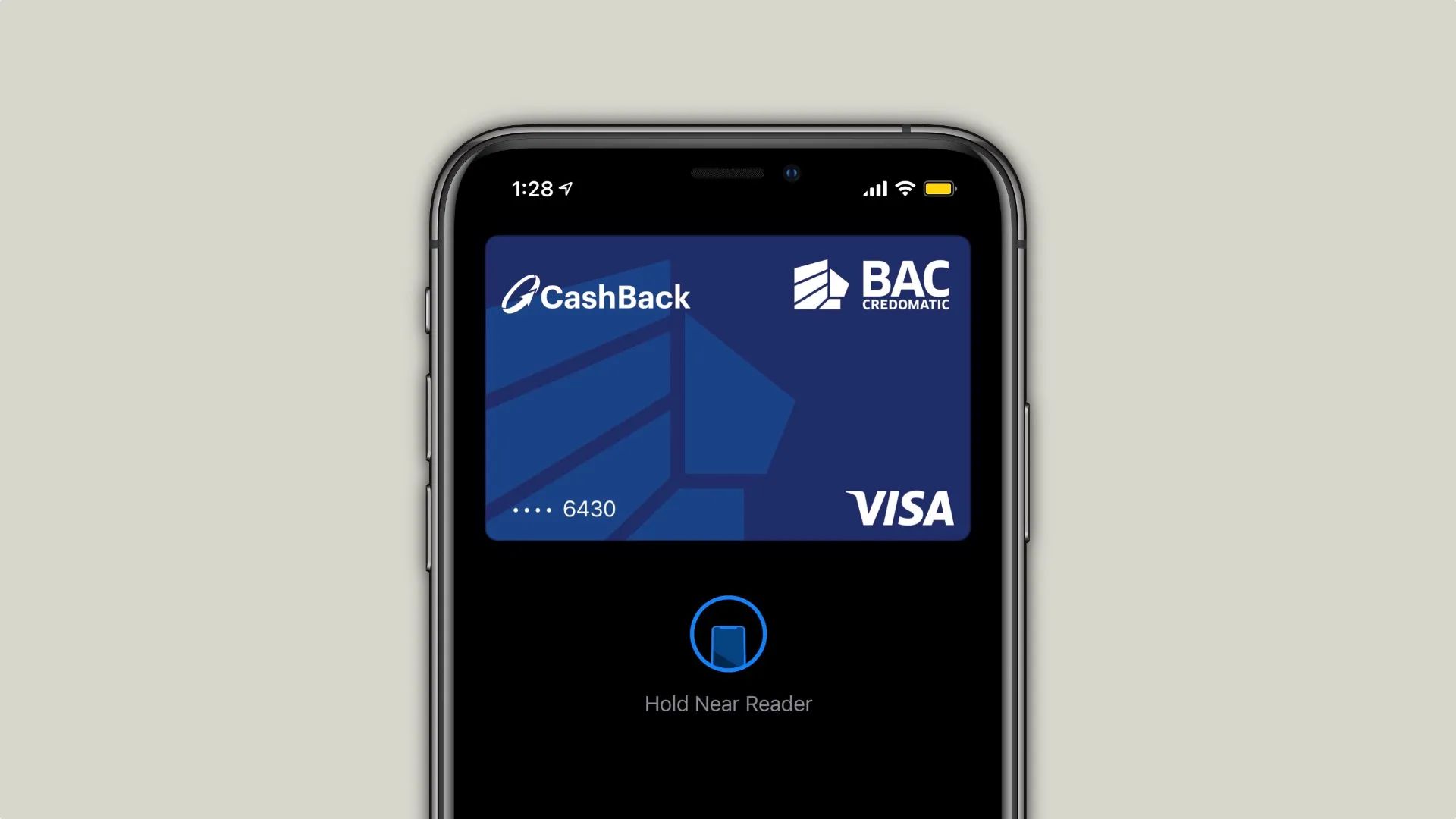
Apple Pay could be readying its launch in Central America as bank BAC Credomatic is testing support for this feature in Costa Rica. As of now, Central America is the only part of the Americas that doesn’t have a country supporting Apple Pay. With this feature available in more than 60 regions all over the world, there is still plenty of space to expand.


According to 9to5Mac reader Juan, BAC Credomatic started testing Apple Pay support in Costa Rica a few weeks ago. While still in TestFlight, the function is likely to be available for both Visa and Mastercard cards owners.


According to one of the software engineers working there, Visa and Mastercard will be two type of cards accepted for now. Feature hasn’t been enabled for customers.


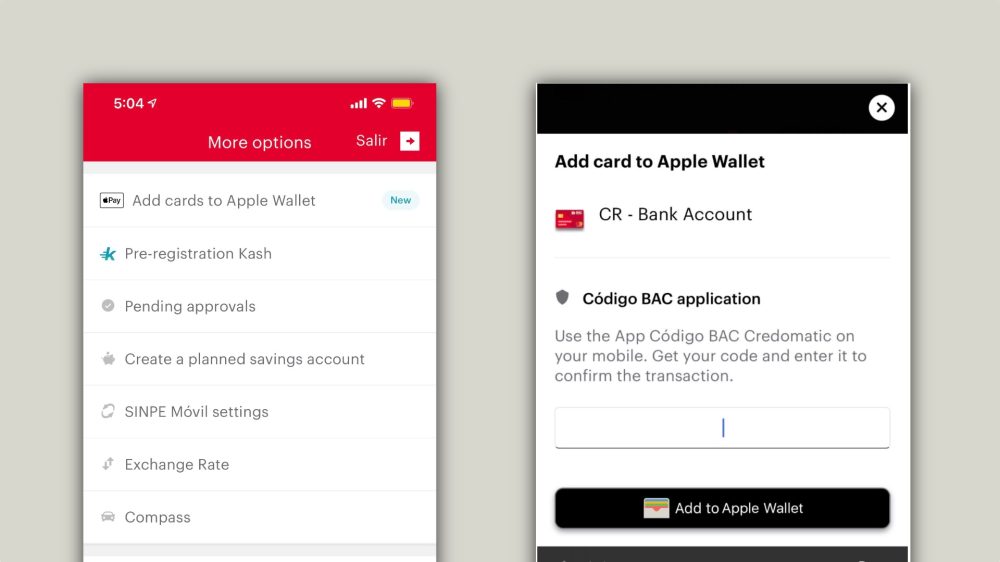
One of the aspects that shows whether a bank will start to support Apple Pay is when its app shows that it supports the Apple Wallet on its page. As for now, BAC Credomatic doesn’t, but since this feature is currently on TestFlight, the bank could be just months away from releasing it.

Apple Pay Set For Central America Expansion as BAC Credomatic Ramps Up Testing


In Brazil, for example, the fintech Nubank has been teasing Apple Pay support for a while. The bank already shows that its app works with Apple Wallet, even though the feature itself is not live yet.


If BAC Credomatic is the first bank to bring Apple Pay to Costa Rica, it shouldn’t take long for a broader expansion, since it has operations all over Central America, such as in Guatemala, El Salvador, Honduras, Nicaragua, Panama, Grand Cayman, and The Bahamas.


Source: 9to5mac

Windows
Mac OS
iOS
Linux
3uTools
Win 64-bit For this device
V9.0 2025-11-11
Download
Win 32-bit For this device
V9.0 2025-11-11
Download
3uTools
Intel Chip How to Identify Chip Type
V9.0 2025-12-02
Download
Apple Chip
V9.0 2025-12-02
Download
How to Identify Chip Type
1.  Click the Apple icon in the top-left corner of the screen and select About This Mac.
2.  Check the Processor or Chip field to determine if it is "Intel" or "Apple".
Please use the 3uTools PC client to install the iOS client:
1、 Install either the Windows or Mac version of 3uTools on your computer
2、 Open the PC client and connect your device to the computer via USB cable
3、 After the connection is successful, wait for the computer to automatically install the mobile app for the device, or locate “Install Mobile App” on the computer and manually click to install.
3uTools
deb file
V3.01 2025-11-20
Download
rpm file
V3.01 2025-11-20
Download
Windows
Windows
iOS
iOS
Android
Android
TV
TV
3uAirPlayer
Win 64-bit For this device
V6.0.2 2025-11-19
Download
Win 32-bit For this device
V6.0.2 2025-11-19
Download
iOS Device Mirroring (No App Required)
1、 Install 3uAirPlayer on the Windows PC
2、 Open Control Center and select Screen Mirroring
3、 From the list, choose your PC to start mirroring
4、 Or connect your iOS device to the PC via USB to begin mirroring
Scan to get "3uAirPlayer" App
3uAirPlayer TV V1.0.18
2025-11-28
TV System Requirements: Android 7.0 or later
Download the TV installation package, copy it to a USB drive, insert it into your TV or set-top box, then select the file from the home screen to install.