 NEWS
NEWS
New & Colorful Mini LED MacBook Air Coming in Mid-2022, Says Ming-Chi Kuo
 08/12/2021
 2307
2307
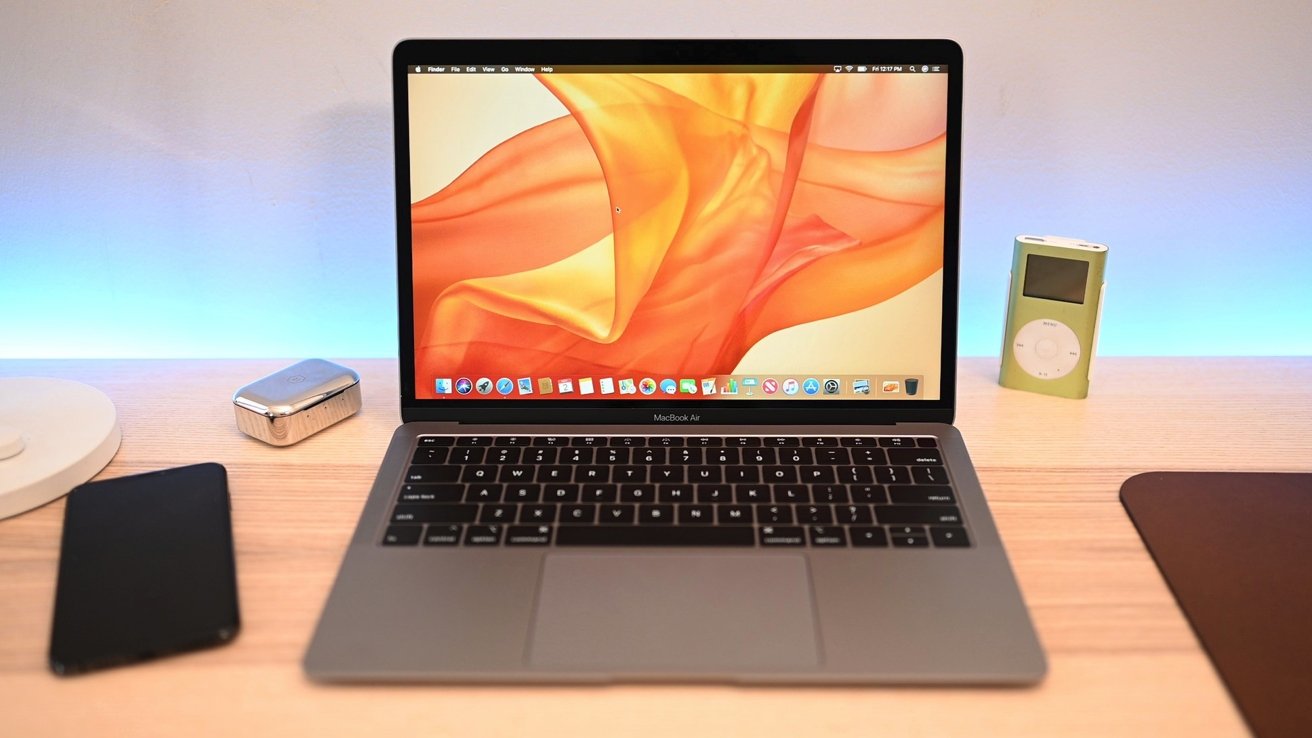
Apple is reportedly going to ship a long-rumored MacBook Air refresh with mini LED display technology in mid-2022, according to a new report by Ming-Chi Kuo.
In a note to investors seen by AppleInsider, Ming-Chi Kuo lays out a release timetable for an all-new MacBook Air. While a new design is expected, Kuo says that it isn't clear if it will replace the existing M1 model, or be a higher-end option for consumers.
Elaborating upon that point, Kuo says that if the M1 MacBook Air is discontinued with the release, the Mini LED MacBook Air will probably start at the same price as the current M1 MacBook Air. Alternatively, Kuo is expecting the existing M1 model to lower in price, versus extending the higher-end of the pricing for the line with the new model.
Multiple colors are predicted to debut with the redesign. Kuo also suspects that the design will be similar to the new MacBook Pro that he is expecting to see soon.
Kuo believes that BOE will be the main beneficiary of the display order volume, with LG supplying some as well.
On July 23, Kuo said that Apple's next-generation MacBook Air will adopt a 13.3-inch mini LED display. Currently, MacBook Air sports a 13.3-inch Retina display with standard LED backlighting.
The 12.9-inch iPad Pro that debuted in April was Apple's first portable product with mini LED tech. Dubbed Liquid Retina XDR, the display features a backlight consisting of more than 10,000 mini LEDs grouped into 2,596 local dimming zones. The result is an LCD display with contrast ratios rivaling those of OLED.
Apple is expected to bring mini LED to MacBook Pro in late 2021. Kuo anticipates both 14- and 16-inch MacBook Pro laptops will gain the technology.
Source: Appleinsider









