 NEWS
NEWS
Apple Slapped With Patent Lawsuit Over iPhone Security Features
 08/05/2021
 1924
1924
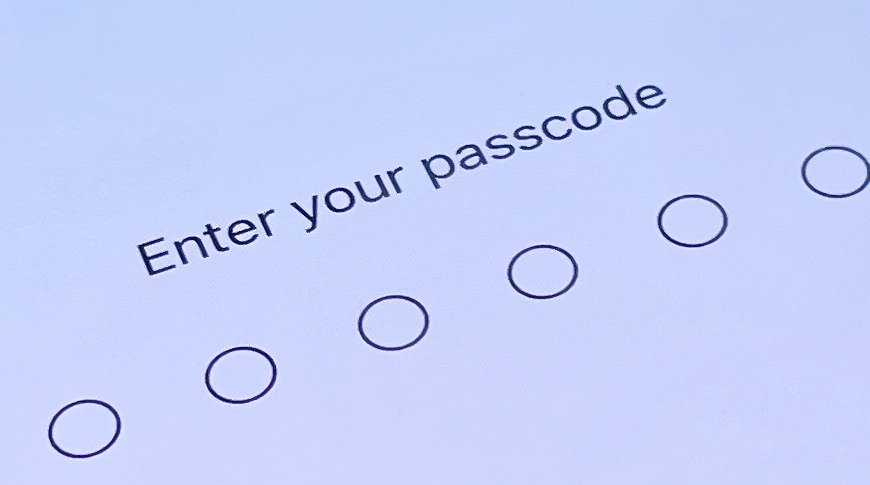
A non-practicing entity on Wednesday filed a legal broadside against Apple, claiming certain iPhone security features like user passcodes and other unlock methods infringe on owned patents.
Lodged in the patent holder-friendly U.S. District Court for the Western District of Texas, the suit from Altpass LLC claims Apple's iPhone infringes on a pair of patents that detail methods of creating digital signatures that can later be used for user authentication.
This can include passcode and password creation, as well as Face ID technology, the complaint alleges.
Altpass is leveraging U.S. Patent Nos. 7,725,725 and 8,429,415, intellectual property filed for in 2006 and 2010, respectively. Gary Odom is credited with inventing both patents, with the properties later passed from one patent holdings firm to another to end up at Altpass in early 2020.
The IP covers a fairly broad method of creating a "signature" (passcode, alphanumeric code, Face ID) and storing it for later retrieval using that signature to unlock a device.
More specifically, claims in both patents detail generating a signature by recording a signal from a keyboard, camera or other input mechanism, noting measurable variations in input as dictated by the user and storing at least a part of that data. This reference signature is later matched with user input for authentication purposes.
As proof of the alleged infringement, Altpass directs the court to a section of Apple's iPhone user guide for iOS 14 that covers setting or changing a passcode
The plaintiff seeks a finding of infringement and monetary damages in its lawsuit.
Not much is known about Altpass and the company fails to provide sufficient background in its filing, saying only that it operates out of an office in Austin, Texas. Over the past few months, the firm used the same patent stash to file suit against Google and Panasonic. Identical complaints were lodged against OnePlus, Kyocera, and T-Mobile in April 2020, shortly after Altpass acquired the IP.
Source: Appleinsider









