NEWS

Some of the Trials Extended to Target Circle Members Last as Long as six Months

06/21/2021

1920

Some of the Trials Extended to Target Circle Members Last as Long as six Months


The Target Circle loyalty program is offering longer-than-normal trials of many popular Apple services, including Apple Music — and some of the trials last as long as six months.


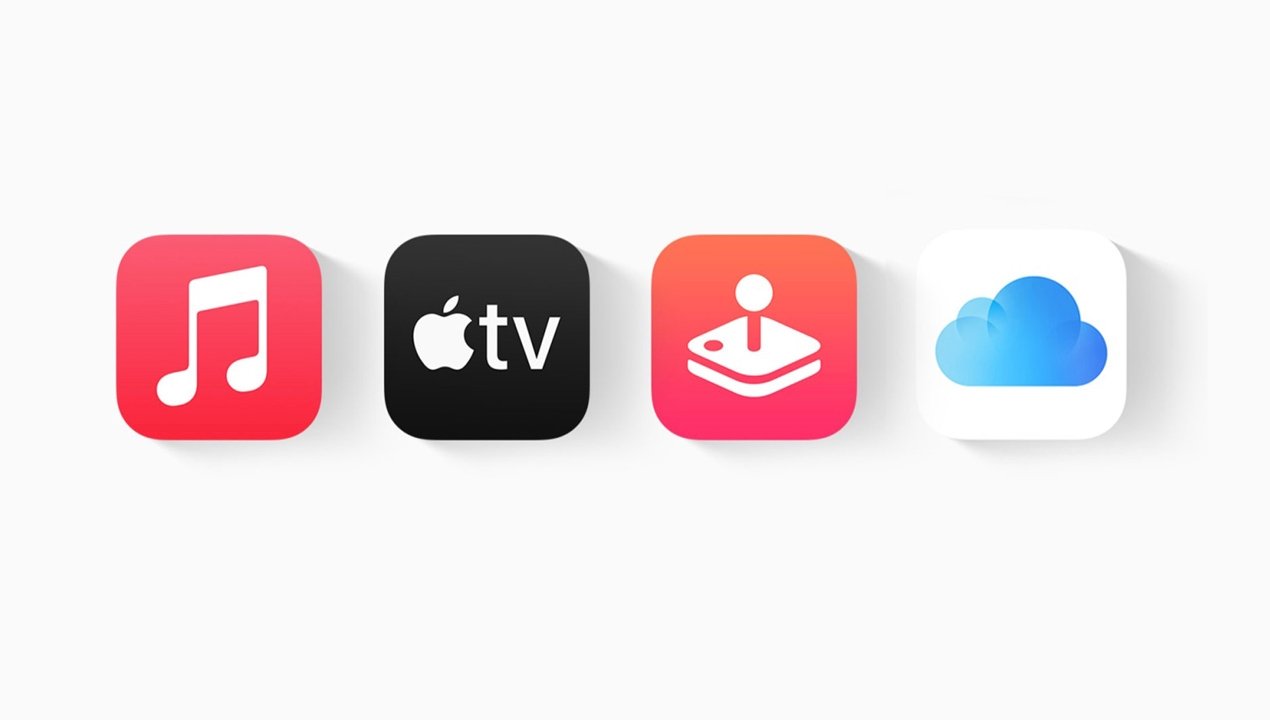
The retail company on Friday announced new perks for members of Target Circle, its free loyalty program. Apple is Target's latest partner, and the offers include free trials to Apple Music, Apple TV+, Apple Arcade, and even iCloud storage.


All four perks are available to new and existing Target Circle members. Users can net up to four months of Apple Music, Apple TV+, or iCloud storage, and up to six months of Apple Arcade service.


Those interested in the perks can sign up for a free Target Circle account at this link. To redeem an offer, Target Circle members just have to click on one of the promotional offers and hit "Redeem."


Once claimed, Target will send a redemption code via email. While the offer expires on June 17, 2022, there is a caveat: Apple users who have already tried out the services with a free trial won't be able to redeem the offer.


This isn't the first partnership between Target and Apple in recent months. Back in February, Target began expanding its retail floor space dedicated to Apple products at certain locations and also bolstered its online Apple-related services.


Source: Appleinsider

Windows
Mac OS
iOS
Linux
3uTools
Win 64-bit For this device
V9.0 2025-11-11
Download
Win 32-bit For this device
V9.0 2025-11-11
Download
3uTools
Intel Chip How to Identify Chip Type
V9.0 2025-12-02
Download
Apple Chip
V9.0 2025-12-02
Download
How to Identify Chip Type
1.  Click the Apple icon in the top-left corner of the screen and select About This Mac.
2.  Check the Processor or Chip field to determine if it is "Intel" or "Apple".
Please use the 3uTools PC client to install the iOS client:
1、 Install either the Windows or Mac version of 3uTools on your computer
2、 Open the PC client and connect your device to the computer via USB cable
3、 After the connection is successful, wait for the computer to automatically install the mobile app for the device, or locate “Install Mobile App” on the computer and manually click to install.
3uTools
deb file
V3.01 2025-11-20
Download
rpm file
V3.01 2025-11-20
Download
Windows
Windows
iOS
iOS
Android
Android
TV
TV
3uAirPlayer
Win 64-bit For this device
V6.0.2 2025-11-19
Download
Win 32-bit For this device
V6.0.2 2025-11-19
Download
iOS Device Mirroring (No App Required)
1、 Install 3uAirPlayer on the Windows PC
2、 Open Control Center and select Screen Mirroring
3、 From the list, choose your PC to start mirroring
4、 Or connect your iOS device to the PC via USB to begin mirroring
Scan to get "3uAirPlayer" App
3uAirPlayer TV V1.0.18
2025-11-28
TV System Requirements: Android 7.0 or later
Download the TV installation package, copy it to a USB drive, insert it into your TV or set-top box, then select the file from the home screen to install.