NEWS

Apple Card Seeing Issue With in-store Apple Pay Purchases

06/15/2021

2387

Apple Card Seeing Issue With in-store Apple Pay Purchases


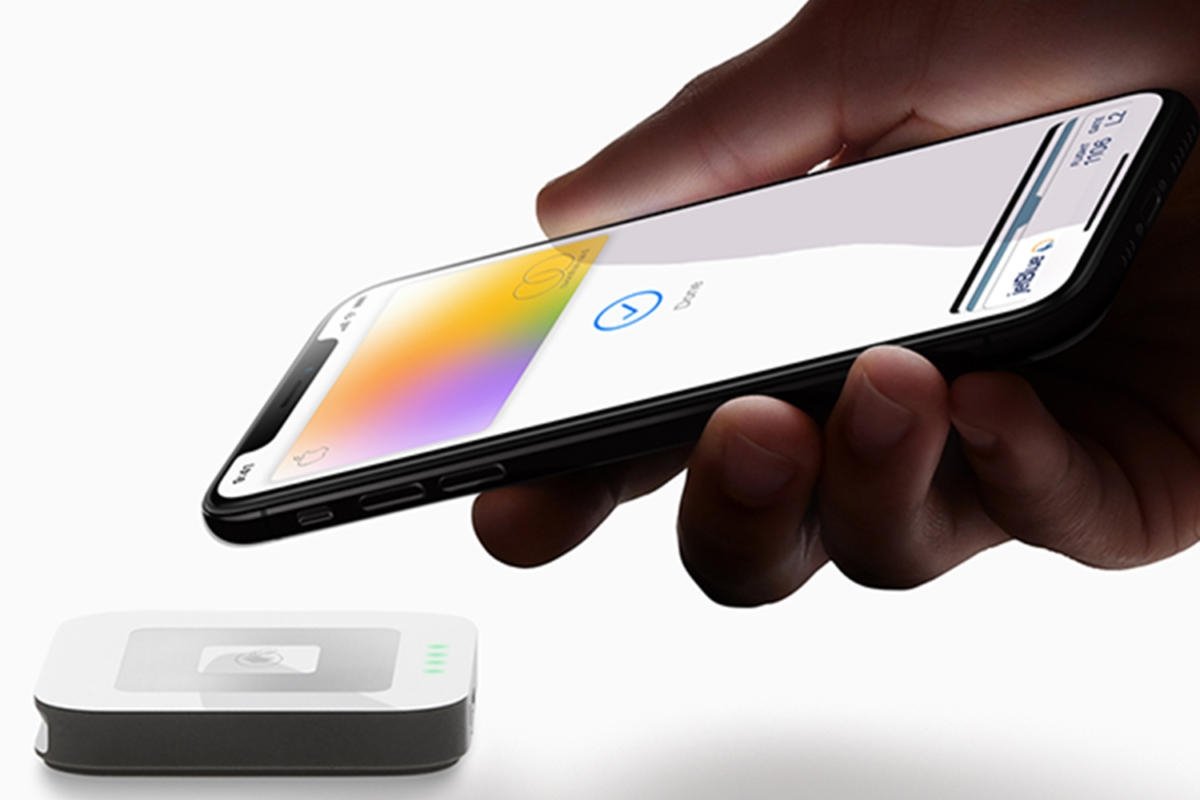
Apple has confirmed that an issue may be causing problems with in-store Apple Pay purchasing for Apple Card users.


The company confirmed the ongoing issue on its system status page Monday morning, claiming that "some users may not be able to make in-store purchases" using the Apple Card via Apple Pay.


It appears that the issue doesn't affect the physical Apple Card, so users could be able to check out by swiping or using the card's chip. Apple Pay purchases online and within the App Store also appear to be unaffected.


Apple says that the issue has been ongoing since 12:30 a.m. Pacific Time (3:30 a.m. Eastern Time). We will update this post with any new information.


This is the second issue to affect Apple Card in June. Earlier in the month, an outage took down the Apple Card's management system for about six hours.


Source: Appleinsider

Windows
Mac OS
iOS
Linux
3uTools
Win 64-bit For this device
V9.0 2025-11-11
Download
Win 32-bit For this device
V9.0 2025-11-11
Download
3uTools
Intel Chip How to Identify Chip Type
V9.0 2025-12-02
Download
Apple Chip
V9.0 2025-12-02
Download
How to Identify Chip Type
1.  Click the Apple icon in the top-left corner of the screen and select About This Mac.
2.  Check the Processor or Chip field to determine if it is "Intel" or "Apple".
Please use the 3uTools PC client to install the iOS client:
1、 Install either the Windows or Mac version of 3uTools on your computer
2、 Open the PC client and connect your device to the computer via USB cable
3、 After the connection is successful, wait for the computer to automatically install the mobile app for the device, or locate “Install Mobile App” on the computer and manually click to install.
3uTools
deb file
V3.01 2025-11-20
Download
rpm file
V3.01 2025-11-20
Download
Windows
Windows
iOS
iOS
Android
Android
TV
TV
3uAirPlayer
Win 64-bit For this device
V6.0.2 2025-11-19
Download
Win 32-bit For this device
V6.0.2 2025-11-19
Download
iOS Device Mirroring (No App Required)
1、 Install 3uAirPlayer on the Windows PC
2、 Open Control Center and select Screen Mirroring
3、 From the list, choose your PC to start mirroring
4、 Or connect your iOS device to the PC via USB to begin mirroring
Scan to get "3uAirPlayer" App
3uAirPlayer TV V1.0.18
2025-11-28
TV System Requirements: Android 7.0 or later
Download the TV installation package, copy it to a USB drive, insert it into your TV or set-top box, then select the file from the home screen to install.