 NEWS
NEWS
Apple Plans More Apple Stores as COVID Impacts Retail Worldwide
 06/01/2021
 2215
2215
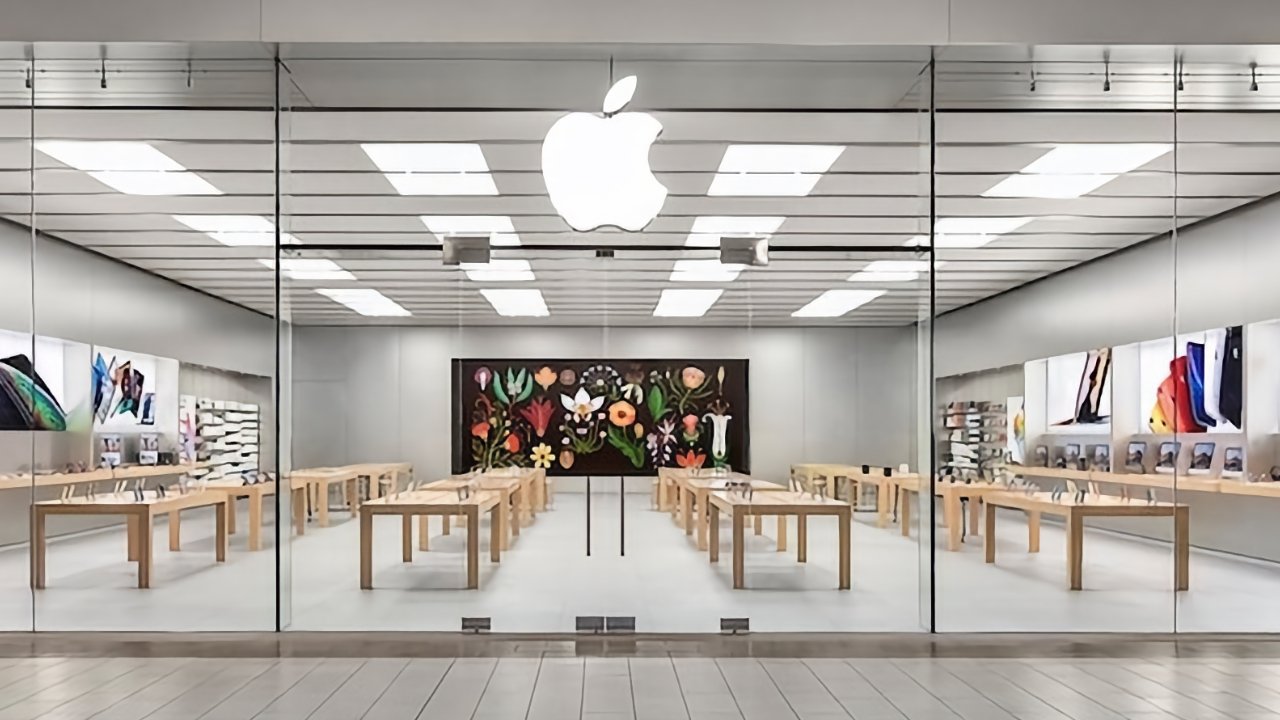
Despite the drastic impact of the coronavirus on retail, Apple has announced that it plans to continue expanding the number of physical Apple Stores it operates.
Apple has previously planned great expansion of its worldwide chain of Apple Stores, and has regularly renovated existing ones. COVID severely affected all retail, however, and also saw the online Apple Store be revamped to cope.
According to Bloomberg, however, Apple has now said that it is continuing with its expansion plans. In a brief remark to German media firm Funke Mediengruppe, Apple's senior vice president of retail and people confirmed the move.
"On our online site, people can learn a lot about the products," Deirdre O'Brien is said to have told the firm. "In a store, they can touch them and get a feel for them. We intend to add more stores."
O'Brien gave no more details than that, not even specifying whether the plans are to expand worldwide or solely within the States.
Wherever Apple builds, however, it is a sign of confidence in the return of retail. Globally, major retail firms such as the UK's Topshop fashion chain have collapsed, while others, including Microsoft, have permanently closed stores.
Apple has not been unaffected either. It recently followed a large proportion of retailers in closing down their stores within the MacArthur Center in Norfolk, Virginia.
Equally, though, Apple has just had a major new Apple Store open in Rome. The Apple Via del Corso resides within the grand Palazzo Marignoli, which Apple has renovated.
Source: Appleinsider









