 NEWS
NEWS
OLED Could Replace TFT Screens on iPads in 2022
 06/01/2021
 2191
2191
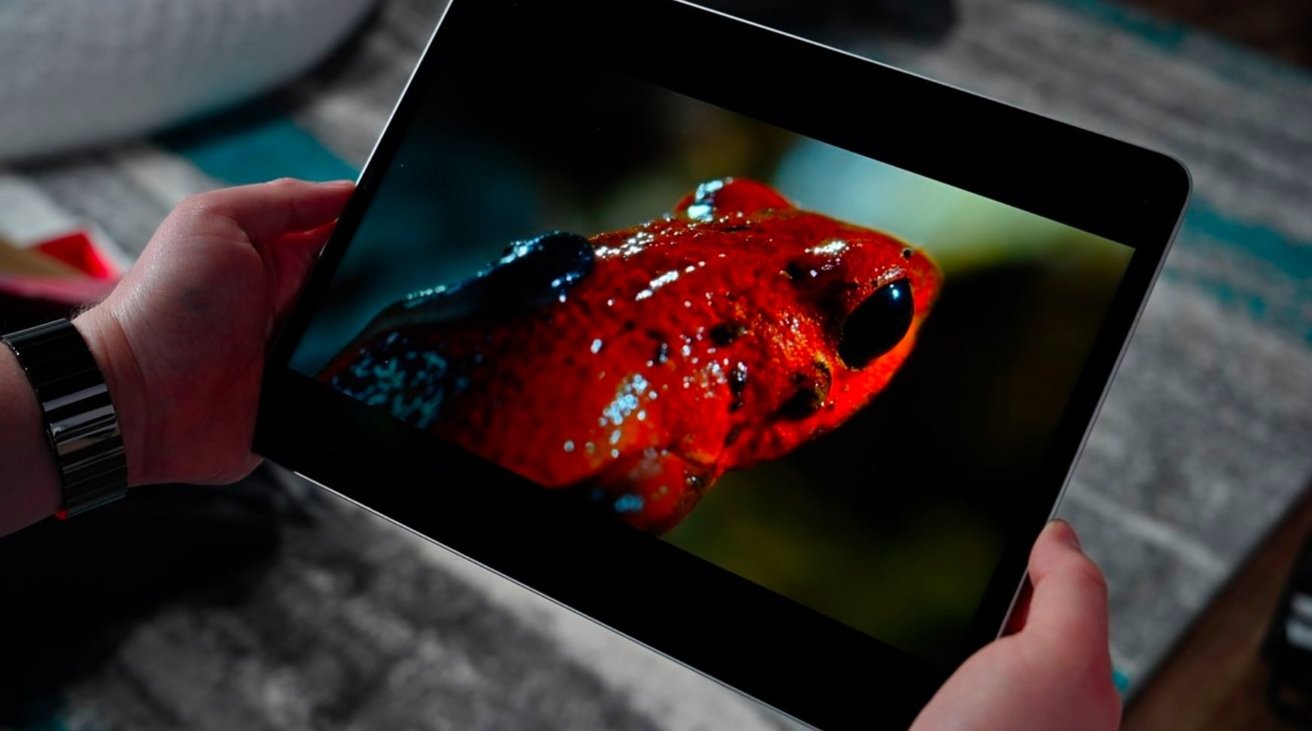
Apple could introduce an iPad with an OLED display, a supply chain report claims, with new models using the display technology thought to be on the way in 2022.
The introduction of the 12.9-inch iPad Pro with a mini LED display points to changes on the horizon for other Apple products with screens. According to one report, this will include expanding the use of OLED from the iPhone range to other product families.
An unnamed source within the display industry speaking to ETNews claims Apple is preparing to introduce iPads with OLED displays from 2022 onward. Apple is also said to have made agreements with display producers to supply the panels for the iPad range.
If true, the move would be a first for the iPad range, as it would gain the same display as used on the iPhone 12 and iPhone 12 Pro. Currently, Apple uses TFT LCD displays for all of its current iPad models, except for the newest 12.9-inch iPad Pro.
The report is not the only one to make claims about an OLED iPad arriving in the future. In March, supply chain sources of one outlet said the first OLED iPad will ship in early 2022, and will take the form of a new 10.9-inch model.
Another report from November 2020 projected an OLED iPad could appear in late 2021.
However, with Apple's successful adoption of mini LED backlighting in the 12.9-inch iPad Pro, it seems more probable for Apple to use the technique in other displays than change the core technology in use.
For Apple, mini LED offers OLED levels of brightness and contrast, but at a potentially cheaper price. By reusing the existing TFT display system and changing only the backlighting system to mini LED, the technique could be a much cheaper alternative while achieving similar improvements.
Source: Appleinsider









