NEWS

Japan Sees 40-fold Increase in 5G Smartphones Thanks to iPhone 12

05/21/2021

1994

Japan Sees 40-fold Increase in 5G Smartphones Thanks to iPhone 12


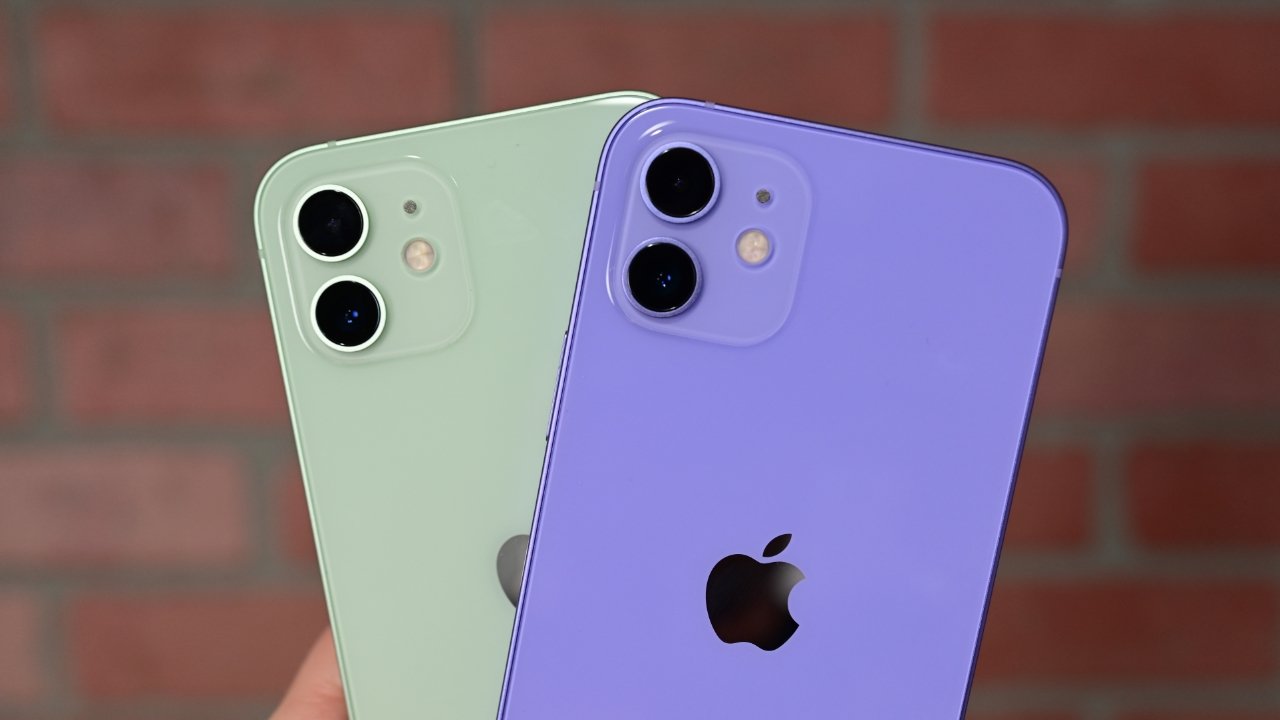
The popularity of the iPhone 12 in Japan has led to a 5G boom in the country, with demand expected to double again in 2021.


In late 2020, Apple introduced four iPhone 12 models with support for sub-6GHz 5G internationally. Since they released, Japan has seen a huge increase in 5G usage thanks to the iPhone's popularity.


According to data from MM Research Institute reported by TechNews, the iPhone is driving a 5G boom in Japan as smartphone demand reaches a new record high. Domestic smartphone shipments in Japan increased by 16.9% year-over-year to 32.757 million units, which is higher than the 2017 record of 32.58 million units.


The report says that thanks to Apple's four 5G iPhone 12 models, Japan saw 11 million 5G smartphones shipped in 2020. That is a 4,000% increase from the 269,000 5G smartphones shipped in 2019. The market share of 5G smartphones is 33.6% in Japan, thanks to the dramatic adoption rate.


Apple shipped half of the smartphones sold in Japan in 2020 and is the number one company in the Japanese smartphone market according to this data. The popularity of these devices continues into 2021, and 5G adoption is expected to double again by March 2022.


Apple shipped the iPhone 12 with 5G internationally but didn't support the faster mmWave band anywhere outside of the United States. This is expected to change with the "iPhone 13," which could cause high international demand for those seeking the faster data speeds.


Source: Appleinsider

Windows
Mac OS
iOS
Linux
3uTools
Win 64-bit For this device
V9.0 2025-11-11
Download
Win 32-bit For this device
V9.0 2025-11-11
Download
3uTools
Intel Chip How to Identify Chip Type
V9.0 2025-12-02
Download
Apple Chip
V9.0 2025-12-02
Download
How to Identify Chip Type
1.  Click the Apple icon in the top-left corner of the screen and select About This Mac.
2.  Check the Processor or Chip field to determine if it is "Intel" or "Apple".
Please use the 3uTools PC client to install the iOS client:
1、 Install either the Windows or Mac version of 3uTools on your computer
2、 Open the PC client and connect your device to the computer via USB cable
3、 After the connection is successful, wait for the computer to automatically install the mobile app for the device, or locate “Install Mobile App” on the computer and manually click to install.
3uTools
deb file
V3.01 2025-11-20
Download
rpm file
V3.01 2025-11-20
Download
Windows
Windows
iOS
iOS
Android
Android
TV
TV
3uAirPlayer
Win 64-bit For this device
V6.0.2 2025-11-19
Download
Win 32-bit For this device
V6.0.2 2025-11-19
Download
iOS Device Mirroring (No App Required)
1、 Install 3uAirPlayer on the Windows PC
2、 Open Control Center and select Screen Mirroring
3、 From the list, choose your PC to start mirroring
4、 Or connect your iOS device to the PC via USB to begin mirroring
Scan to get "3uAirPlayer" App
3uAirPlayer TV V1.0.18
2025-11-28
TV System Requirements: Android 7.0 or later
Download the TV installation package, copy it to a USB drive, insert it into your TV or set-top box, then select the file from the home screen to install.