 NEWS
NEWS
Apple Music web app Leak all but Confirms 'Lossless' Features
 05/17/2021
 2527
2527
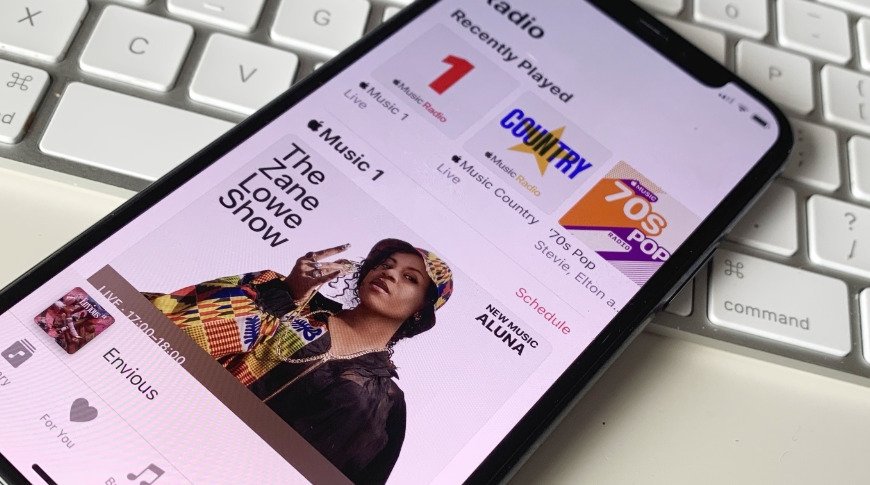
The web app to play Apple Music tracks in the browser has seemingly confirmed Apple's teased announcement is for high-fidelity audio, with code references for "lossless" appearing ahead of its launch.
On Sunday, Apple updated the Apple Music app to tease an upcoming addition that will "change forever" how people listen to music. While rumors and leaks point to a possible lossless audio addition, Apple's own code seems to all but confirm the feature is on the way.
Source code for the Apple Music web app uncovered by 9to5Mac includes numerous references to "Lossless" and "Hi Res Lossless." The references seem to match elements found in the beta Apple Music app for Android, and could indicate the feature will arrive very soon.
Code in the web app also mentions "Dolby Atmos" and "Dolby Audio," references that could relate to 3D audio. Another item rumored to arrive alongside a hi-fi audio feature, this could serve customers with audio tracks treated in such a way as to work with Spatial Audio features in devices like AirPods Pro and AirPods Max.
Lossless audio provides music streams at far higher bitrates than typically offered. While Apple Music usually operates at 256kbps at most, a lossless feed could push the bitrate to in excess of 1,000kbps. Music downloads will also be much bigger, with the Android leak indicating that files could take up three times the space of standard-quality versions.
Rumors have pointed to Apple launching its lossless audio streaming tier on May 18, potentially alongside revamed entry-level AirPods. It has also been speculated that the service could cost an extra $9.99 per user, on top of their existing Apple Music subscription.
Source: Appleinsider









