 NEWS
NEWS
Next iPhone SE to Feature 4.7-Inch Display, 2023 Version to Have Hole Punch Full Screen Design
 04/02/2021
 3487
3487
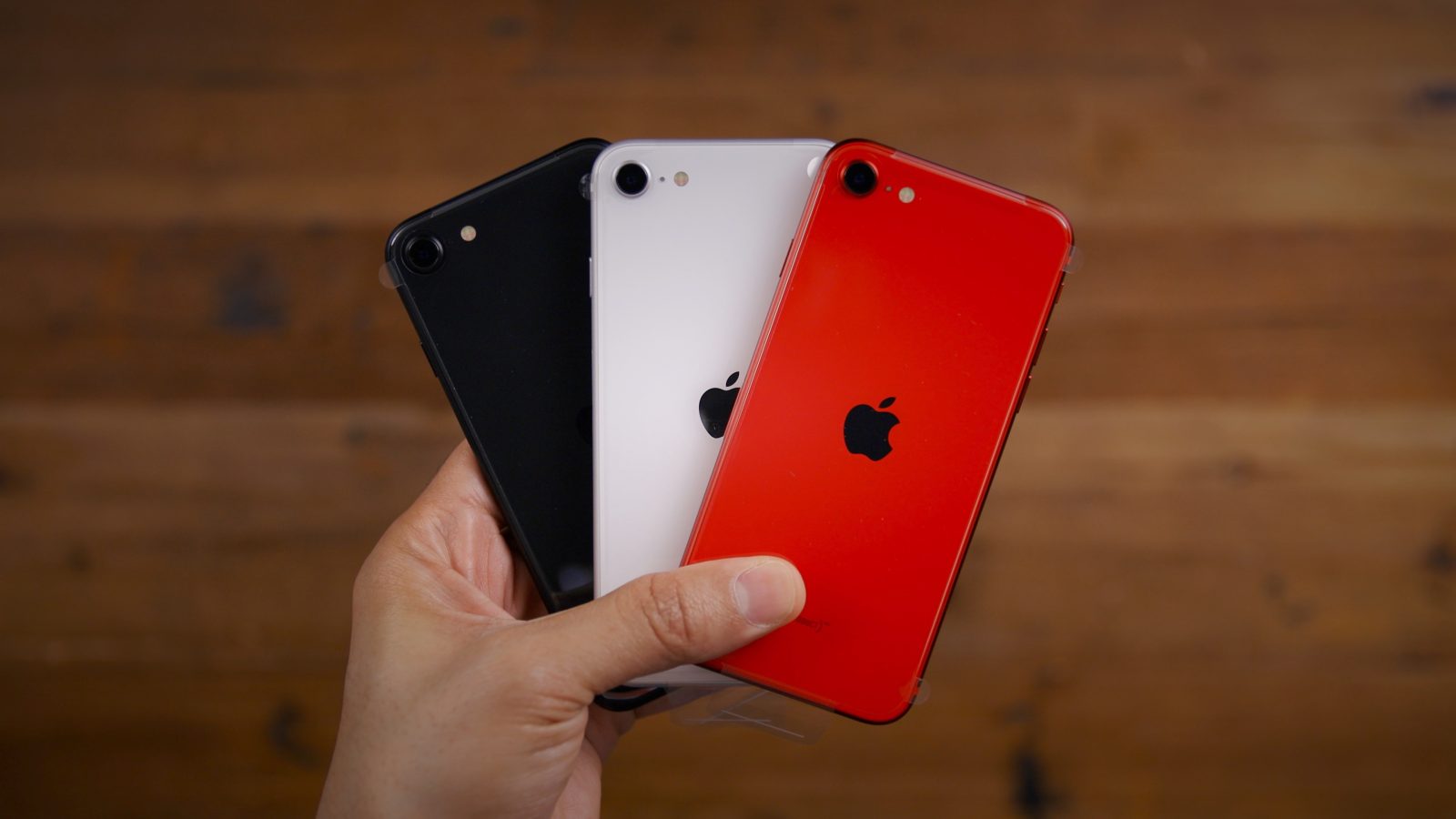
More details are emerging about what to expect from Apple’s next refresh to the iPhone SE. Display analyst Ross Young posted on Twitter today that the 2022 iPhone SE update is likely to keep the same 4.7-inch form factor and add support for 5G. In 2023, however, things could get more interesting.
For those unfamiliar, Ross Young is an analyst for Display Supply Chain Consultants. As such, his reporting is usually based on indications from the supply chain similar to analysts such as Ming-Chi Kuo.
Young says that the 2023 iPhone SE could feature a hole-punch design rather than a notch. This means the iPhone SE lineup would likely the notch design altogether, as the current iteration features large bezels on the top and bottom, plus a Home button. The design is virtually identical to the iPhone 8.
Apple LCD iPhone leak, we now hear the next LCD iPhone SE will remain at 4.7″ in 2022. Some rumors that it may have 5G with Sub-6 GHz as well. Also hearing about a 6.1″ version in 2023 with punch hole rather than a notch.
Young’s new report follows one Kuo last month. Kuo wrote that the 2022 iPhone SE would add 5G connectivity and retain the same 4.7-inch design. He did not, however, mention that the iPhone SE could adopt the hole-punch design in 2023.
Kuo did say that the iPhone 14 Pro and iPhone 14 Pro Max, introduced in 2022, are likely to drop the notch for a new-to-iPhone “punch-hole display design.” With this in mind, it makes sense that the hole-punch design could move down the iPhone lineup in the following year.
Regardless, it looks like we should not expect a new iPhone SE in 2021, with Apple letting the 2020 model live on for another year. The fate of the rumored “iPhone SE Plus” is also still unclear. Are you eagerly awaiting a new iPhone SE? Let us know down in the comments!
Source: 9to5mac









