NEWS

Apple AirPods 3 Not Launching Until Q3, Says Ming-Chi Kuo

03/15/2021

2288

Apple AirPods 3 Not Launching Until Q3, Says Ming-Chi Kuo


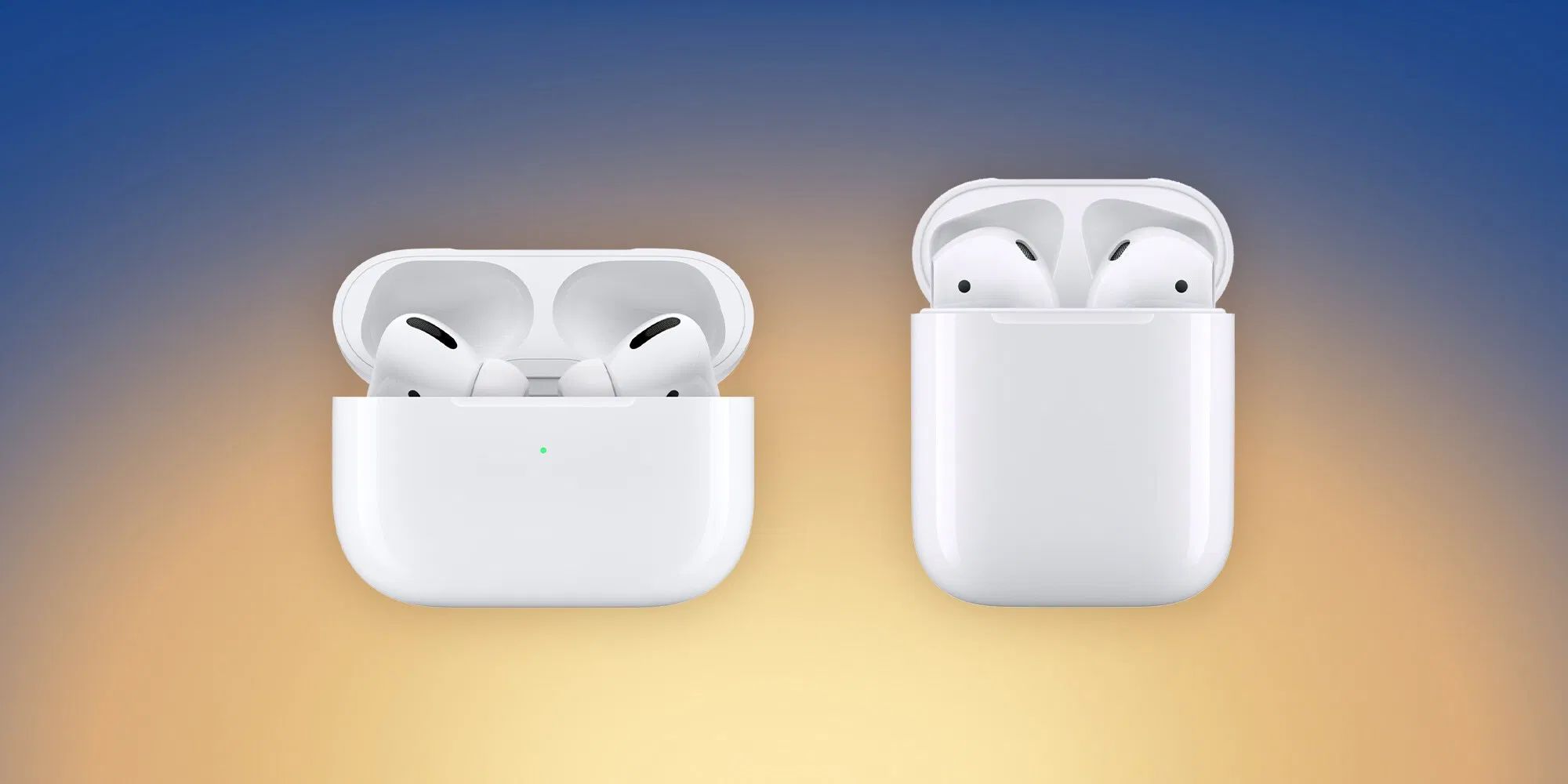
Despite a flurry of leaks surrounding next-gen AirPods in the last couple of weeks, Ming-Chi Kuo this morning said that new AirPods will not enter mass production until the third quarter of 2021, which means they won’t be launching imminently.


Many leakers have suggested that Apple will hold a product event on March 23rd. However, the date is not yet confirmed by Apple and it remains unclear what product would feature. Today’s Kuo report indicates AirPods 3 are simply not ready yet.


The majority of Kuo’s report centers on AirPods shipment predictions. Kuo predicts that Apple will see a decline in Apple headphone shipments this year, as Apple faces increasing competition from rival manufacturers.


Kuo says Apple shipped around 90 million AirPods in 2020 and expects that to fall to about 78 million for 2021.


The analyst says Apple may keep second-generation AirPods on the market when AirPods 3 are released. However, he is not sure on this matter yet.


The latest addition to the AirPods family, the $549 over-ear AirPods Max headphones, are said to have limited impact on shipments. Kuo expects Apple will sell just 1 million units across the entire year.


Source: 9to5mac

Windows
Mac OS
iOS
Linux
3uTools
Win 64-bit For this device
V9.0 2025-11-11
Download
Win 32-bit For this device
V9.0 2025-11-11
Download
3uTools
Intel Chip How to Identify Chip Type
V9.0 2025-12-02
Download
Apple Chip
V9.0 2025-12-02
Download
How to Identify Chip Type
1.  Click the Apple icon in the top-left corner of the screen and select About This Mac.
2.  Check the Processor or Chip field to determine if it is "Intel" or "Apple".
Please use the 3uTools PC client to install the iOS client:
1、 Install either the Windows or Mac version of 3uTools on your computer
2、 Open the PC client and connect your device to the computer via USB cable
3、 After the connection is successful, wait for the computer to automatically install the mobile app for the device, or locate “Install Mobile App” on the computer and manually click to install.
3uTools
deb file
V3.01 2025-11-20
Download
rpm file
V3.01 2025-11-20
Download
Windows
Windows
iOS
iOS
Android
Android
TV
TV
3uAirPlayer
Win 64-bit For this device
V6.0.2 2025-11-19
Download
Win 32-bit For this device
V6.0.2 2025-11-19
Download
iOS Device Mirroring (No App Required)
1、 Install 3uAirPlayer on the Windows PC
2、 Open Control Center and select Screen Mirroring
3、 From the list, choose your PC to start mirroring
4、 Or connect your iOS device to the PC via USB to begin mirroring
Scan to get "3uAirPlayer" App
3uAirPlayer TV V1.0.18
2025-11-28
TV System Requirements: Android 7.0 or later
Download the TV installation package, copy it to a USB drive, insert it into your TV or set-top box, then select the file from the home screen to install.