 NEWS
NEWS
LG Has Reportedly Halted LCD Production for iPhone
 01/21/2021
 2674
2674
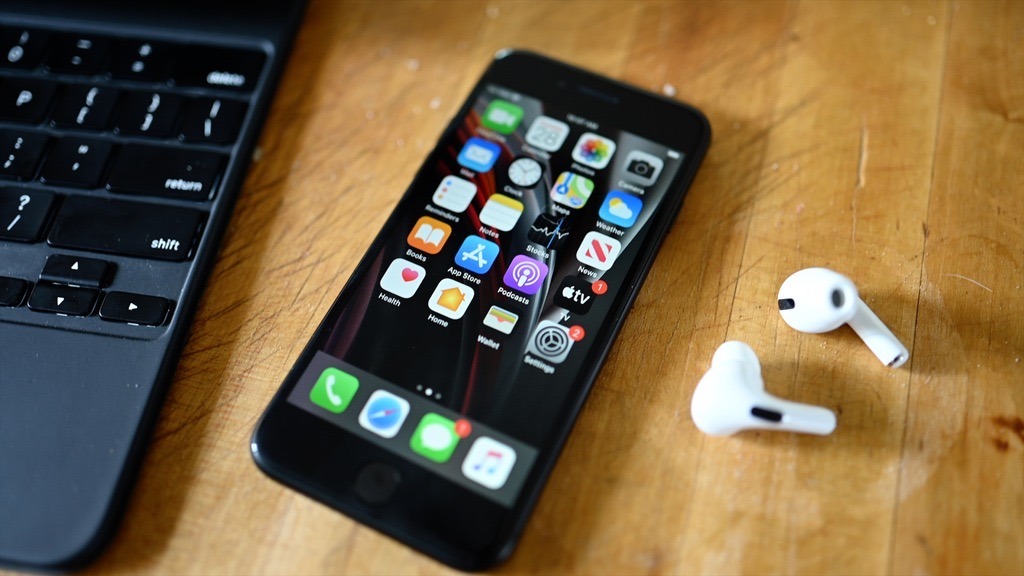
According to a new industry report, long-time Apple supplier LG will no longer supply LCDs for the iPhone SE, though it still supplies OLED for the iPhone 12 lineup.
LG is a major manufacturer of display technology and supplies a small portion of OLED for use in the iPhone 12. According to a new report on Wednesday morning, the company will no longer make LCD for the iPhone SE going forward and instead focus those factories on in-vehicle displays.
According to The Elec the LCD line for iPhones has not been profitable. As a result, LG reportedly shut down iPhone LCD screen production in the third quarter of 2020. LG then stopped producing LCDs for all smartphones by the end of the fourth quarter.
Apple moved its entire iPhone lineup to OLED in fall 2020 making the iPhone SE the only new iPhone released with LCD that year. Apple uses multiple suppliers for all of its displays, most notably Samsung manufactures most of Apple's OLED displays with LG making the rest.
Apple has tried using a third manufacturer, BOE, in the past. BOE keeps running into production quality issues with the OLED, according to reports from the supply chain.
Wednesday's report says Apple will rely upon Sharp and JDI for LCD panels from now on. LG will repurpose its LCD plants to build low-temperature polycrystalline silicon (LTPS) thin-film transistors (TFT), which is commonly used for vehicle display touch screens.
Apple is expected to release the next iPhone in 2021 with low-temperature polycrystalline oxide (LTPO) displays for ProMotion. It is unknown if LG will manufacture those displays or if Samsung and BOE will be sole suppliers for the "iPhone 13" displays.
Source: Appleinsider









