 NEWS
NEWS
Apple’s iPhone Has an Aggravating Text Notifications Bug
 12/14/2020
 2361
2361
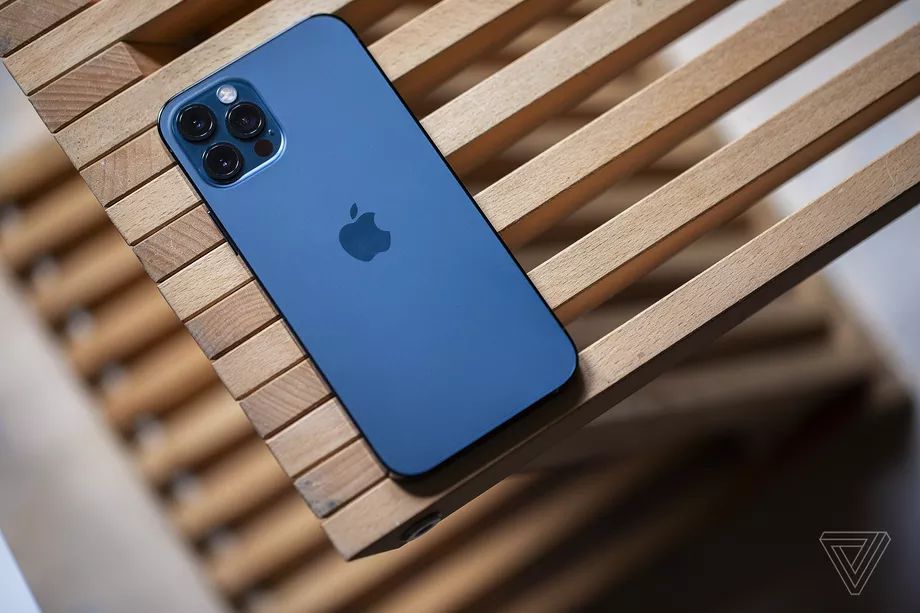
If you’ve noticed that you’re receiving SMS texts and iMessages from people but aren’t getting any notifications about them, you’re not alone. Far from it. I’m one of many people experiencing an annoying bug where messages come through fine — but without any pop-up notification or even the usual red badge to indicate that there’s a new message waiting to be read.
Last month, MacRumors wrote about increasing reports of the problem on the new iPhone 12, 12 mini, 12 Pro, and 12 Pro Max phones. But it seems to also be affecting people with older iPhones as well, so this is looking more and more like an iOS 14 issue. What’s more aggravating about the glitch is that it doesn't always happen. I’ve noticed some messages pop up on my lock screen like normal, but others just quietly roll in with me being none the wiser.
People in that very large MacRumors thread have tried to come up with workarounds like turning off Messages on a Mac, or deleting and re-adding contacts. Some are noticing they get notifications if they completely force close the Messages app every time after sending a text. And in other cases, the missing notifications are only happening for pinned conversations, and unpinning contacts seems to do the trick. There are sporadic reports of success with these short-term fixes, but they aren’t working for everyone. There’s also this 42-page thread on the company’s support forums about the ongoing frustrations.
Those dealing with the issue are understandably disappointed that Apple hasn’t released a thorough fix yet. This is pretty fundamental stuff, and it’s probably causing some awkward conversations between couples or friends when messages just sit there for hours without the recipient knowing they came. And if you’re hoping that all will be well when iOS 14.3 releases next week, I wouldn’t be so sure. Early reports indicate that the no-text-notifications bug remains present — at least in some cases — in the second release candidate build of iOS 14.3 that Apple pushed out to public beta testers yesterday.
The Verge has reached out to Apple for more information on the status of this bug and the company’s plans to resolve it.
Source: The Verge









