 NEWS
NEWS
Apple Says iPhone, Mac, iPad and Apple Watch Supply Constrained
 10/30/2020
 2316
2316
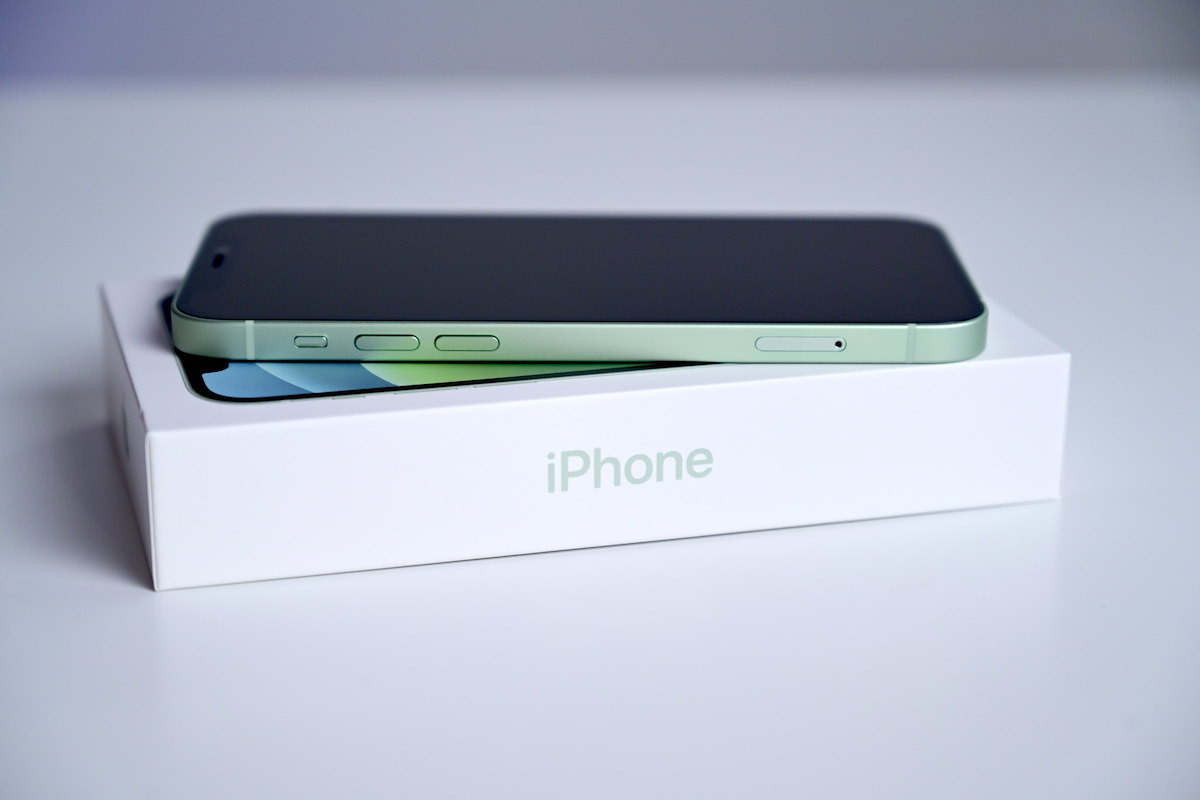
Apple is seeing supply constraints across its product lineup, a potential indicator of high demand for new iPhone 12 models and other devices.
During the company's earnings call on Thursday, Apple CEO Tim Cook admitted that supply of the new iPhone models, as well as certain Apple Watch, Mac and iPad devices, are currently constrained.
Although the Apple chief executive didn't elaborate on the cause of the holdup, it could be a mix of higher-than-anticipated demand and lingering supply chain issues from the coronavirus.
On Thursday, Apple reported an all-new record high for the Mac segment, largely driven by continued remote work and education tailwinds during the global health crisis. Although the iPhone 12 and iPhone 12 Pro launched too late in the year to be included in the September quarter results, delivery dates for the released models started slipping within hours of availability.
"Not a surprise at front end of the ramp, and how long we'll be constrained it's hard to predict. We haven't taken orders yet for iPhone 12 Mini or Pro Max, so those are coming and we shall see," Cook said.
Apple launched new Mac and iPad models throughout the year, and the iPhone supply chain is working on both the released iPhone 12 and iPhone 12 Pro models and the unreleased iPhone 12 mini and iPhone 12 Pro Max.
Across the board, Cook said the company is working to mitigate the problems. That will likely become increasingly important as the company approaches the busy holiday shopping season.
"A fair number of areas of focus right now, and we're working really, really hard to remedy those as quickly as we can. But at this point, I can't estimate when we'll be out of that," Cook said.
Earlier in October, a supply chain report suggested that Apple supplier Foxconn was hiring factory workers "in droves" in anticipation of iPhone 12 demand.
Source: Appleinsider









