 NEWS
NEWS
The iPhone 12 Could Support Reverse Charging in The Future, FCC Filing Hints
 10/30/2020
 2448
2448
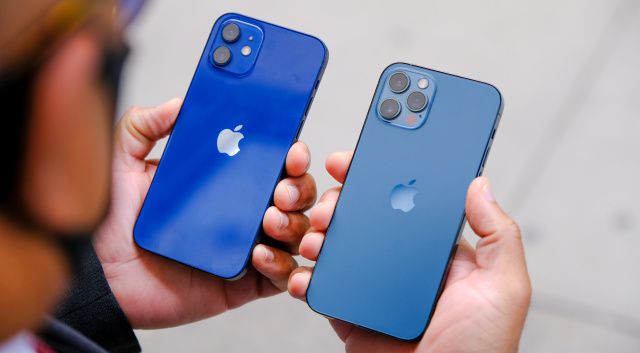
The iPhone 12 may have an unannounced and currently dormant feature: the ability to charge your accessories wirelessly. In an FCC filing first found by VentureBeat’s Jeremy Horwitz, the tech giant wrote said that “2020 iPhone models also support WPT charging function at 360 kHz to charge accessories [including] an external potential Apple accessory in future.”
It’s pretty vague, but as Mark Gurman notes in his tweet with a copy of the document, it could mean that the iPhone 12 may have a hidden reverse charging feature. “Perhaps MagSafe on the new AirPods,” he wrote, speculating that the new phones may be able to charge the next generation of Apple’s AirPods through the company’s MagSafe system.
If this FCC filing is any indication, the iPhone 12 may have a hidden reverse charging feature. Perhaps MagSafe on the new AirPods? https://t.co/QhFQtOgoRB https://t.co/OAKzzb5U3B pic.twitter.com/pqAVcjLCyN
According to 9to5Mac, reverse wireless charging was rumored for the iPhone 11, but Apple reportedly removed it from the final version of the device. The company may have decided to push through with it this time, though we won’t know for sure until it officially announces the feature. It won’t come as a huge surprise anyway if the iPhone 12 truly does have the capability. More and more manufacturers have started adding reverse charging to their phones, including Oppo and OnePlus, as a way to attract buyers. Samsung calls its take on the technology Wireless Powershare and debuted it with the Galaxy S10 last year.
Source: Engadget









