 NEWS
NEWS
iPhone 12 Teardown Reveals Simpler Internal Design, 5G Radio Details
 10/26/2020
 3578
3578
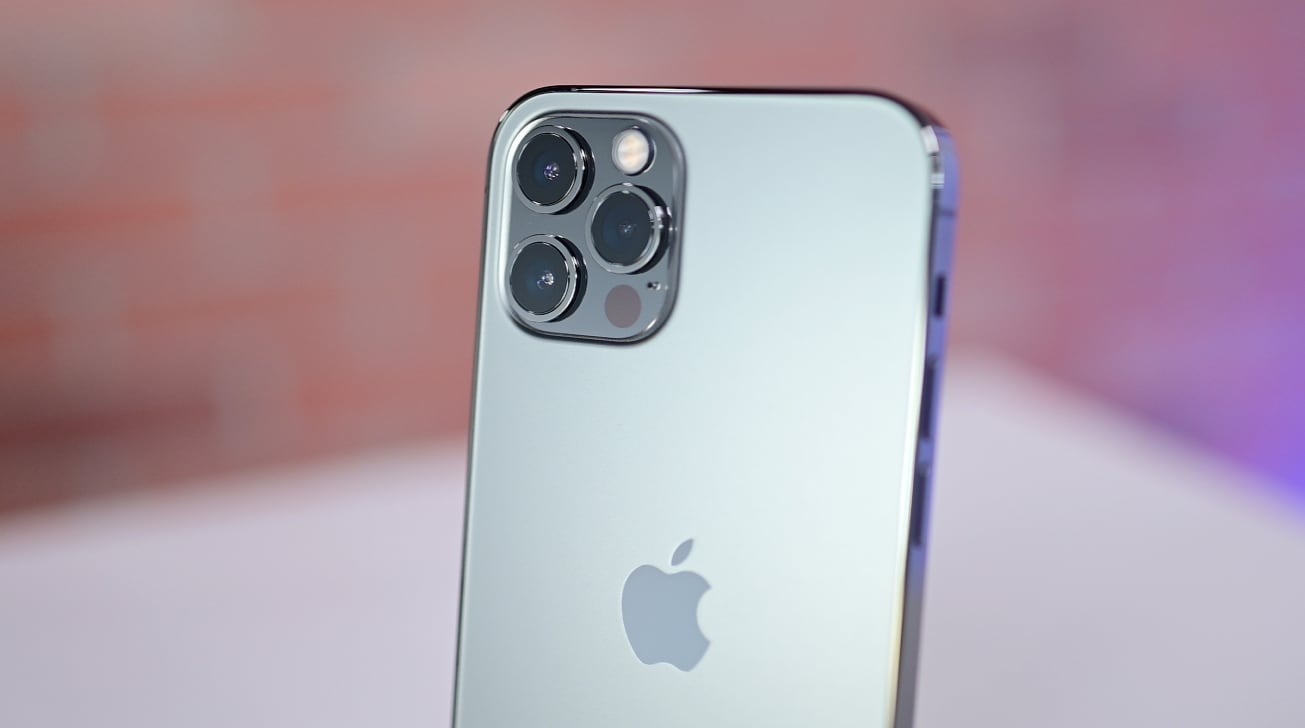
The customary teardown of the iPhone 12 and iPhone 12 Pro reveals changes Apple has made to the design of the models to accommodate 5G support, as well as how strikingly similar the two models are internally.
Apple's latest iPhone models started to arrive with consumers on Friday, so it wasn't long after release that the first teardown videos of the devices started to surface. In the first fully-detailed disassembly of the iPhone 12 and iPhone 12 Pro, iFixit indicates there's some changes in the design over the iPhone 11 generation, in order to add 5G functionality.
The initial stage of gaining access in the teardown hasn't changed much for 2020, with the use of Pentalobe screwdrivers, suction cups, picks, and heat used to lever open the display. Rather than opening on the left-hand edge, a routine that has been in play since the iPhone 7, the iPhone 12 opens from the right-hand edge.
An initial glance at the insides of both non-Pro and Pro models simultaneously has no indications one is better than the other, until the removal of the camera shield. It seems that the two were constructed so alike that Apple uses a plastic spacer in the iPhone 12 where the third camera and LiDAR sensor would be located in the iPhone 12 Pro.
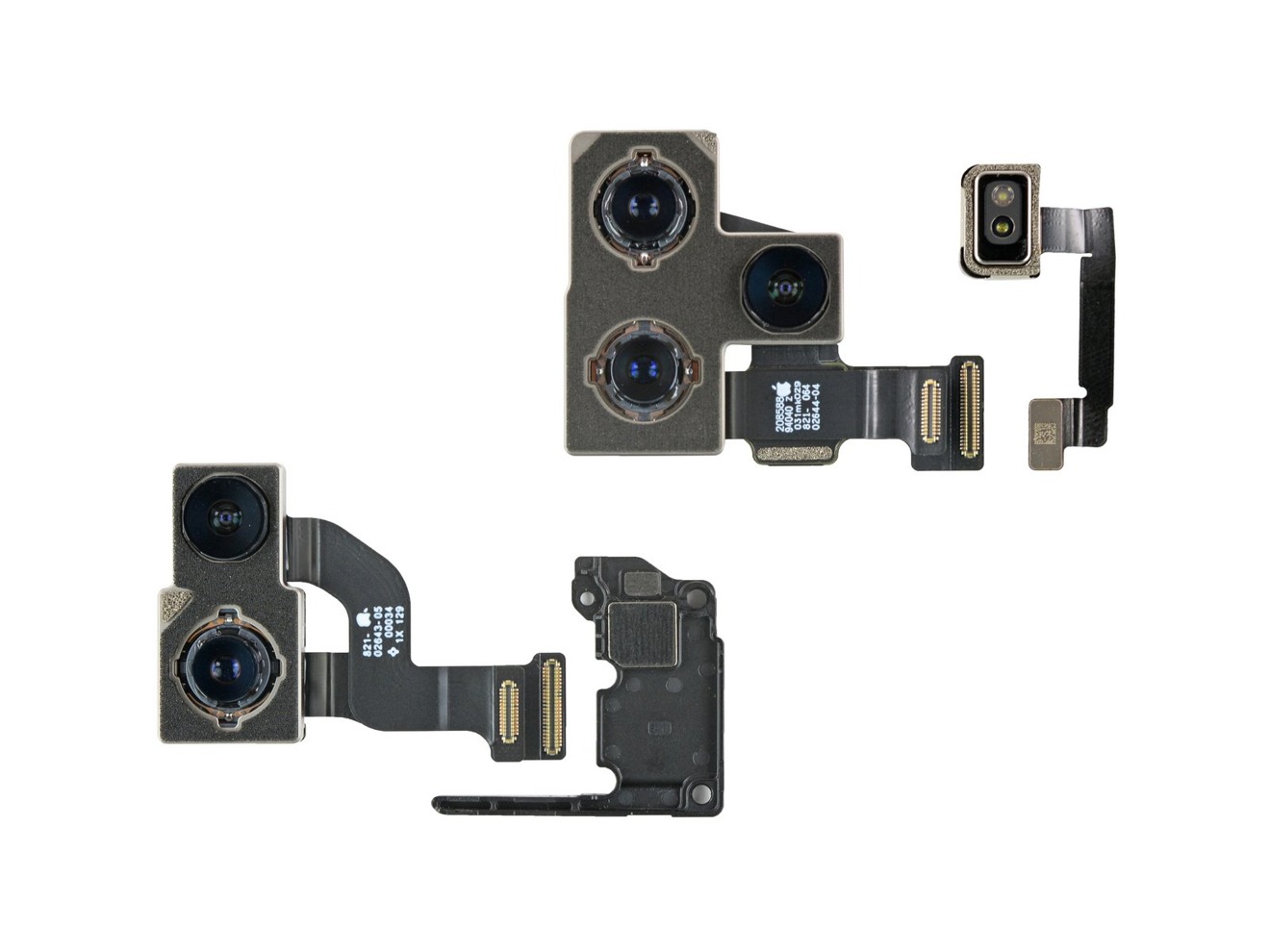
The iPhone 12 and Pro cameras, as well as a camera spacer [via iFixit]
Another change for 2020 is the flipping of positions for the SIM tray, logic board, and battery, which is thought to be due to the larger logic board housing Qualcomm's 5G chips. The logic board includes the Apple A14 Bionic SoC layered with Micron memory, Samsung flash storage, Qualcomm's 5G and LTE transceiver, Qualcomm's 5G modem, Apple's U1 chip and power management controller, and an Avago power amplifier and integrated duplexer.
To make 5G work properly, the smartphones were found to have mmWave antenna modules embedded in the side of the frame and on the back of the logic board.
For other components, it was found that Apple had changed how the speakers were held in place, with it using Phillips screws and bright orange rubber gaskets instead of adhesive, which may aid repairs. The MagSafe charging arrays use 18 magnets to align the coils in place with the charger, with the polarity of the magnets thought to "expand the effective placement of the phone" while still maintaining proper alignment.
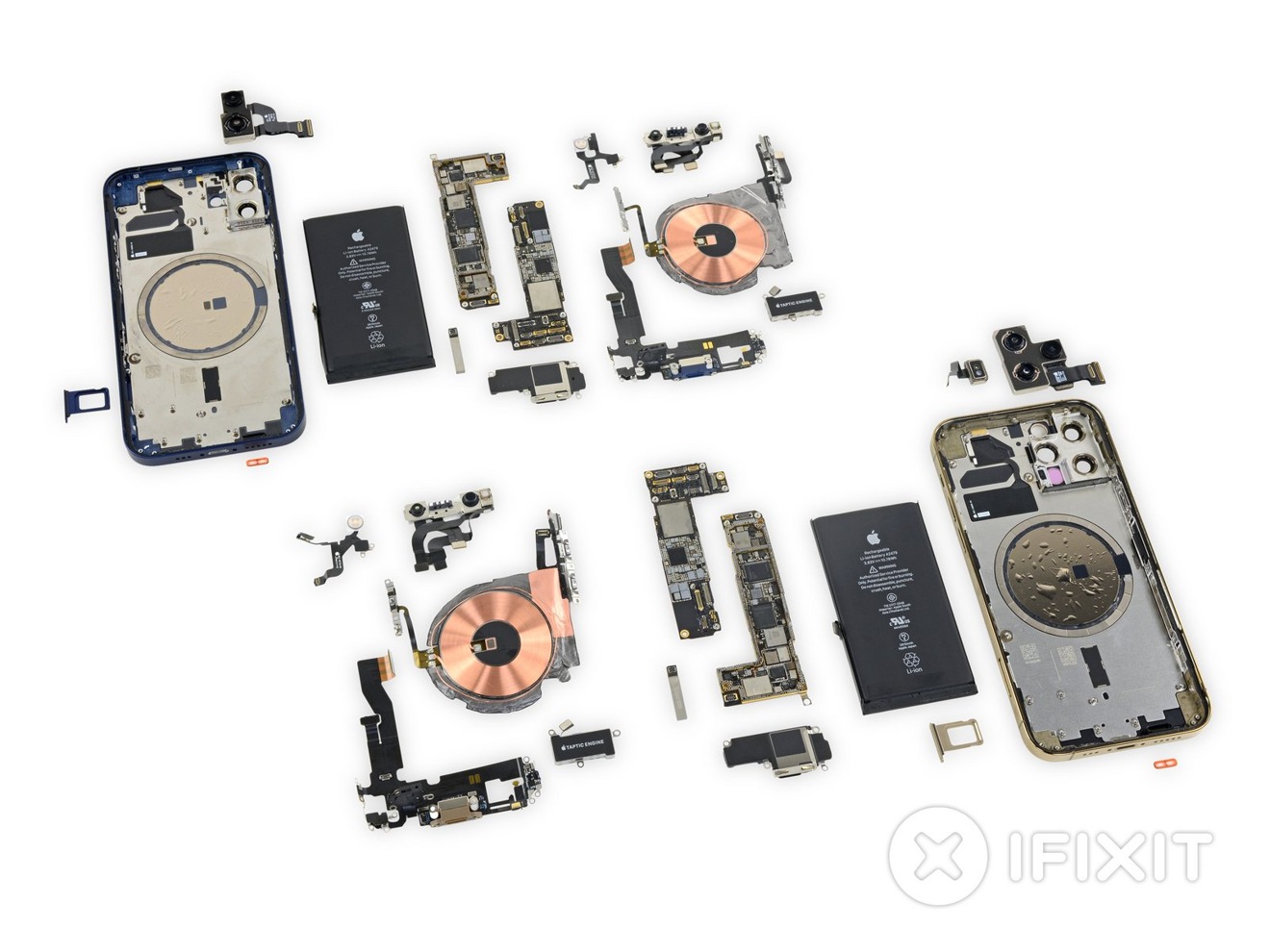
A side-by-side component view of the iPhone 12 and iPhone 12 Pro [via iFixit]
In summing up the new models, iFixit suggests Apple has made "some serious design compromises" to add 5G components, with the loss of elements like the L-shaped battery and the smaller logic board. Though not "death by a thousand cuts," the concessions made by Apple makes the iPhones feel "the least inventive."
iFixit gave the iPhone 12 Pro and iPhone 12 a "Repairability Score" of 6 out of 10. While display and battery replacements stay as a priority along with modular components inside and the use of screws, the continued use of glue and the increased waterproofing measures "complicate some repairs," while a broken glass back replacement will requiring the removal of every component from the device.
Source: Appleinsider











