 NEWS
NEWS
Apple Extends Apple TV+ Free Trial to End of February 2021
 10/09/2020
 2555
2555
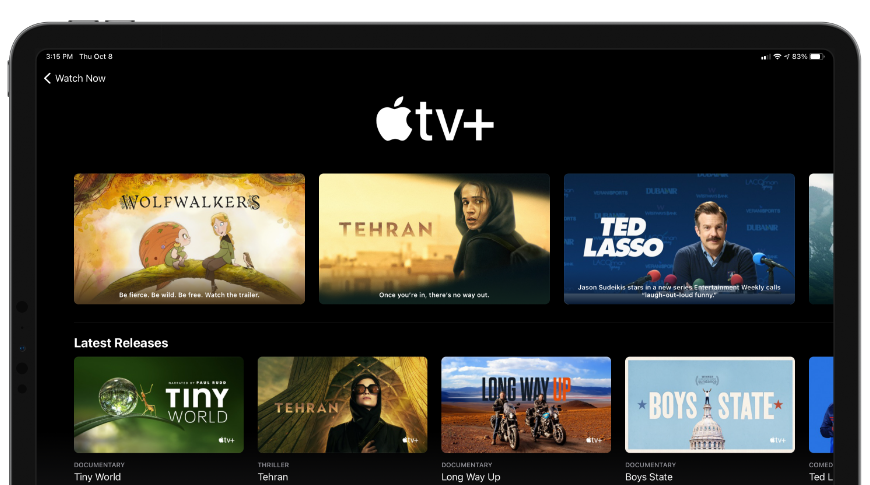
The one-year free trial of Apple TV+ was set to end for many users on November 1, but Apple may be getting ready to extend all existing trials to February 2021.
Apple TV+ launched on Nov. 1, 2019, which means that those who were there for day one of the free trial would soon start paying. Apple has announced that they will be extending the free trial to the end of February 2021 for all users.
This means that those who started the free trial between November 2019 and January 2020 will receive some extra months — up to three — free. Anyone who signed up for the service prior to Nov. 1, 2020, will receive $4.99 in store credit through February, according to Variety.
Simply, Apple is giving everyone an additional three months free of Apple TV+, likely due to the effects of coronavirus slowing production of their original series.
Season two of "Dickinson" won't premiere until January 8, and For All Mankind received a trailer with no date. Apple offering a renewed free trial will enable users to catch up on old series and watch the premiere of season two before having to pay again.
Those paying annual rates will have three months added to the back end, and those paying monthly rates will have that amount refunded as store credit to the account. It isn't clear how this dovetails with the Apple One bundle roll-out that is going to happen "soon," according to Apple.
Those who started the free trial between January 31 and today will have a one year free trial with no additional time. The only people not affected by this change are those who never started a free trial that are also not paying for the service.
Apple TV+ is available to watch across all Apple platforms, on the web, and via some smart TV brands. The service costs $4.99 per month or $50 per year. Apple TV+ is also bundled with every tier of Apple One, which is set to launch later in 2020.
Source: Appleinsider









