 NEWS
NEWS
Apple Preps Virtual Event for Sept. 15, But Don’t Expect iPhone 12
 09/09/2020
 2166
2166
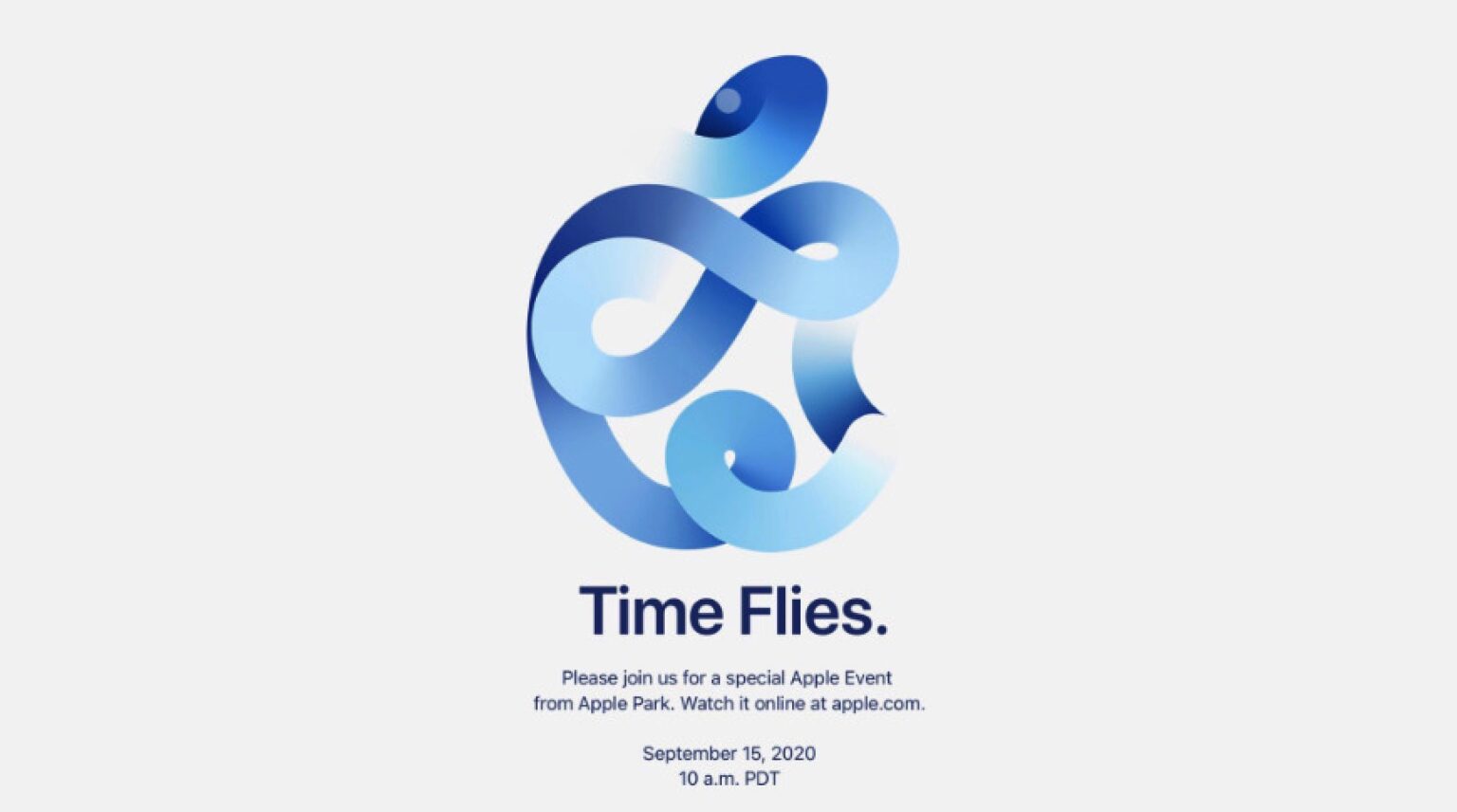
Apple’s next virtual event will take place on September 15 — but don’t expect to see the new iPhone 12 models.
The big announcements for the “Time Flies” event that Apple announced Tuesday will likely be the new Apple Watch and iPad. The Apple Watch Series 6 could feature blood-oxygen tracking. Meanwhile, the iPad Air 4 could borrow a design from the iPad Pro — but retain Touch ID.
Following the highly successful online-only Worldwide Developers Conference this summer, next week’s event will be the second virtual keynote in Apple history.
Greg Joswiak, Apple’s recently promoted marketing chief, got on Twitter to spread word of the event. “See you in 7 days!” he said, showcasing an AR easter egg Apple whipped up for the event.
Seasoned Apple reporter Mark Gurman says we shouldn’t expect the iPhone 12, and the language of the invite seems to back that up.
“I am told Apple won’t announce the iPhone until October,” Gurman tweeted after Tuesday’s invites went out. “This is for the iPad and Apple Watch in all likelihood.”
As spotted by developer Guilherme Rambo, metadata in the YouTube video page for the event’s live stream seems to confirm that we will see Apple Watch Series 6 next Tuesday: “The screenshot shows a list of keywords in the event page, including ‘Apple Watch’, ‘Series 6’, ‘iPad Air’, ‘Fitness’, ‘Wellness’, and more,” Rambo said in a follow-up tweet.
The inclusion of “Series 6” seems like a pretty solid clue that new Apple Watch models are coming. However, the screenshot also shows “iPad,” “iPad Air,” “iPhone,” “MacBook,” “Apple TV,” “Digital Art” and other terms. So literally anything could be on the table.
Apple also could use next week’s event to finally unleash its AirTags item-tracking tiles. These accessories, which are reportedly currently in production, can be attached to items such as keychains or luggag
Users can then locate them using the Find My app on their devices. These tags will use ultra-wideband technology to accurately determine their location and proximity to the user
On top of this, expect to get some updates on Apple services. This could potentially include details of the rumored Apple One bundle, which will offer multiple existing Apple services at a cheaper price.
Where’s the iPhone 12?
The big reveal everyone is waiting for, however, may not arrive at the event. That is, of course, the iPhone 12 generation of devices. The 2020 iPhones reportedly will bring an iPad Pro-style redesign, a new 5nm A-series chip, a LiDAR sensor like in the latest iPad Pros and — for the first time — high-speed 5G cellular modems. Apple is expected to release a 5.4-inch and 6.1-inch iPhone 12, and 6.1-inch and 6.7-inch iPhone 12 Pros. All four reportedly will come with OLED displays.
According to hit-and-miss Apple leaker Jon Prosser, pricing for the new devices will range from $649 for a 128GB iPhone 12 through $1,399 for a 512GB iPhone 12 Pro Max.
According to Bloomberg reporter Gurman, Apple will host a separate event for the iPhone 12 lineup in October. That would be in keeping with reports that Apple is currently running about a month late with iPhone production.
Apple’s Time Flies event streams from Apple Park at 10 a.m. Pacific on Tuesday, Sept. 15.
Source: Cult of Mac









