NEWS

Apple Revives iPod 'Music Quiz' as Siri Shortcut in iOS 14

08/31/2020

2711

Apple Revives iPod 'Music Quiz' as Siri Shortcut in iOS 14


Music Quiz, a game produced for early iPod models, is making a comeback in iOS 14, but as a bonus feature within Siri Shortcuts rather than a standalone app.


An early iPod game, Music Quiz tested the user's knowledge of their own music library, by playing a clip of a random song from its onboard catalog. Players are then given a selection of answers to choose from, with points scored for correct guesses.


In the new version, spotted by 9to5Mac, the game is available to play as a Siri Shortcut, instead of a separate app. Similar to the original, running the shortcut commences a five-round quiz, again playing an audio clip from a song and presenting five potential answers, complete with album art and essential track details.


An improvement in this version is the ability to share the score with friends on social media, something that couldn't be performed on the original release.


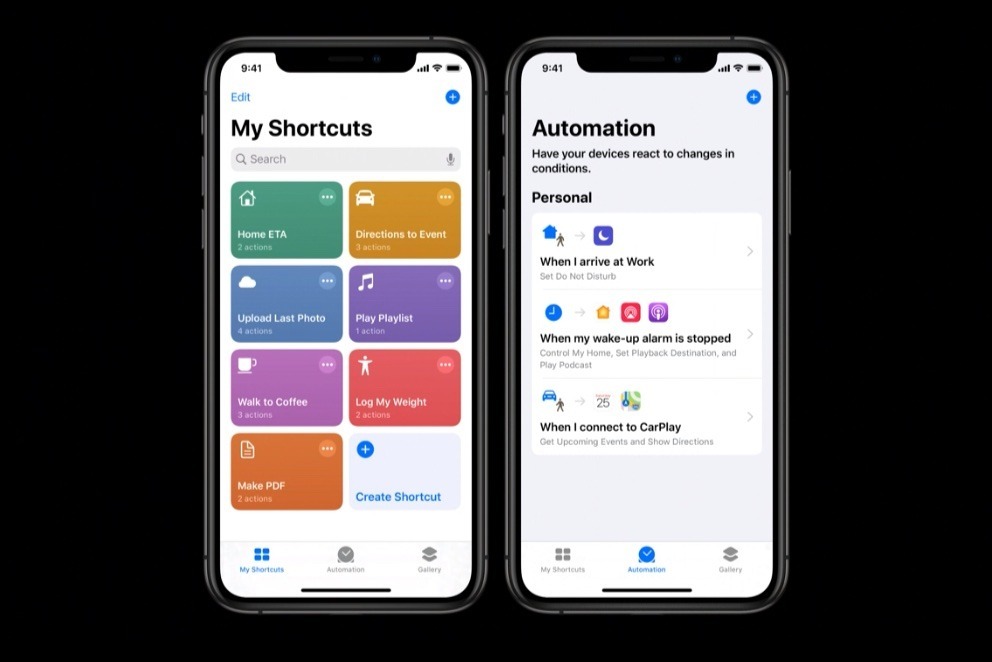
The game is available within iOS 14 and iPadOS 14 in the Shortcuts app, and can be found within the "My Shortcuts" tab under the search term "Music Quiz." Users also have to authorize the shortcut access to their Apple Music library for it to function.


The existence of the Music Quiz app within Siri Shortcuts shows how powerful the tool is in being able to create complex commands for iOS to interpret.


Source: Appleinsider

Windows
Mac OS
iOS
Linux
3uTools
Win 64-bit For this device
V9.0 2025-11-11
Download
Win 32-bit For this device
V9.0 2025-11-11
Download
3uTools
Intel Chip How to Identify Chip Type
V9.0 2025-12-02
Download
Apple Chip
V9.0 2025-12-02
Download
How to Identify Chip Type
1.  Click the Apple icon in the top-left corner of the screen and select About This Mac.
2.  Check the Processor or Chip field to determine if it is "Intel" or "Apple".
Please use the 3uTools PC client to install the iOS client:
1、 Install either the Windows or Mac version of 3uTools on your computer
2、 Open the PC client and connect your device to the computer via USB cable
3、 After the connection is successful, wait for the computer to automatically install the mobile app for the device, or locate “Install Mobile App” on the computer and manually click to install.
3uTools
deb file
V3.01 2025-11-20
Download
rpm file
V3.01 2025-11-20
Download
Windows
Windows
iOS
iOS
Android
Android
TV
TV
3uAirPlayer
Win 64-bit For this device
V6.0.2 2025-11-19
Download
Win 32-bit For this device
V6.0.2 2025-11-19
Download
iOS Device Mirroring (No App Required)
1、 Install 3uAirPlayer on the Windows PC
2、 Open Control Center and select Screen Mirroring
3、 From the list, choose your PC to start mirroring
4、 Or connect your iOS device to the PC via USB to begin mirroring
Scan to get "3uAirPlayer" App
3uAirPlayer TV V1.0.18
2025-11-28
TV System Requirements: Android 7.0 or later
Download the TV installation package, copy it to a USB drive, insert it into your TV or set-top box, then select the file from the home screen to install.