NEWS

Apple Survey Asks iPhone Users What They Do With Old Power Adapters

07/06/2020

3032

Apple Survey Asks iPhone Users What They Do With Old Power Adapters


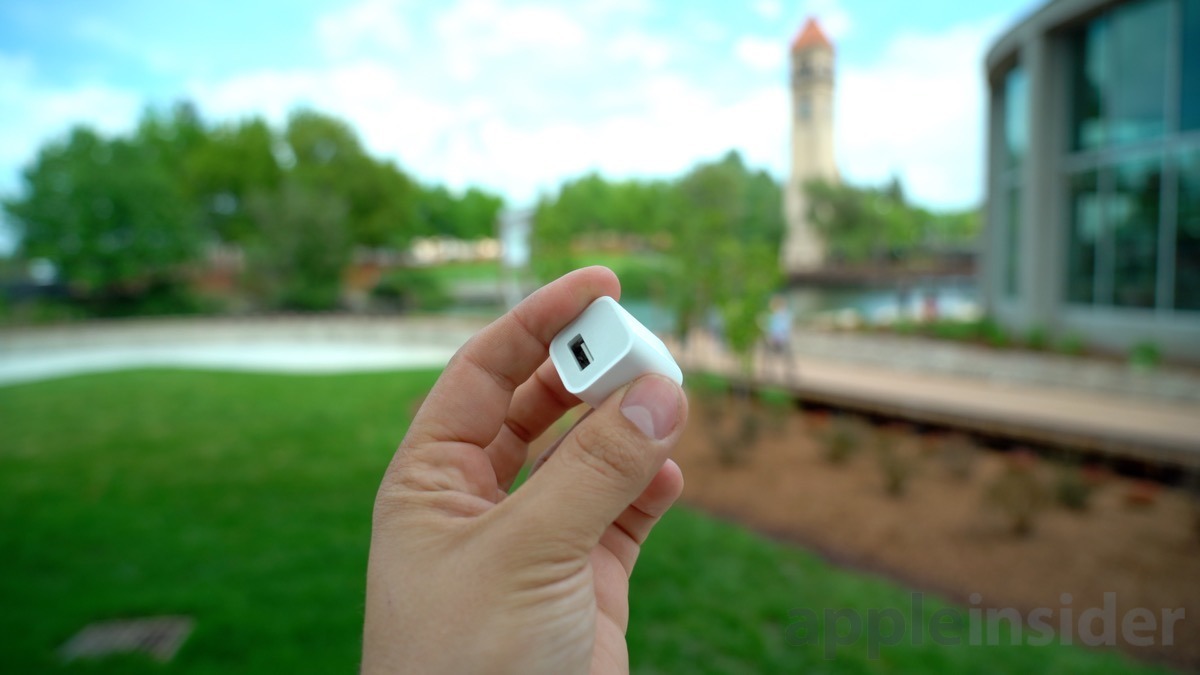
Apple is surveying users in Brazil about the USB Power Adapters that came packaged in their iPhones, likely for market research concerning the ubiquitous iPhone accessory.


Specifically, the survey appears to ask users what they did with the USB adapter that came with their old iPhones. It comes iPhone 12" in 2020.


At this time, it looks like the survey is only being seen by Brazilian users. Twitter user @Gunstaxl was the first to post about the survey in Portuguese. On July 3, Twitter user @bedabb_ published a picture of the questionnaire in English.


Some of the possible responses to the survey include "gave it to a family member or friend" and "no longer working or not working well."


Apple periodically conducts surveys like these for market research — although they typically center on products and not accessories.


On Sunday, well-connected analyst Ming-Chi Kuo said that Apple would stop bundling power adapters with its iPhones and would instead sell them separately.


That comes after rumors that Apple could ditch ports entirely in favor of an all-wireless charging solution, perhaps as soon as the so-called "iPhone 13" in 2021.


Source: Appleinsider

Windows
Mac OS
iOS
Linux
3uTools
Win 64-bit For this device
V9.0 2025-11-11
Download
Win 32-bit For this device
V9.0 2025-11-11
Download
3uTools
Intel Chip How to Identify Chip Type
V9.0 2025-12-02
Download
Apple Chip
V9.0 2025-12-02
Download
How to Identify Chip Type
1.  Click the Apple icon in the top-left corner of the screen and select About This Mac.
2.  Check the Processor or Chip field to determine if it is "Intel" or "Apple".
Please use the 3uTools PC client to install the iOS client:
1、 Install either the Windows or Mac version of 3uTools on your computer
2、 Open the PC client and connect your device to the computer via USB cable
3、 After the connection is successful, wait for the computer to automatically install the mobile app for the device, or locate “Install Mobile App” on the computer and manually click to install.
3uTools
deb file
V3.01 2025-11-20
Download
rpm file
V3.01 2025-11-20
Download
Windows
Windows
iOS
iOS
Android
Android
TV
TV
3uAirPlayer
Win 64-bit For this device
V6.0.2 2025-11-19
Download
Win 32-bit For this device
V6.0.2 2025-11-19
Download
iOS Device Mirroring (No App Required)
1、 Install 3uAirPlayer on the Windows PC
2、 Open Control Center and select Screen Mirroring
3、 From the list, choose your PC to start mirroring
4、 Or connect your iOS device to the PC via USB to begin mirroring
Scan to get "3uAirPlayer" App
3uAirPlayer TV V1.0.18
2025-11-28
TV System Requirements: Android 7.0 or later
Download the TV installation package, copy it to a USB drive, insert it into your TV or set-top box, then select the file from the home screen to install.